Turn sideways scans upright.
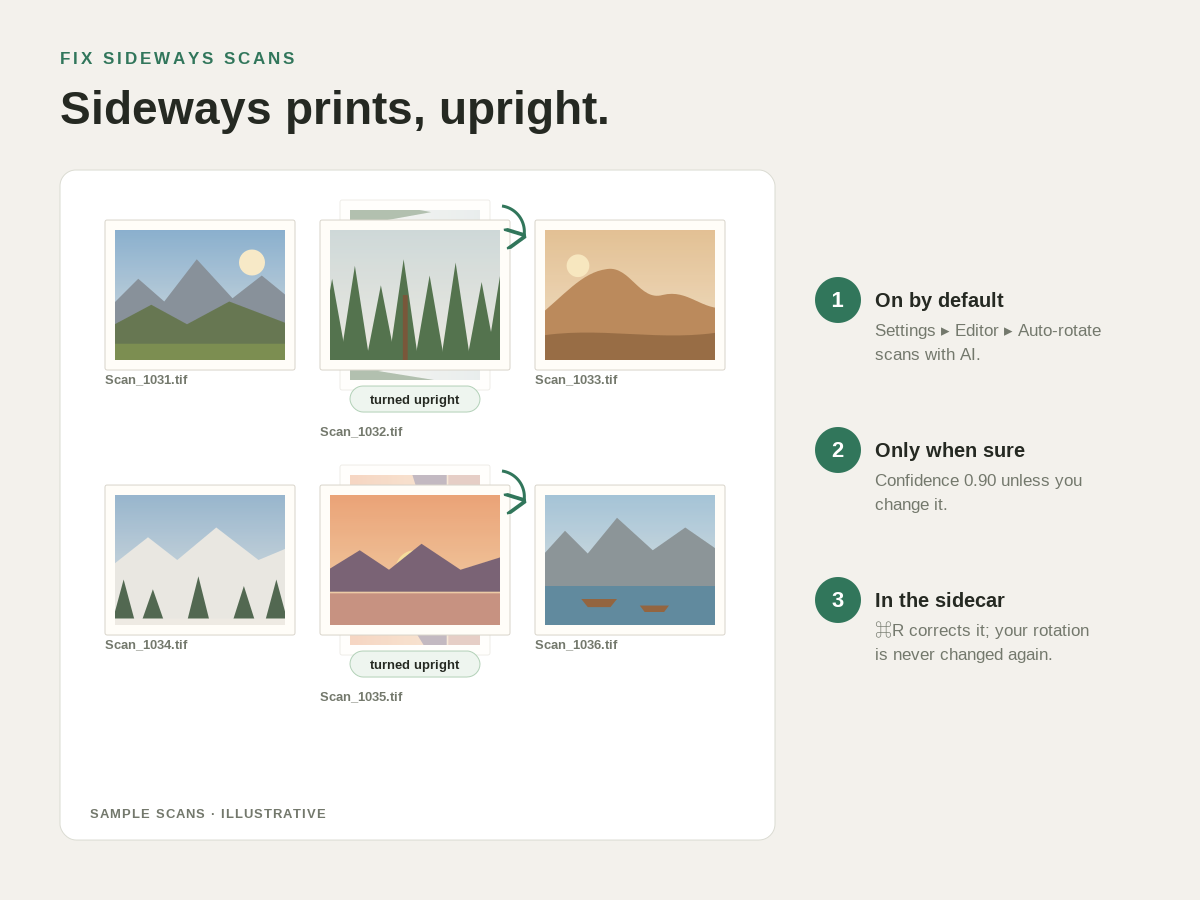
When Lighthouse makes a thumbnail it checks the orientation with a model that runs on the Mac and turns a photo lying on its side, writing the rotation to the sidecar only.
Fix sideways scans
Rotation without asking.
A box of prints scanned in one direction comes out half sideways. With Auto-rotate scans with AI on in Settings ▸ Editor, each photo is looked at once, after the thumbnails of the open folder are done, and turned when the model is confident enough: 0.90 by default, adjustable in the same place.
The rotation goes into the XMP sidecar, like ⌘R, and the pixels of the file are never touched.
Step by step
Try it on your own folder.
- Add the folder of scans
Thumbnails appear first; the check runs after them. - Let the model turn them
Photos lying on their side turn upright in the grid. - Correct one by hand
⌘R or ⇧⌘R; a photo you rotated is never turned again.
What you get
Scan the box, skip the rotating.
Upright prints without a pass by hand
The model runs on the Mac and skips documents, read-only folders and photos already rotated.
A choice you keep
A replaced file is checked again; one already looked at is not.