What will you publish next?
A brochure for the weekend market, the club newsletter, a book of chapters or a price list: MasterPage for iPad & iPhone, task by task.
All features
Pick the task in front of you.
New marks the main additions of the latest versions.
Layout
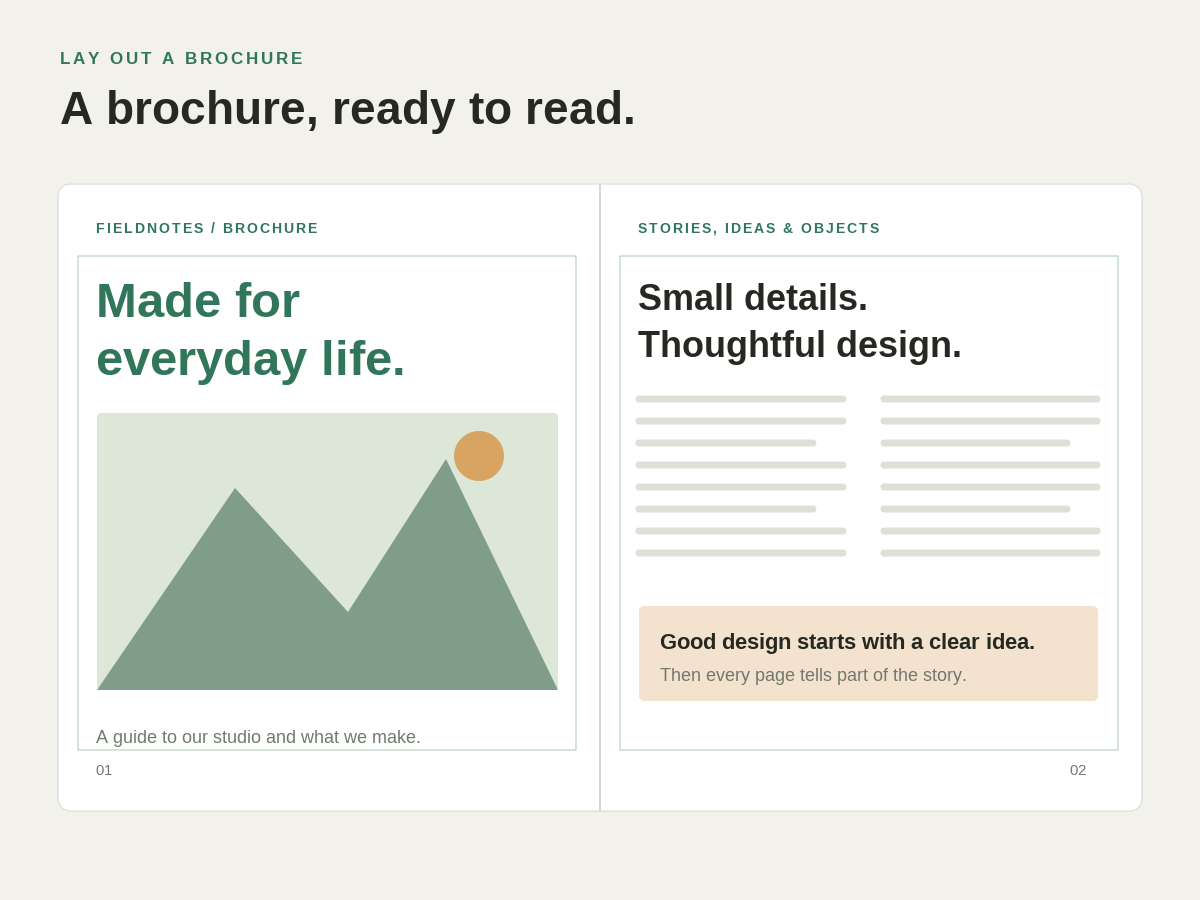 Lay out a brochureMaster pages, columns and guides for a folded brochure.
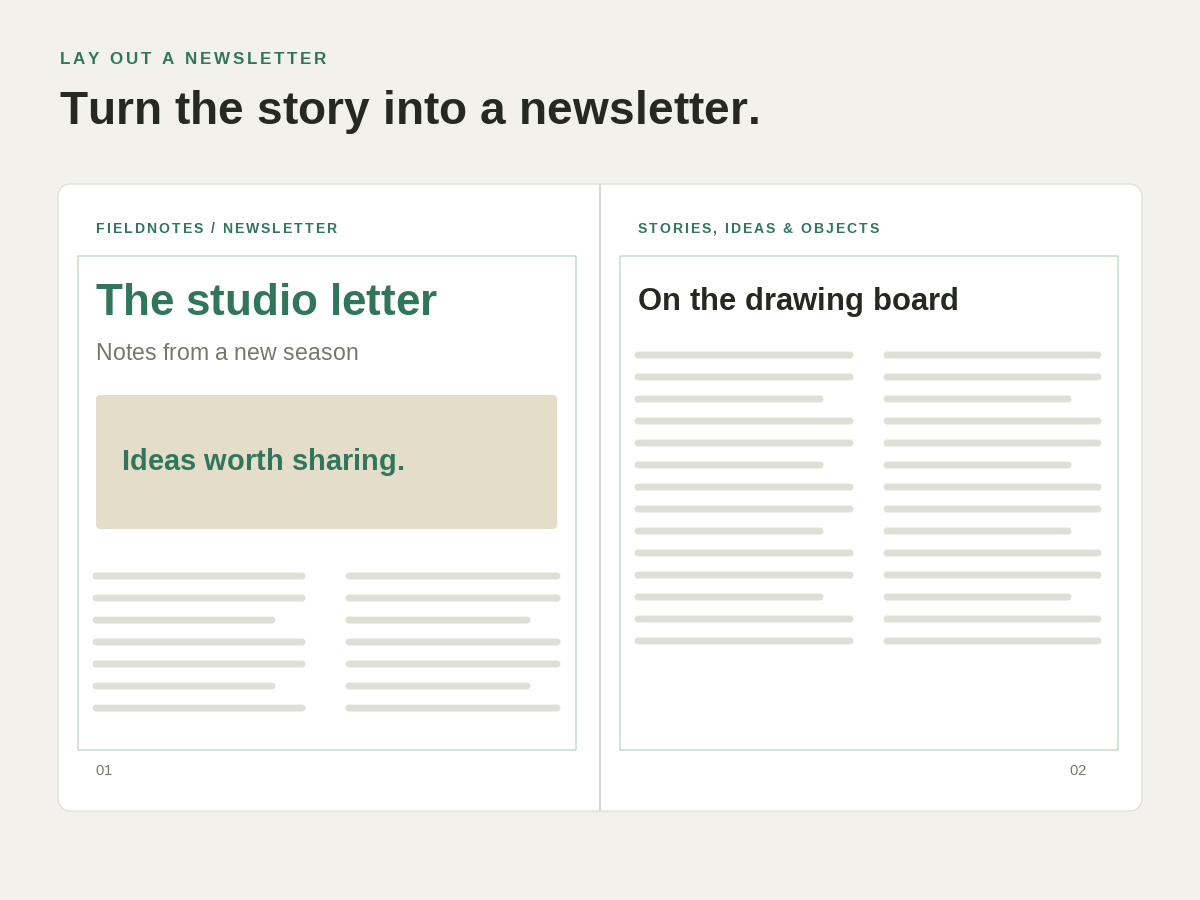 Lay out a newsletterFlow the story across columns and threaded frames, issue after issue.
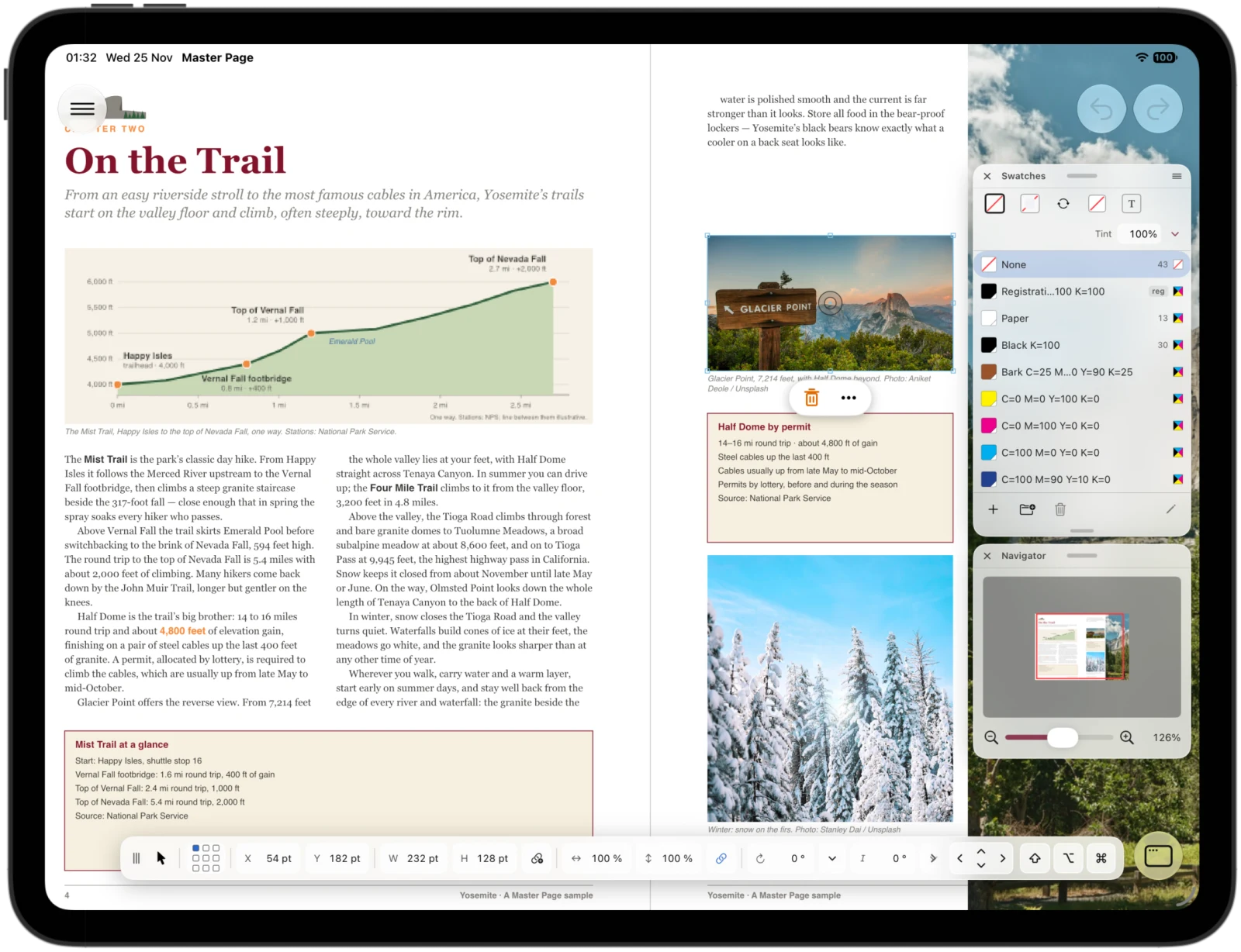 Lay out with floating palettesThe page fills the iPad; Pages, Layers and Swatches float beside it.
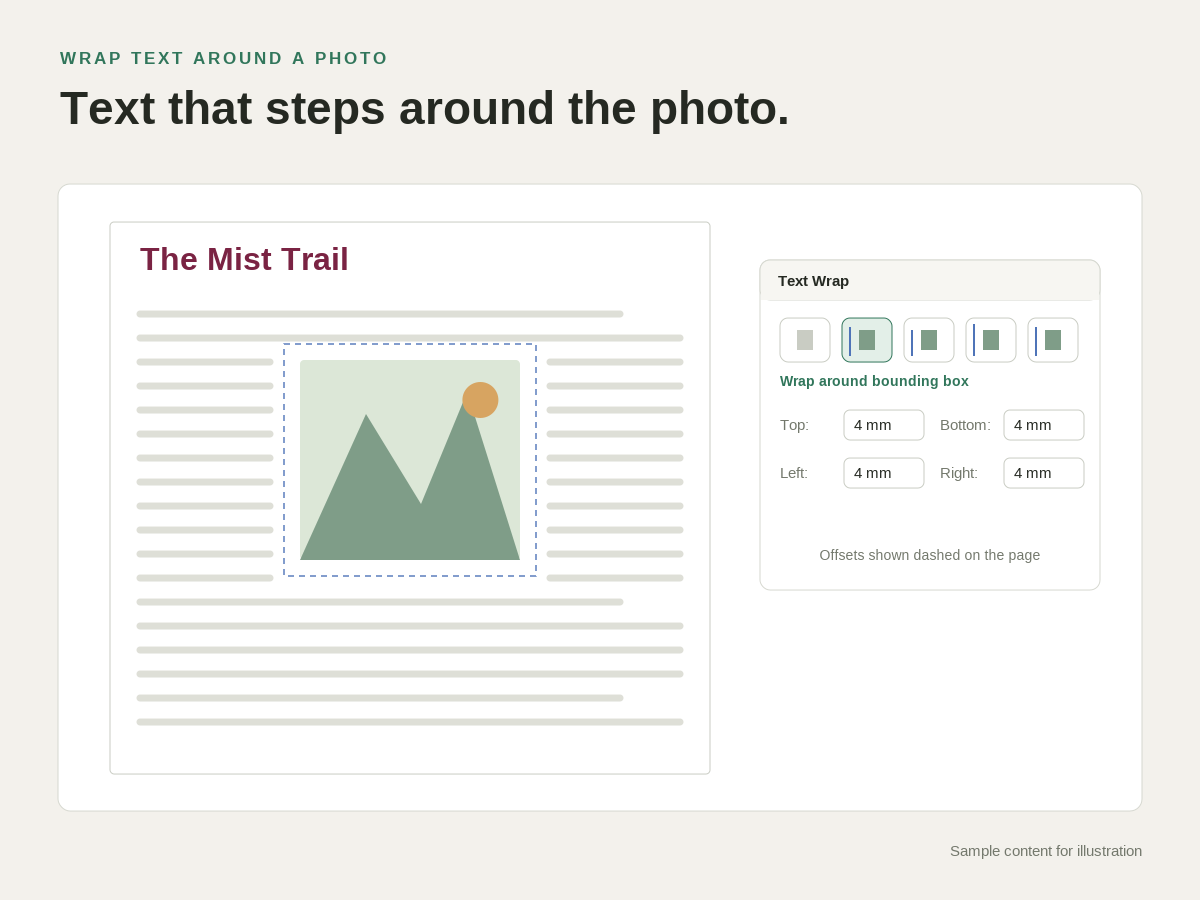 Wrap text around a photoText Wrap keeps an offset around the picture on every side.
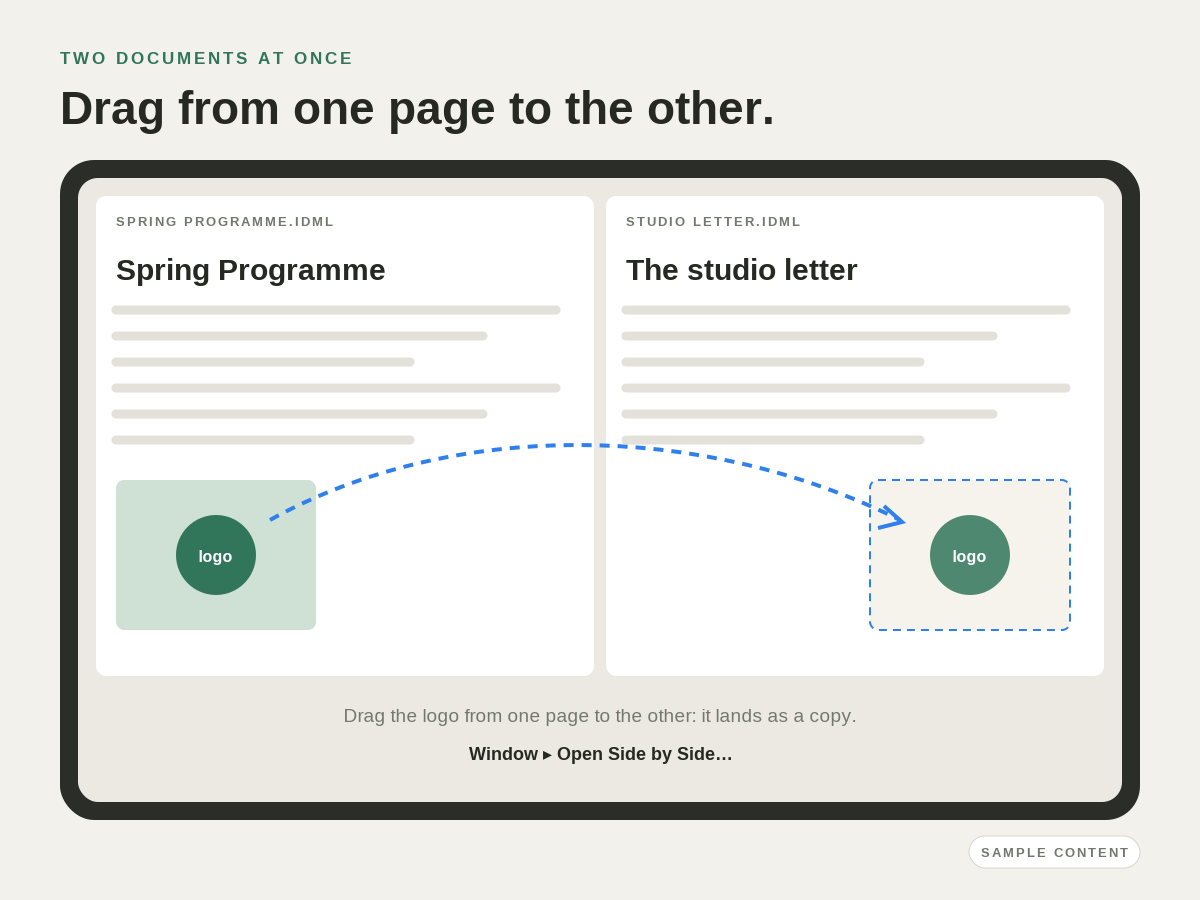 Work on two documents at once NewOpen Side by Side, then drag objects from one page to the other.
Type
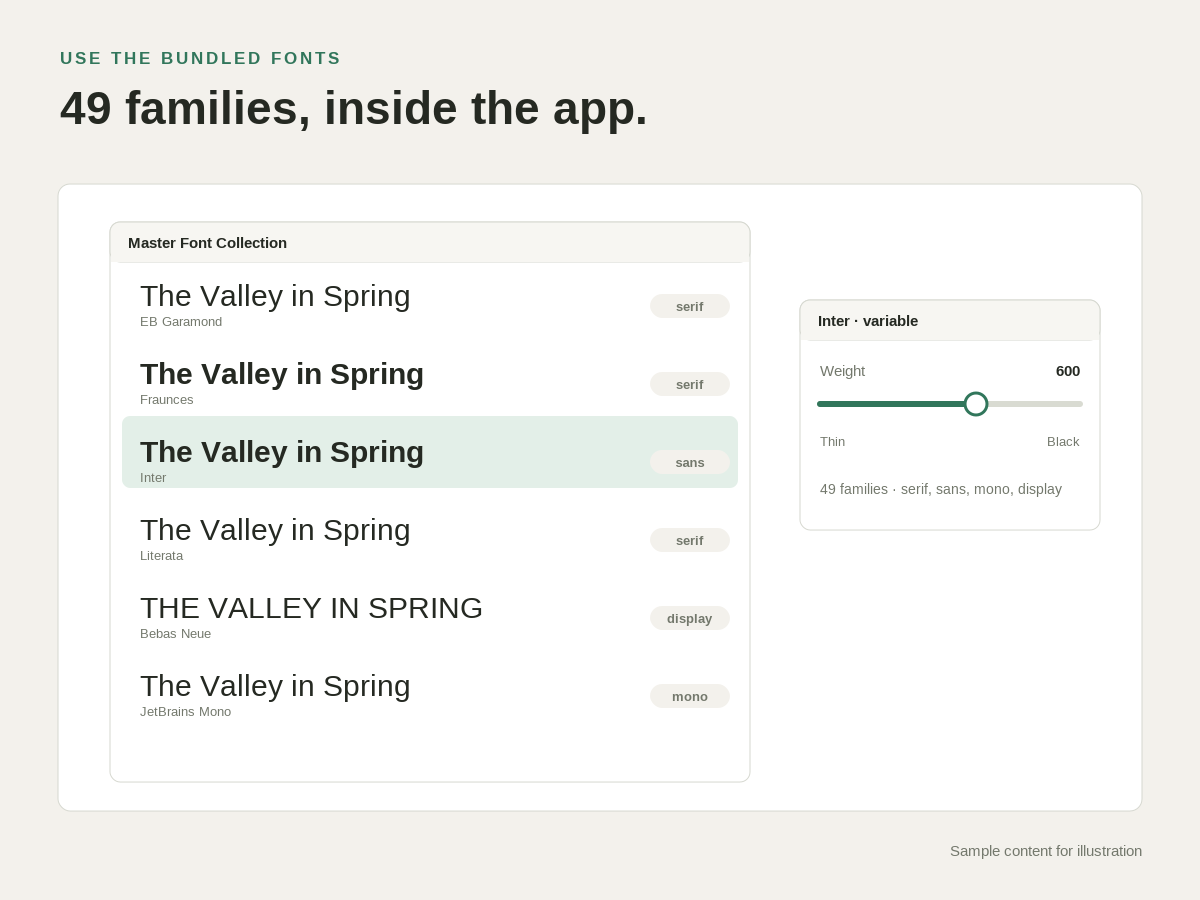 Set type with the bundled fonts New49 families inside the app, 2,035 more to download.
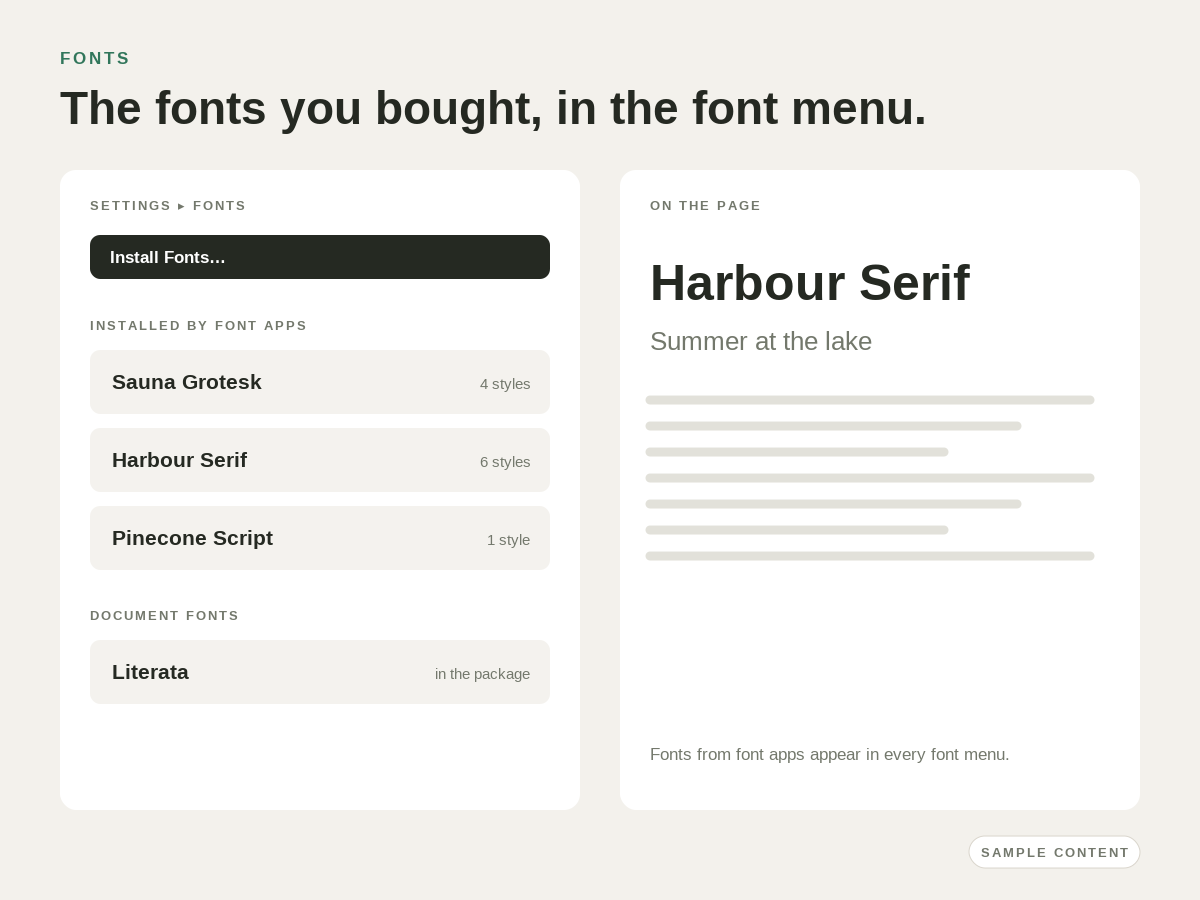 Use the fonts you bought NewFamilies installed by font apps appear in every font menu.
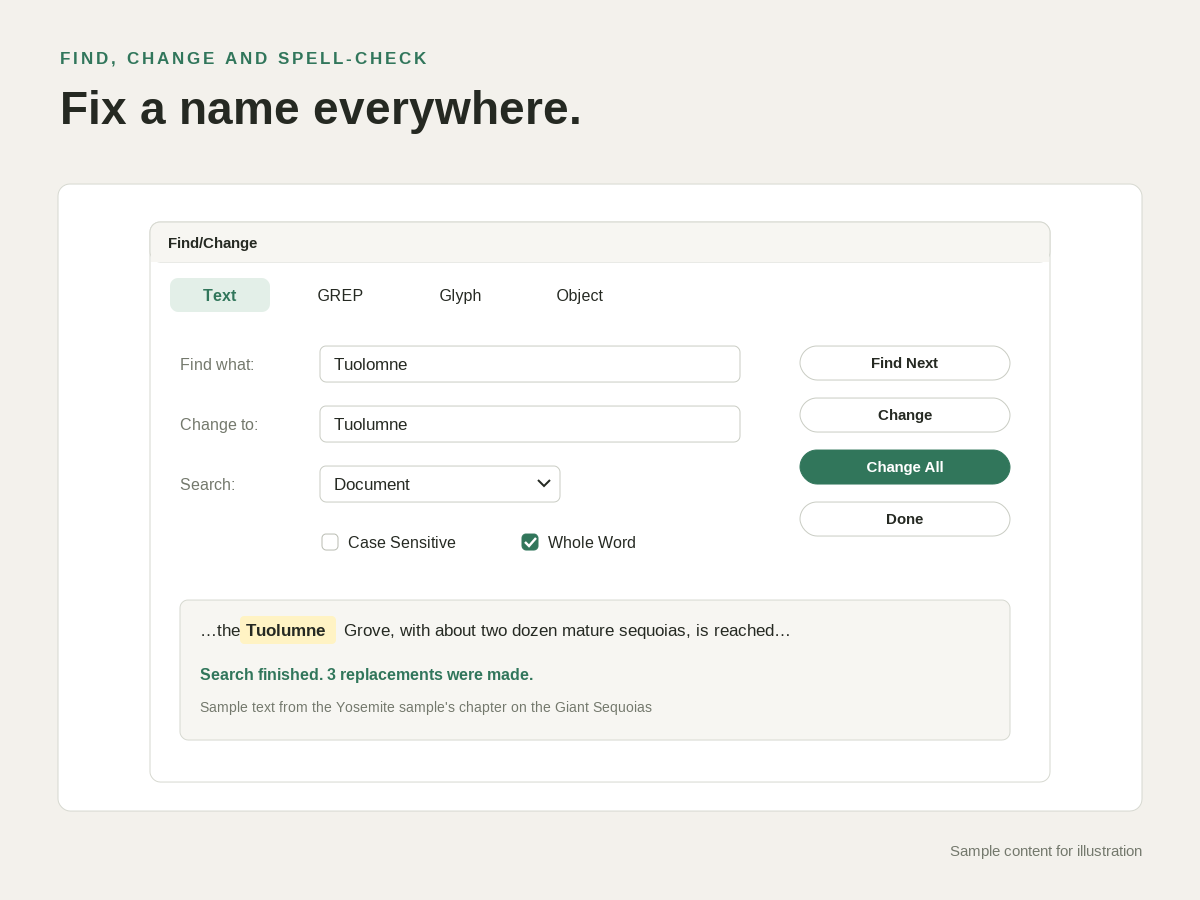 Fix a name everywhereFind/Change with Text, GREP, Glyph and Object searches, then Check Spelling.
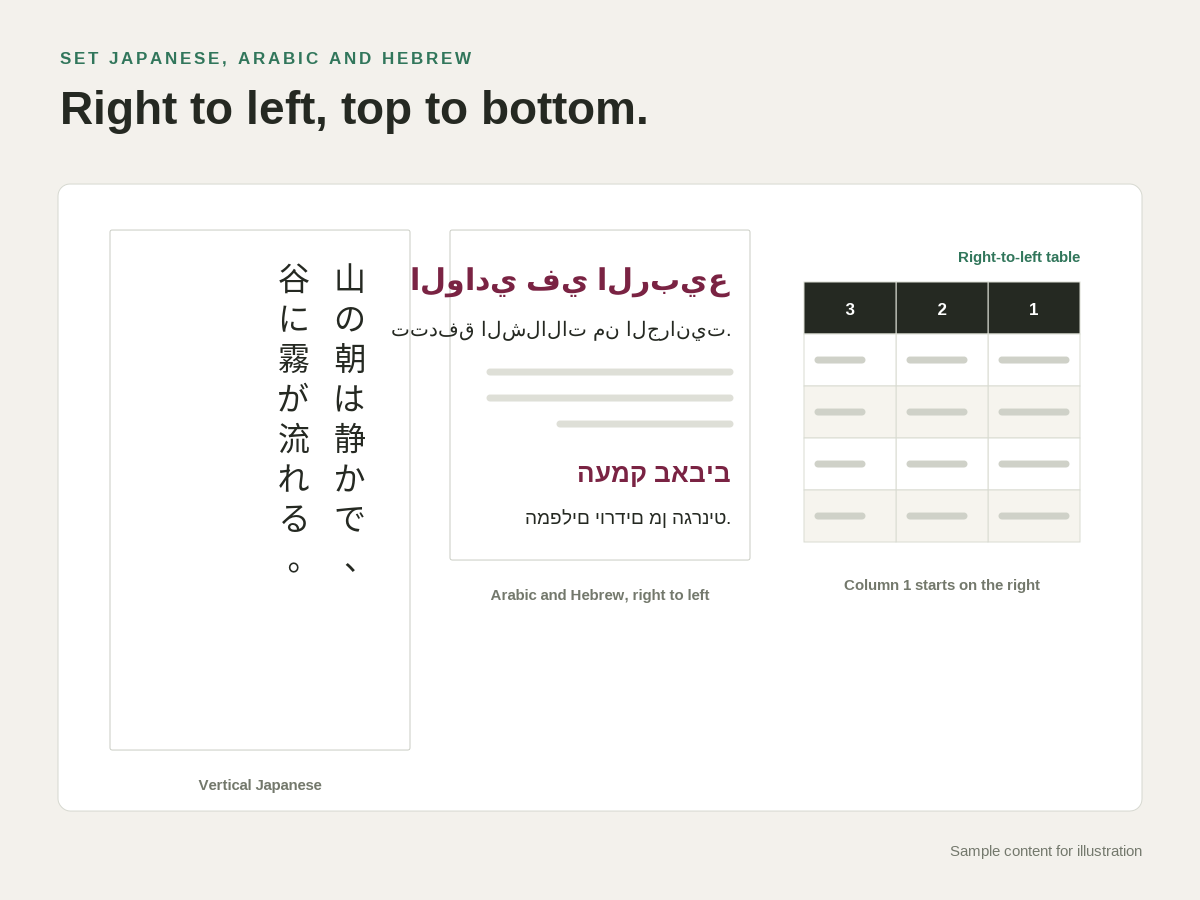 Set Japanese, Arabic and HebrewVertical stories, right-to-left text, ruby and composite fonts.
Tables & lists
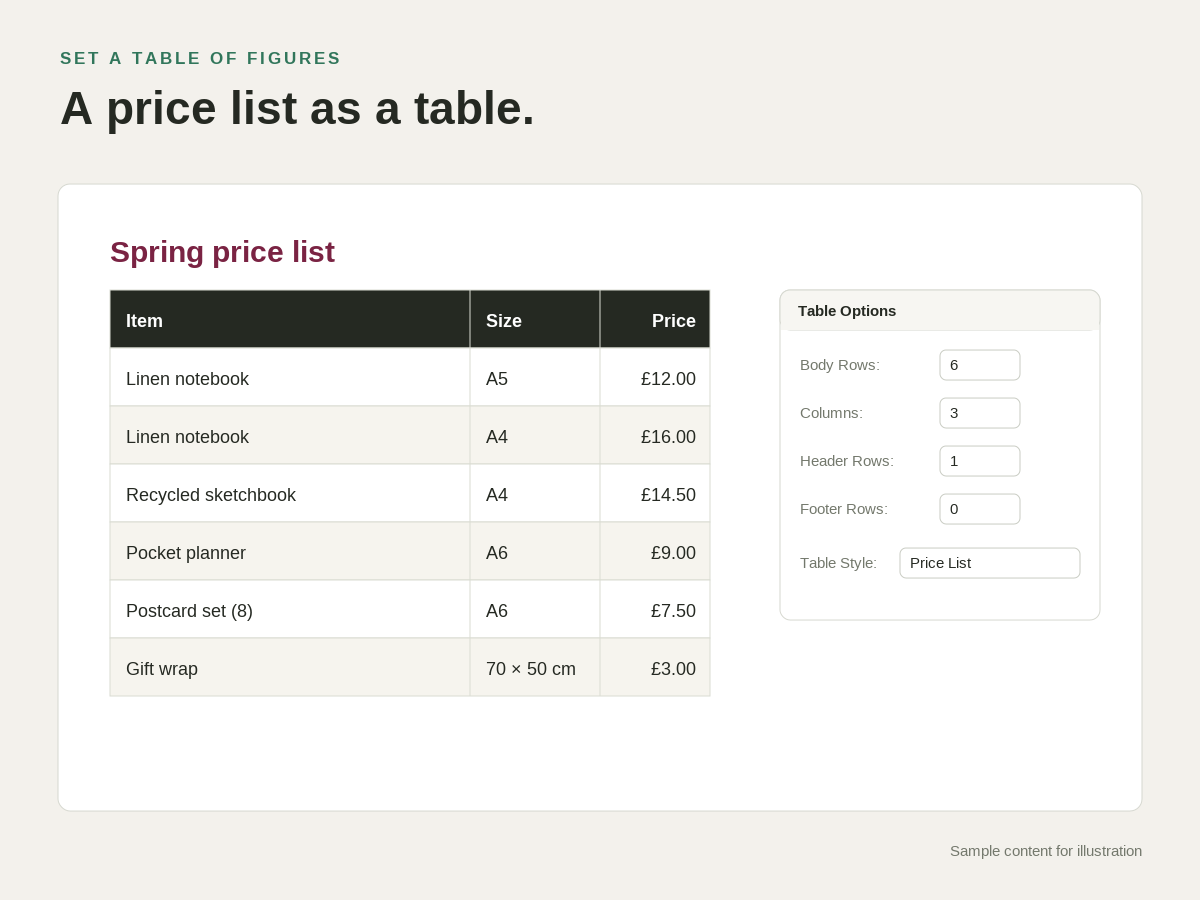 Set a price list as a tableHeader rows, merged cells and table styles from a few lines of text.
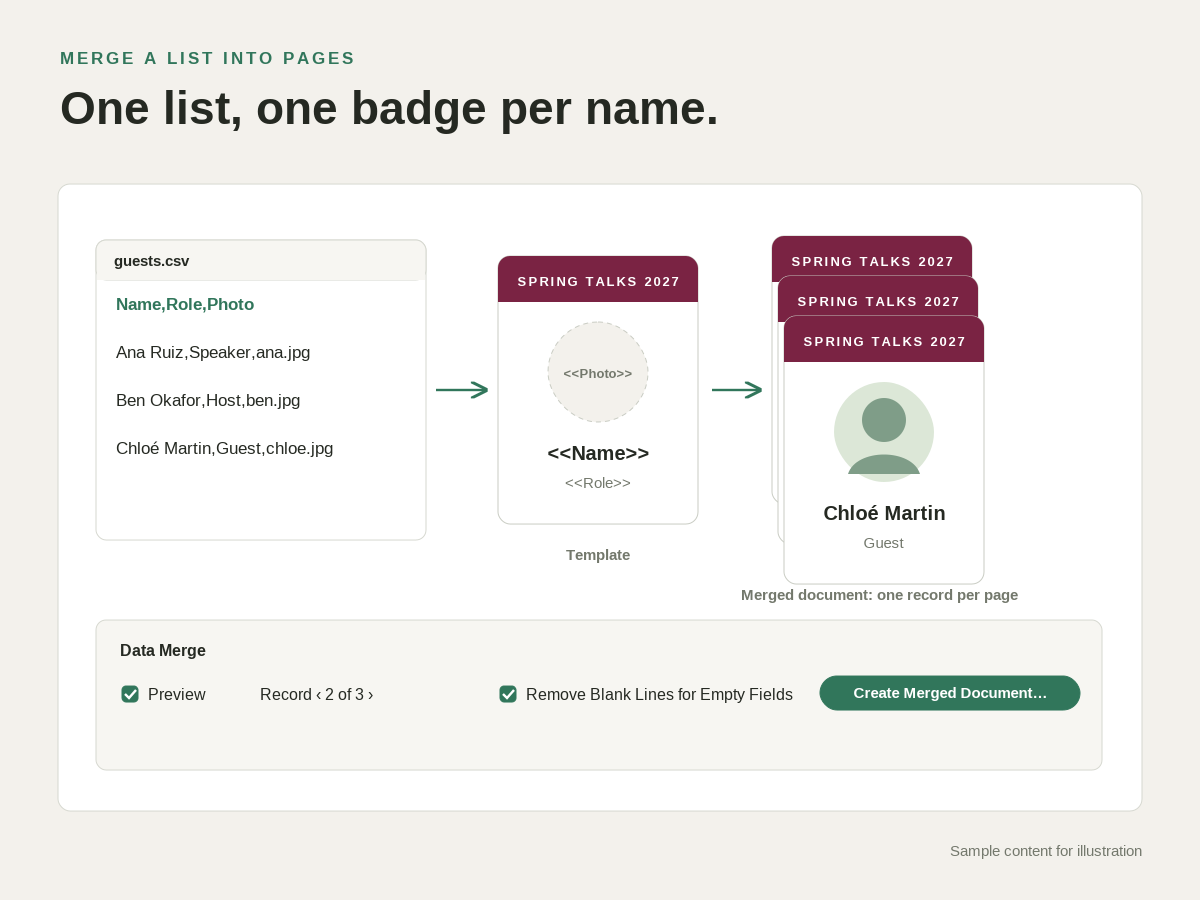 Make a badge for every guestData Merge turns a list into one page per record.
Books
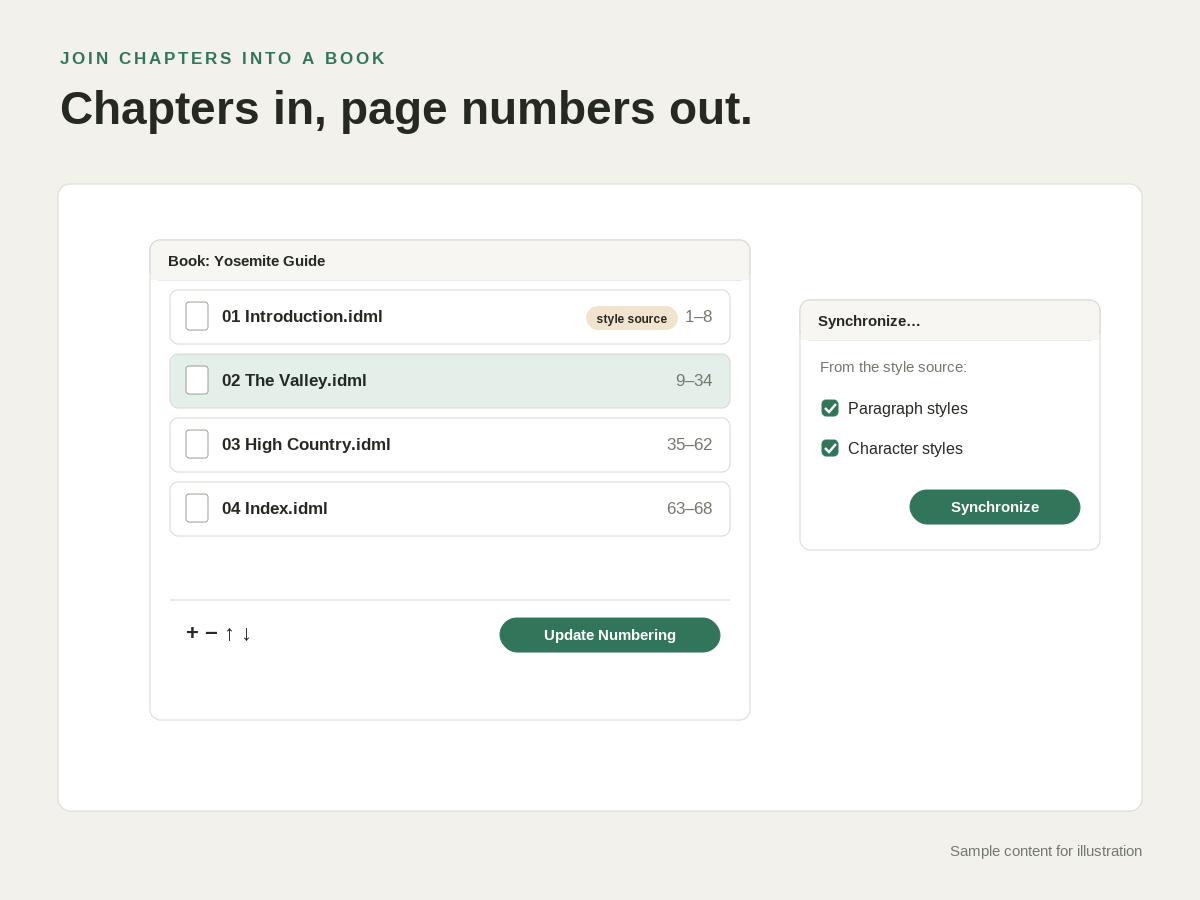 Join chapters into a bookThe Book palette numbers the chapters and keeps their styles in step.
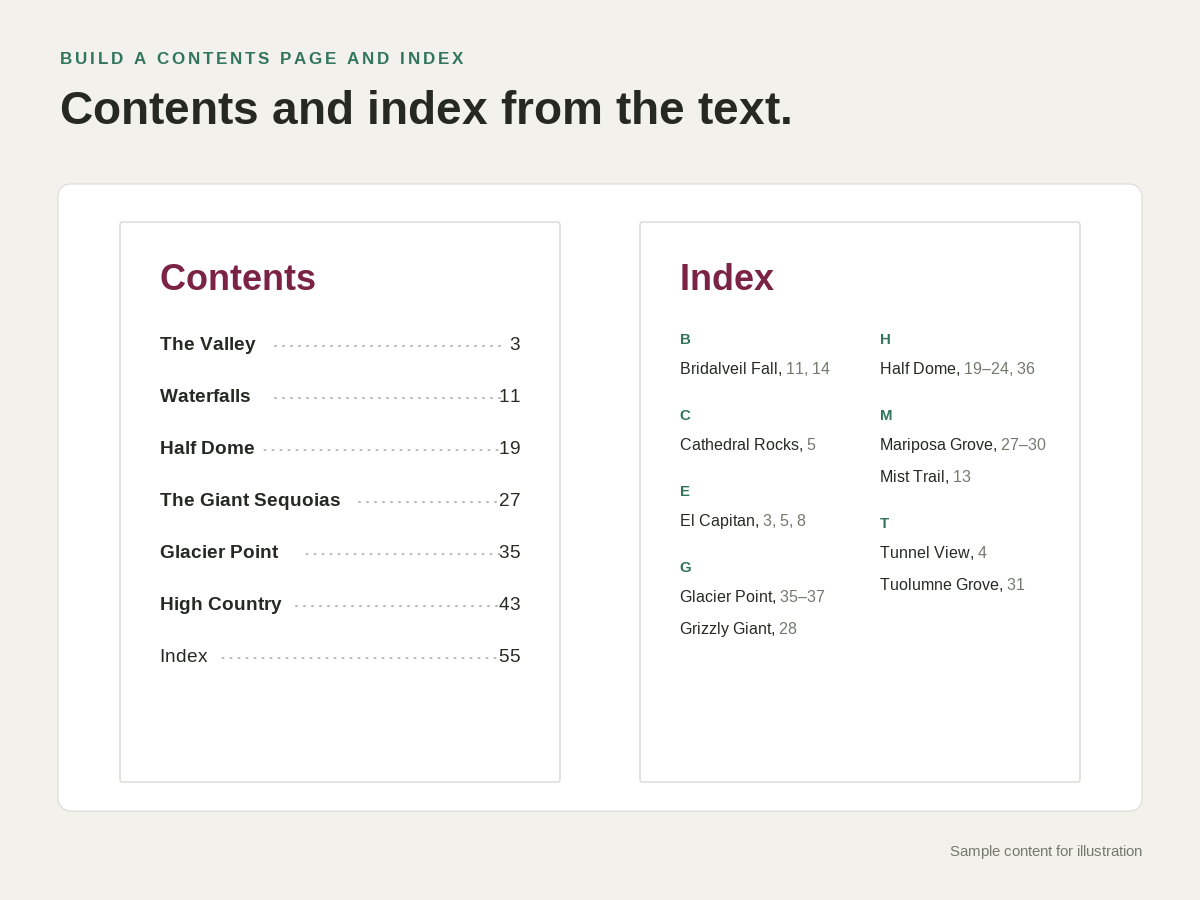 Build a contents page and indexTable of Contents and the Index palette, from the text itself.
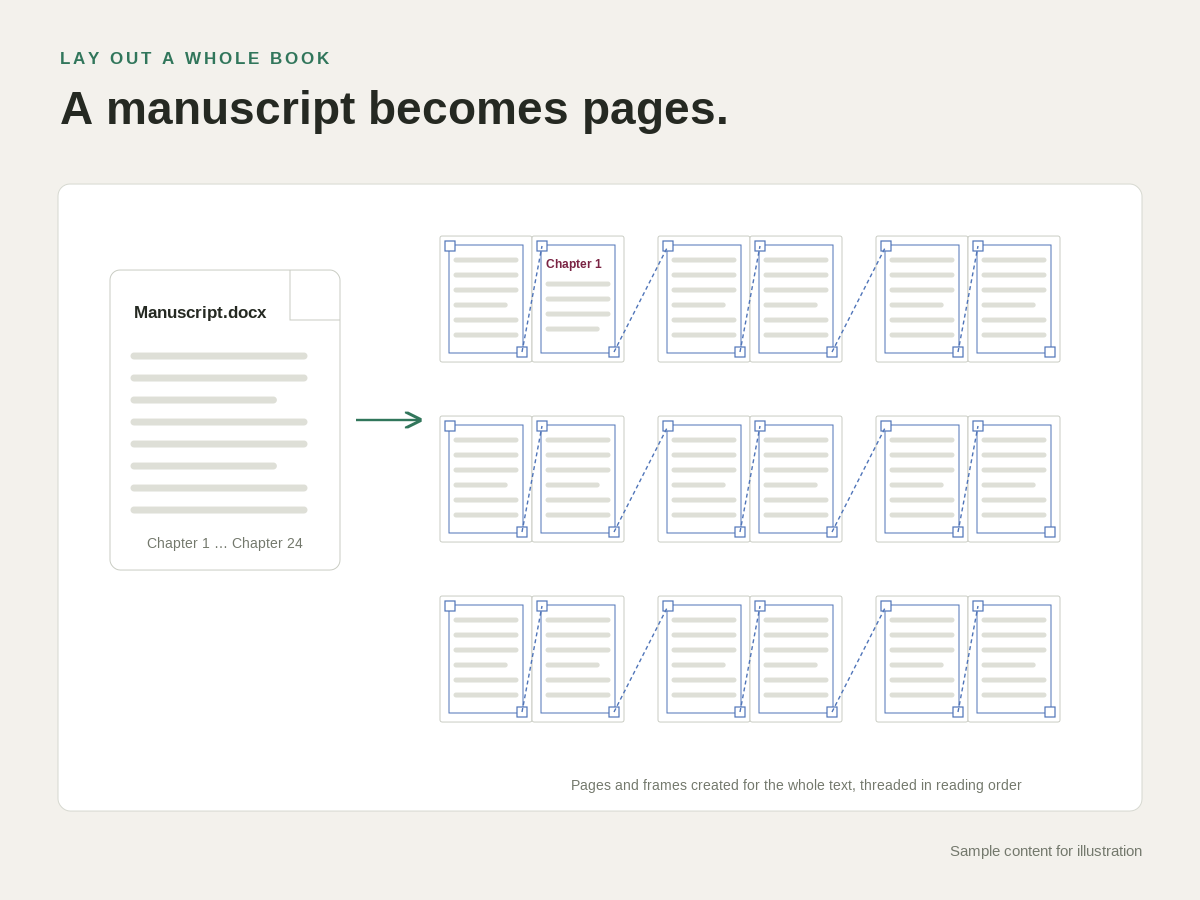 Turn a manuscript into pagesA Word, text or EPUB file opens as a new document.
Print, export & AI
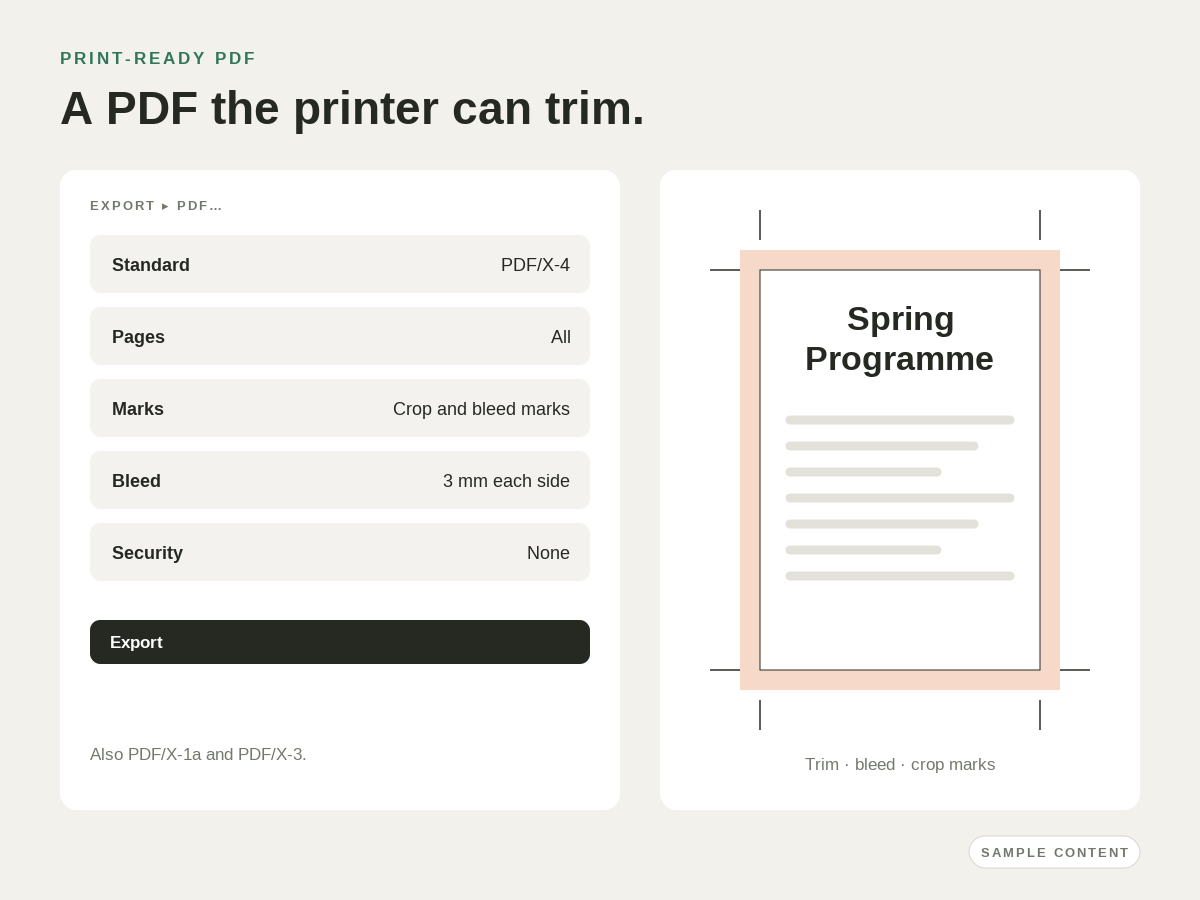 Export a PDF for printPDF/X-1a, X-3 or X-4, with crop marks and bleed.
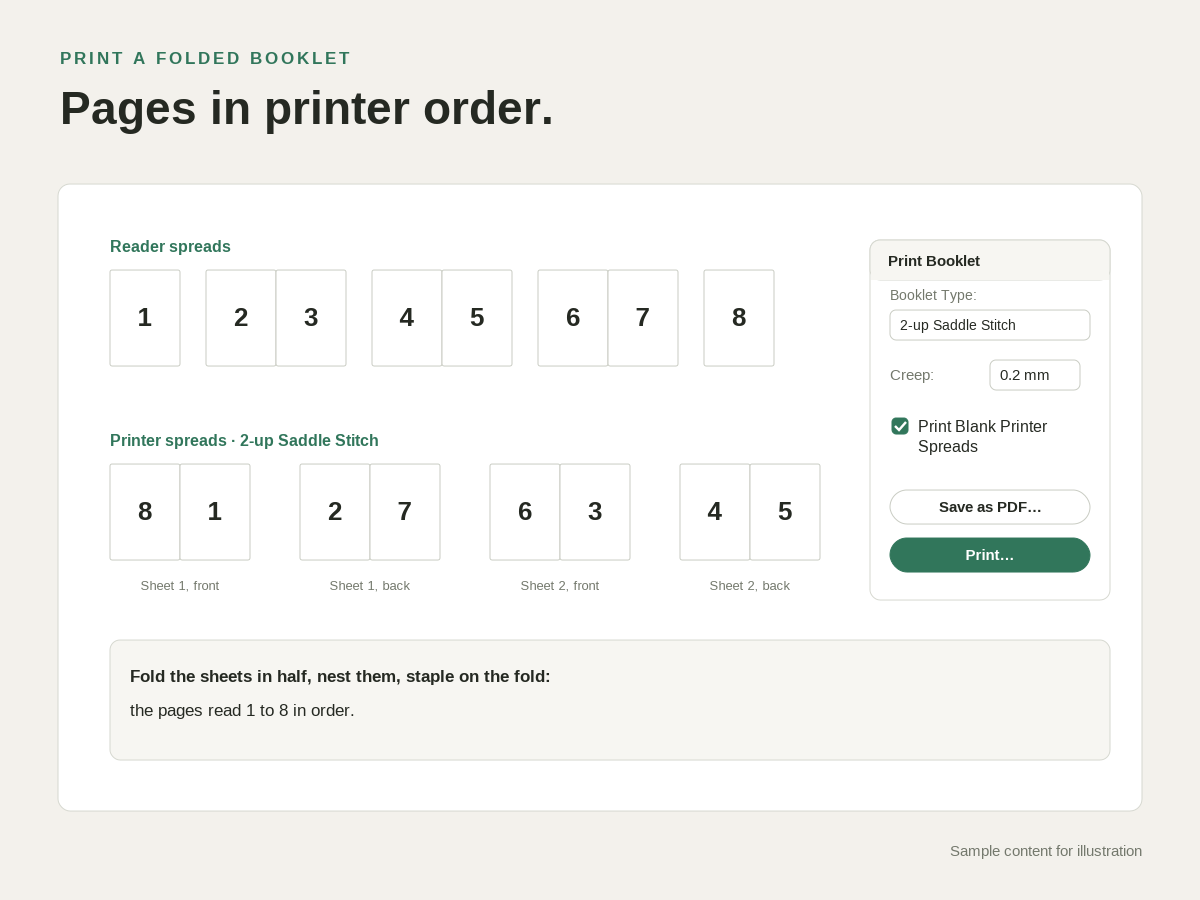 Print a folded bookletPrint Booklet puts the pages in printer order for saddle stitching.
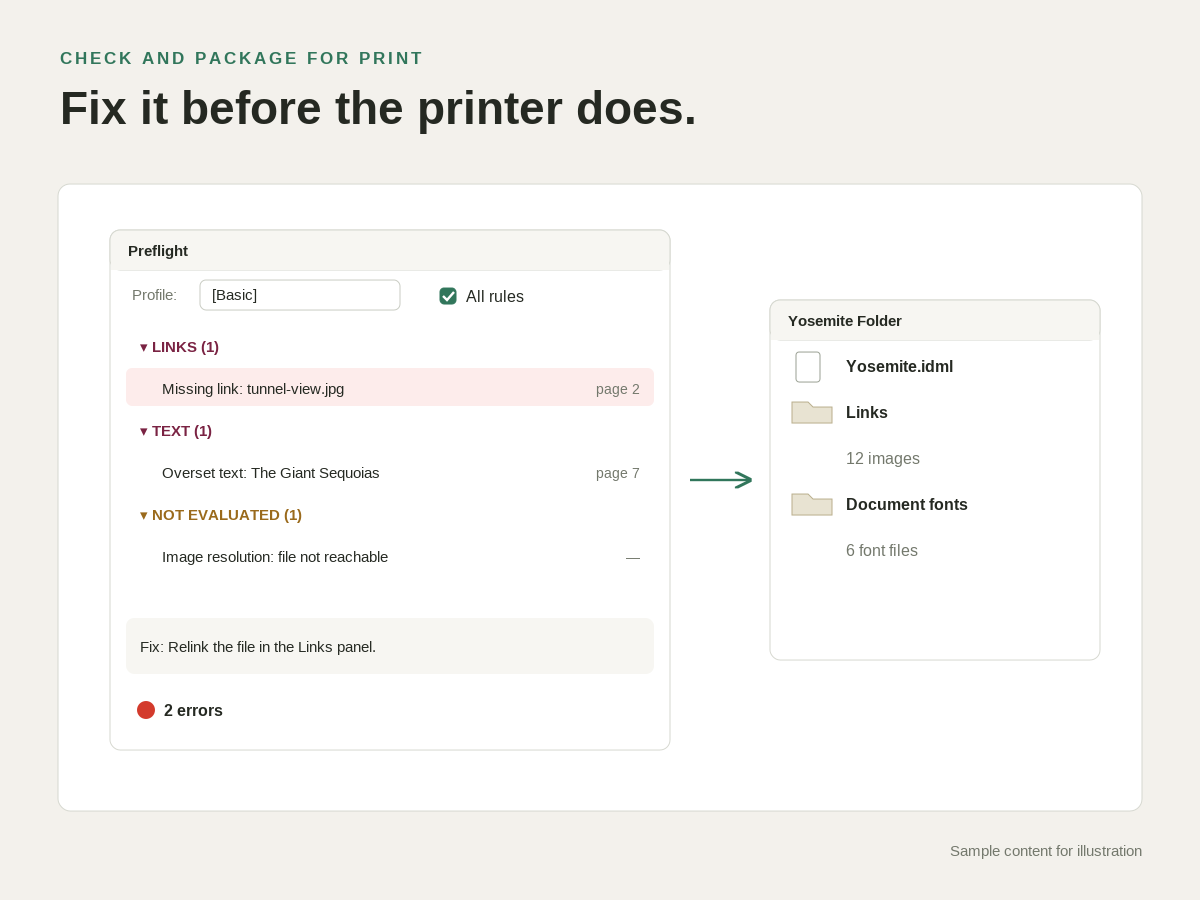 Check before the printer doesPreflight flags missing links and overset text; Package gathers the files.
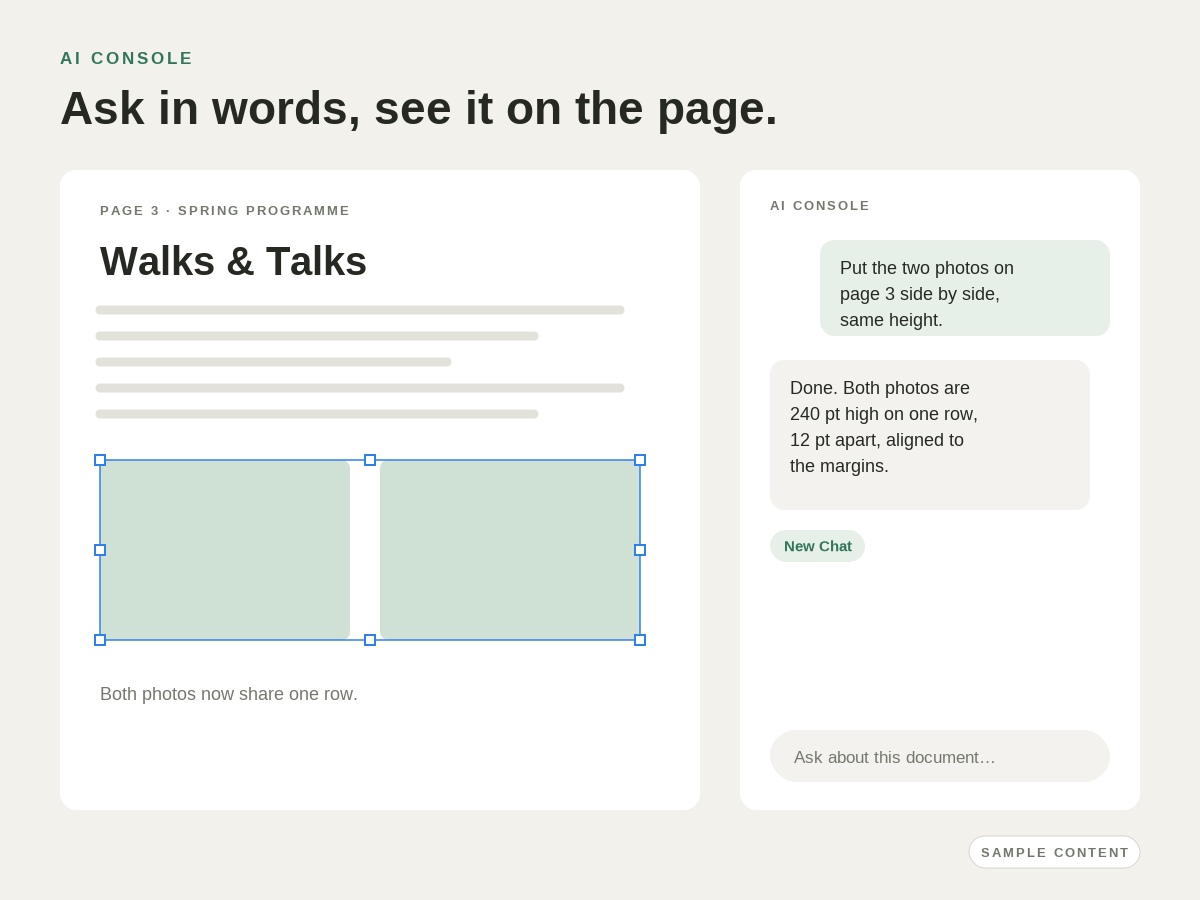 Ask the AI Console to lay it out NewDescribe the change in words; the chat edits the open document.
Every feature
Everything the app does.
The tools, palettes, menu commands and file formats of MasterPage for iPad & iPhone, grouped by job.
Pages & layout
- Pages palette: New Master…, Apply Master to Pages…, Duplicate, Insert
- Add Page, Insert Pages…, Move Pages…, Duplicate Spread, Delete Pages, Page Size…
- Override All Master Page Items, Release Override, Remove All Local Overrides
- Detach Selection From Master, Allow Master Item Overrides on Selection
- Margins and Columns…, Create Guides…, Ruler Guides…, Layout Grid…
- Numbering & Section Options…: page numbers and sections
- Go to Page…, First, Previous, Next and Last Page
- Document Setup… and Document Presets ▸ Define…
- New Document: and a sample project on the Home screen
- Layers palette
- Show Guides, Lock Guides, Smart Guides, Baseline Grid, Document Grid, Layout Grid
- Screen Mode: Structure, Preview, Bleed, Slug, and Overprint Preview
- New Workspace…, Delete Workspace…, Reset Palette Locations
Text & stories
- Type tool: draw a text frame or edit a story
- Type on a Path tool and Right-to-Left Type tool
- Threaded Text: Create, Release Selection, Remove Threading
- Text Frame Options…, Area Type Options…, Type on a Path Options…, Fit Headline
- Edit in Story Editor: the story as plain text
- Find/Change…: Text, GREP, Glyph and Object
- Check Spelling… and User Dictionary…
- Insert Special Character: markers, symbols, dashes, quotes, white space, breaks
- Fill with Placeholder Text
- Footnotes and Document Footnote Options…
- Text variables: Insert Variable, Convert Variable to Text, Define…
- Notes: New Note…, Delete Note
- Track Changes: accept or reject each change, or the whole story
- Conditional Text and Condition Sets
- Change Case: UPPERCASE, lowercase, Title Case, Sentence case
- Story Direction: horizontal, vertical, left to right, right to left
- Text Wrap palette: Make and Release
- Create Outlines: letters become shapes
- Show Hidden Characters
Typography & fonts
- Character and Paragraph palettes
- Character Styles and Paragraph Styles palettes, Clear Overrides
- Bulleted & Numbered Lists: restart or continue numbering, Define Lists…
- Align to Baseline Grid, Tracking…, Leading…, Spacing…
- Tabs palette
- Drop Caps and Nested Styles, Keep Options, Paragraph Rules, Paragraph Shading
- Hyphenation and Span Columns
- Glyphs palette
- Find Font…: list and replace the document's fonts
- Master Font Collection New: 49 families inside the app, 2,035 to download
- Install Fonts…: .otf, .ttf and .ttc files
- Installed by Font Apps New: fonts from font apps in every font menu
- Document Fonts and Missing Fonts
- Japanese and Chinese composition: Kinsoku, Ruby…, Kenten, Warichu, Composite Fonts…
- Named Grids and Frame Grid Options…
Objects & pictures
- Selection and Direct Selection tools
- Pen, Add Anchor, Delete Anchor and Convert Anchor tools
- Rectangle, Ellipse, Rounded Rect, Polygon, Star and Line tools
- Rectangle Frame tool: a frame that holds a picture
- Free Transform, Rotate, Scale, Shear and Reflect tools
- Eyedropper and Measure tools
- Place…: pictures, PDF, SVG, EPS, snippets and stories
- Paste Into, Paste in Place, Paste In Front, Paste In Back, Paste without Formatting
- Links palette: Relink…, Relink to Folder…, Update All Links, Embed
- Fitting: Fill Frame Proportionally, Fit Content, Center Content, options
- Content: turn a frame into Graphic, Text or Unassigned
- Transform Again, Move…, Scale…, Rotate…, Reflect…, Shear…, Transform Each…
- Arrange, Group, Ungroup, Lock, Unlock All, Hide Selection, Show All
- Align palette and Pathfinder: Unite, Minus Front, Intersect, Exclude, Divide…
- Average…, Smooth, Roughen…, Trim Path…, Round Selected Corners…, Compound Paths
- Corner Options…
- Anchored Object: objects that move with the text
- Object Styles palette, Copy Style and Paste Style
- Effects… and Global Light…: drop shadow, feather, transparency
- Stroke, Info and Attributes palettes
Colour
- Swatches palette: tints, gradients, colour groups, merge and sort
- Colour libraries: CSS, Werner's 1814, and Import .ASE…
- Colors palette and Gradient palette
- Gradient Swatch tool and Gradient Feather tool
- Separations Preview palette and Ink Manager
Tables
- Create Table…, Convert Text to Table…, Convert Table to Text…
- Insert, delete and select rows and columns
- Header and footer rows, Edit Header and Edit Footer
- Merge Cells, Unmerge Cells, Split Cell, Distribute Rows and Columns Evenly
- Graphic cells: a picture inside a cell
- Table Options…, Cell Options…, Go to Row…
- Table palette, Table Styles and Cell Styles palettes
Long documents
- Books: Synchronize…, Update Numbering, Export Book to PDF…, Print Book…
- Table of Contents…, Update Table of Contents, Table of Contents Styles…
- Index palette
- Hyperlinks and Bookmarks palettes: carried into the exported PDF
- Data Merge: a data source, record preview, Create Merged Document…
- Preflight palette: profiles, live checking and Fix
- Assignments palette: opens assignment files, read-only
Files & output
- IDML opens and saves natively: the parts you did not change stay byte for byte
- Import Layout Document…: INDD and INDT files
- Convert PDF to Book…
- Opens EPS, SVG, AI, PSD, TIFF and images
- Text, Word and EPUB files open as a new document
- Export ▸ PDF…: PDF/X-1a, X-3 and X-4, marks, bleed, security
- Export PNG…, JPEG…, TIFF…, Selection as Snippet…, InCopy Story…
- Print… and Print Booklet…
- Package…: gathers the fonts and the linked files
- File Info… and Save a Copy…
- Home screen: recent files, iCloud, Synced Documents, Open in New Window
- Synced documents: documents and their links on all your devices
- Handoff: the same page, zoom and selection on another device
- Spotlight, Home Screen quick actions, a Recent Documents widget
- Controls: New Document and Open Recent
- Share extension and the Export PDF and Export PNG actions
- Quick Look previews and thumbnails
AI & automation
- AI Console New: the built-in chat reads the page and edits the document
- Scripts Panel…: New Script, Add Script…, Script Console
- Shortcuts and Siri: an action for each of the app's tools
- App Shortcuts: Open AI Chat, New Document, Add Page, Place Picture, Export PDF
iPad & iPhone
- Open Side by Side… New: drag objects between two documents
- Menu bar and keyboard shortcuts: and Search Commands…
- Selection bar: Delete and More under the selection
- Apple Pencil double tap and squeeze
- Path loupe: a magnifier while you drag an anchor
- iPhone Duo: every tool group in the toolbar on the open display