Choose a logo, poster or illustration project.
Sketch a logo on the train, paint a poster with Apple Pencil or fix a colleague's .ai file on the iPhone: SVG Editor for iPad & iPhone, task by task.
All features
Pick the task in front of you.
New marks the main additions of the latest versions.
Draw
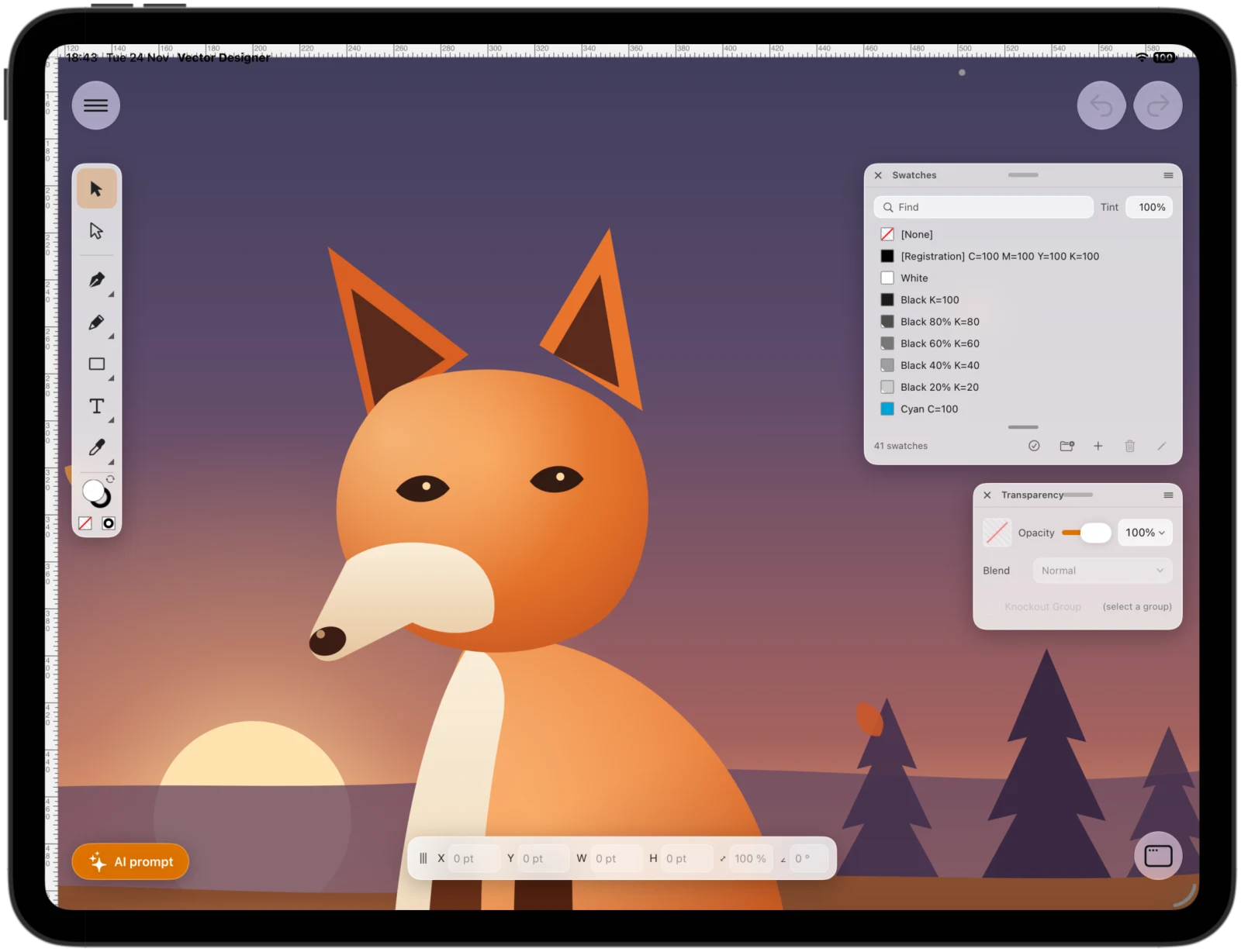 Draw an illustration on the iPadThe canvas fills the screen; the toolbox and palettes float beside it.
 Paint with a brush NewCalligraphic, scatter, art, pattern and bristle brushes, with pressure.
 Draw with Apple Pencil NewDouble tap to switch tools; squeeze for Pen Options at the tip.
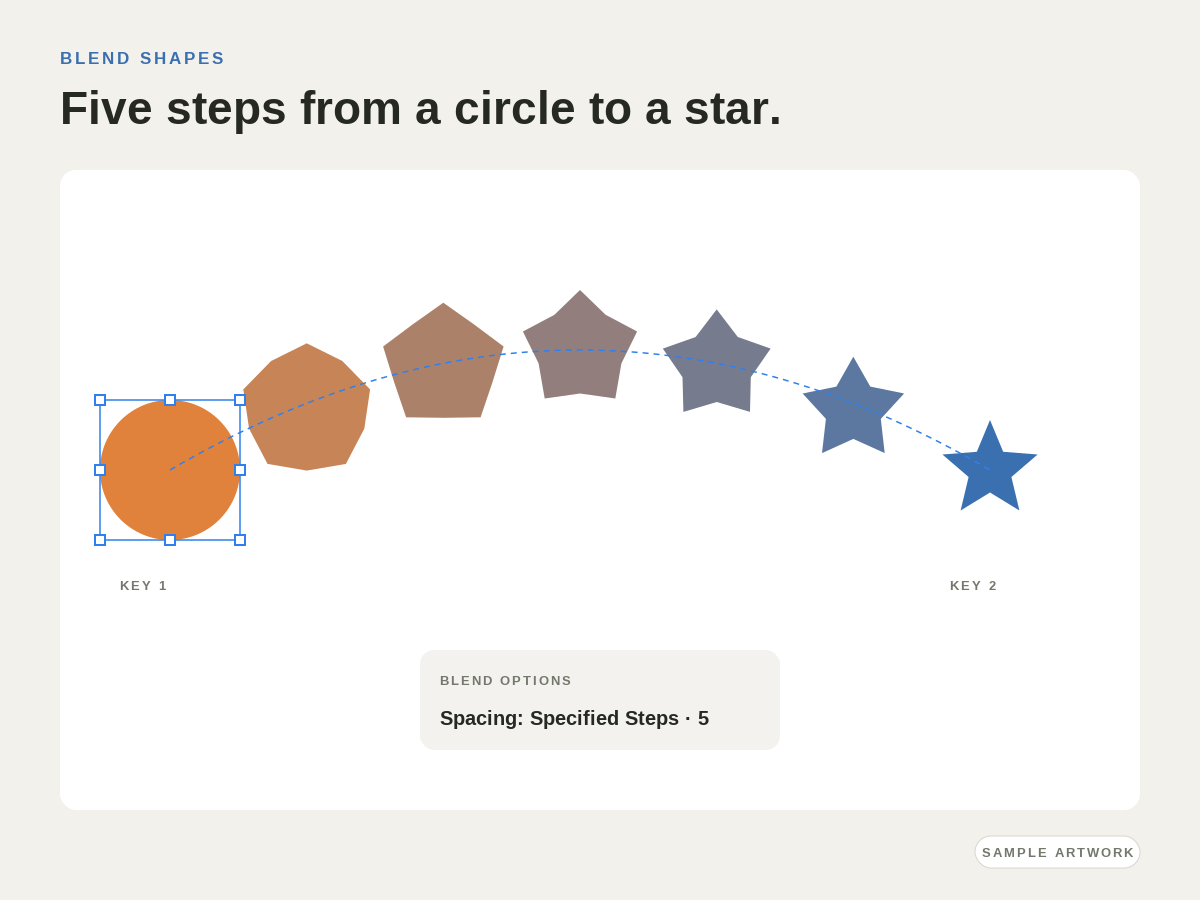 Blend one shape into anotherIn-between shapes and colours from two keys, live until expanded.
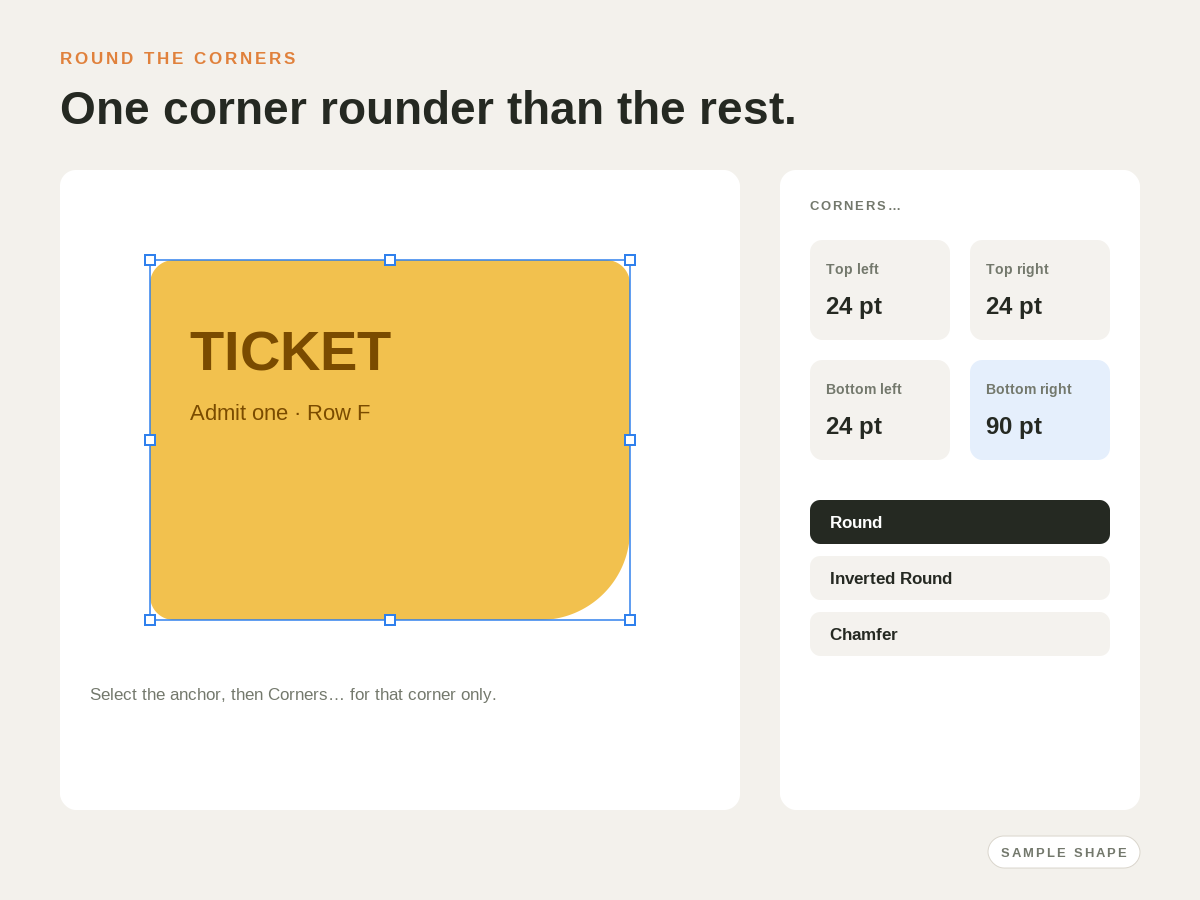 Round the cornersRound, Inverted Round or Chamfer, one radius per corner.
Type, logos & colour
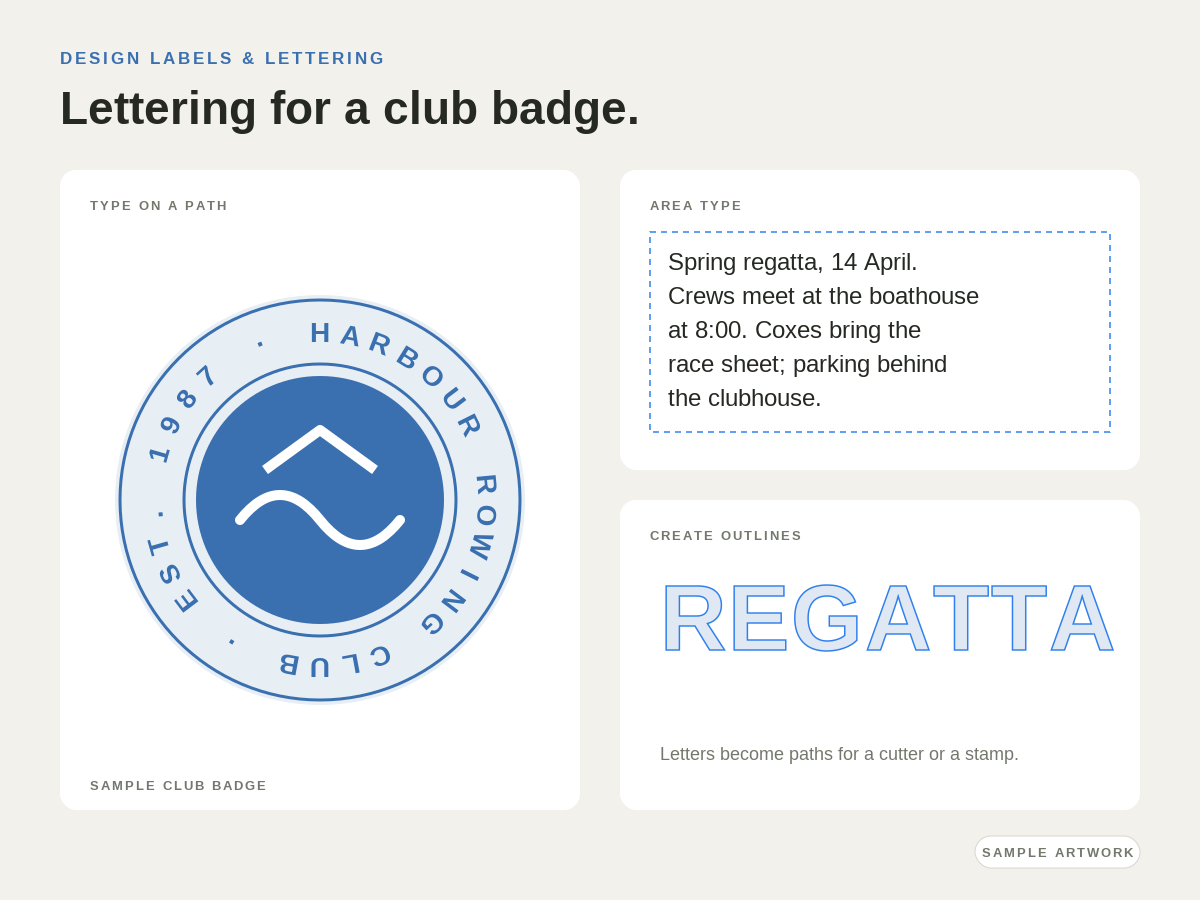 Design labels & letteringType on a path, area type, threaded text and outlines.
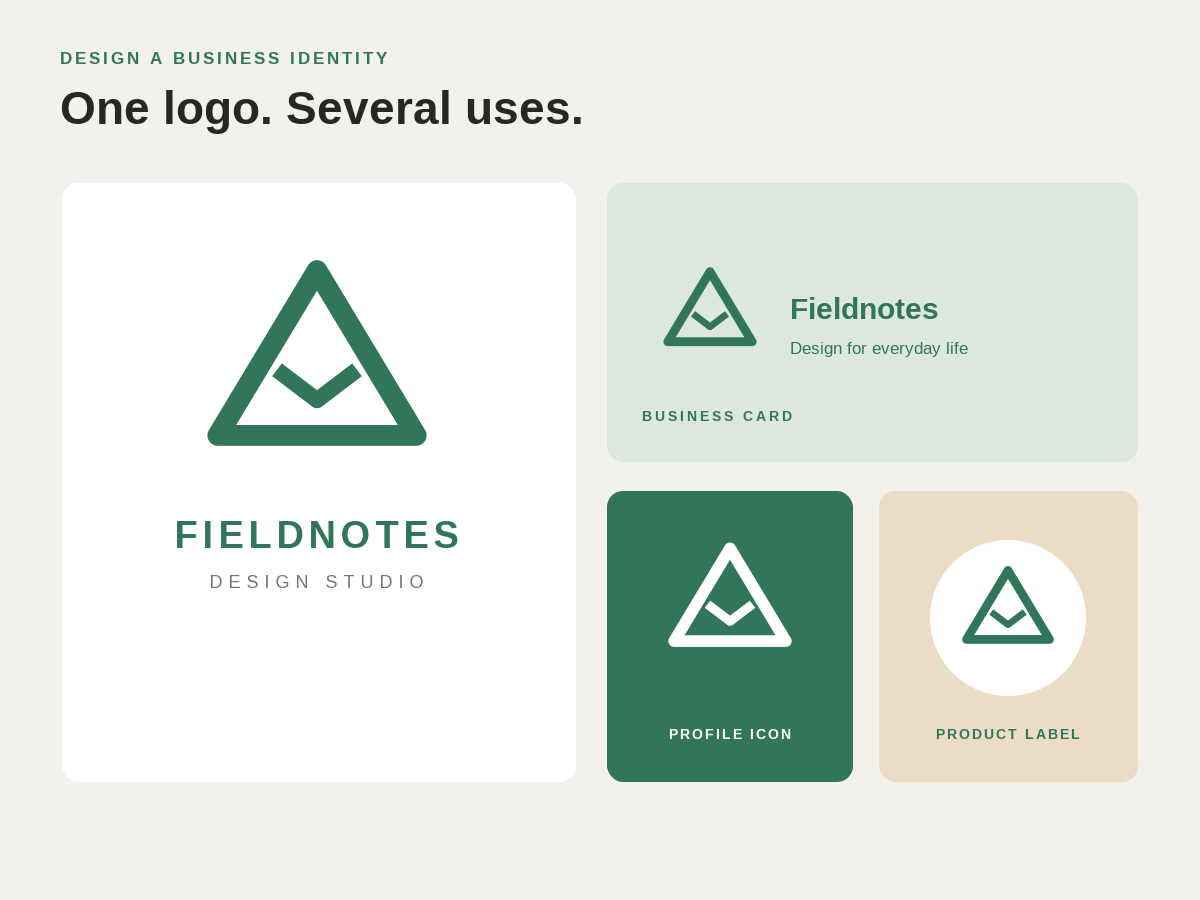 Design a logoShapes, symbols and type for a mark you export at every size.
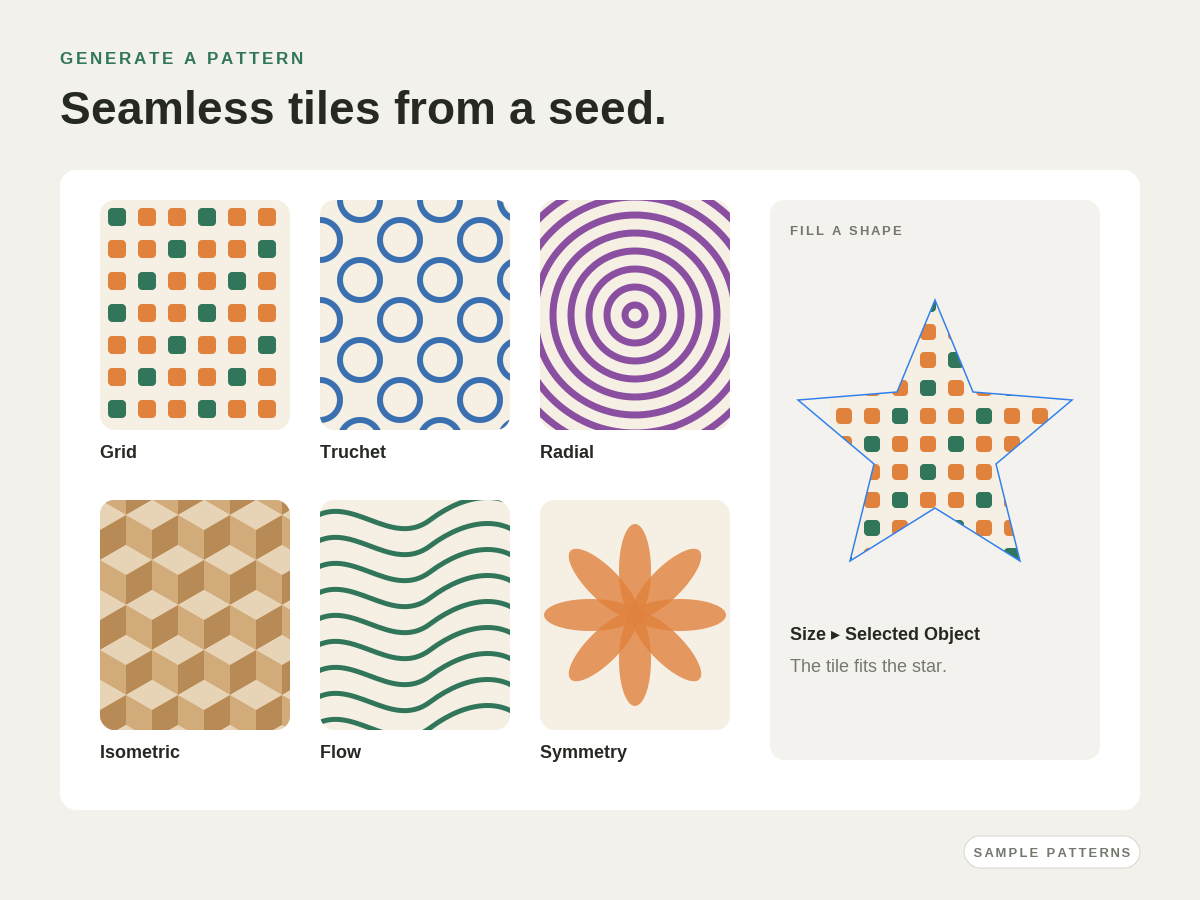 Generate a pattern NewTwenty-four seeded generators, from Truchet tiles to flow fields.
Files & output
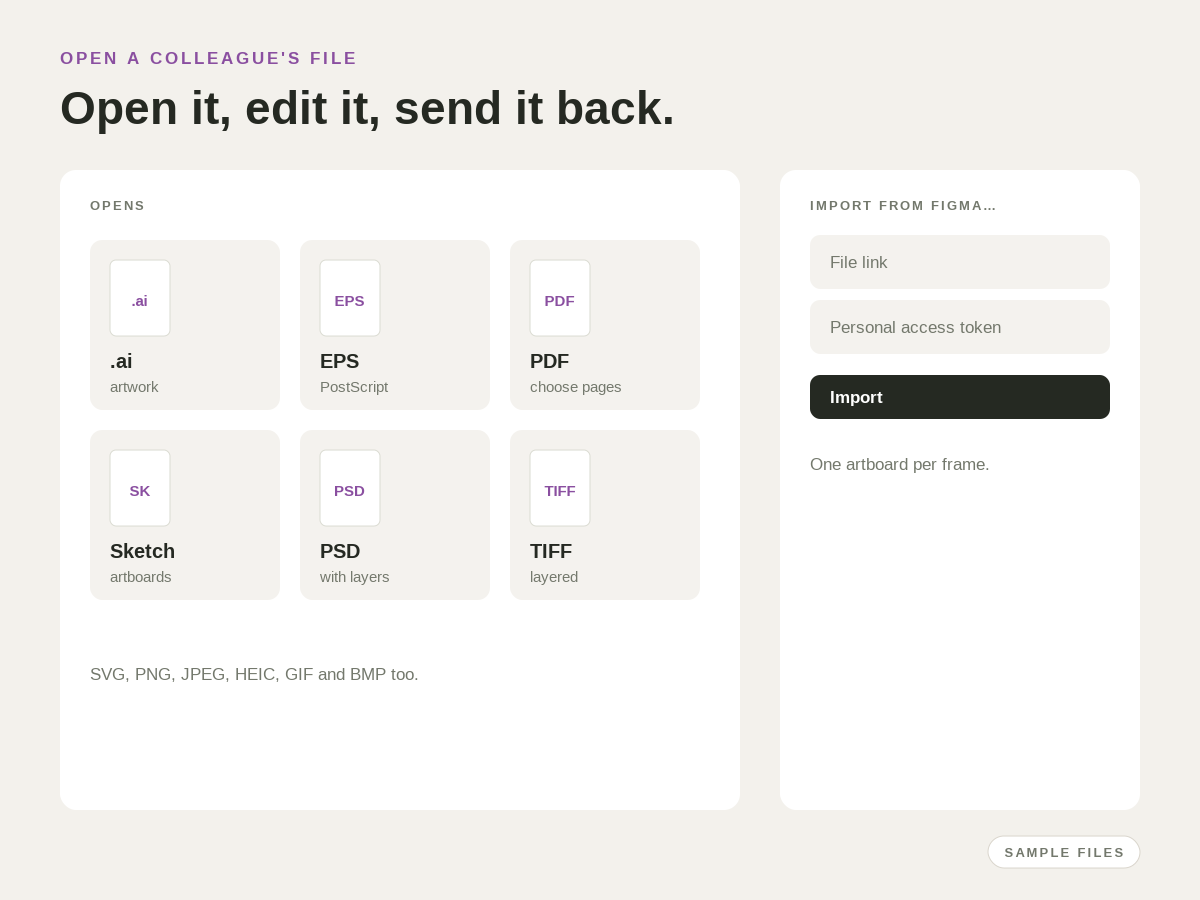 Open a colleague's file.ai, EPS, PDF, Sketch and layered PSD open as editable artwork.
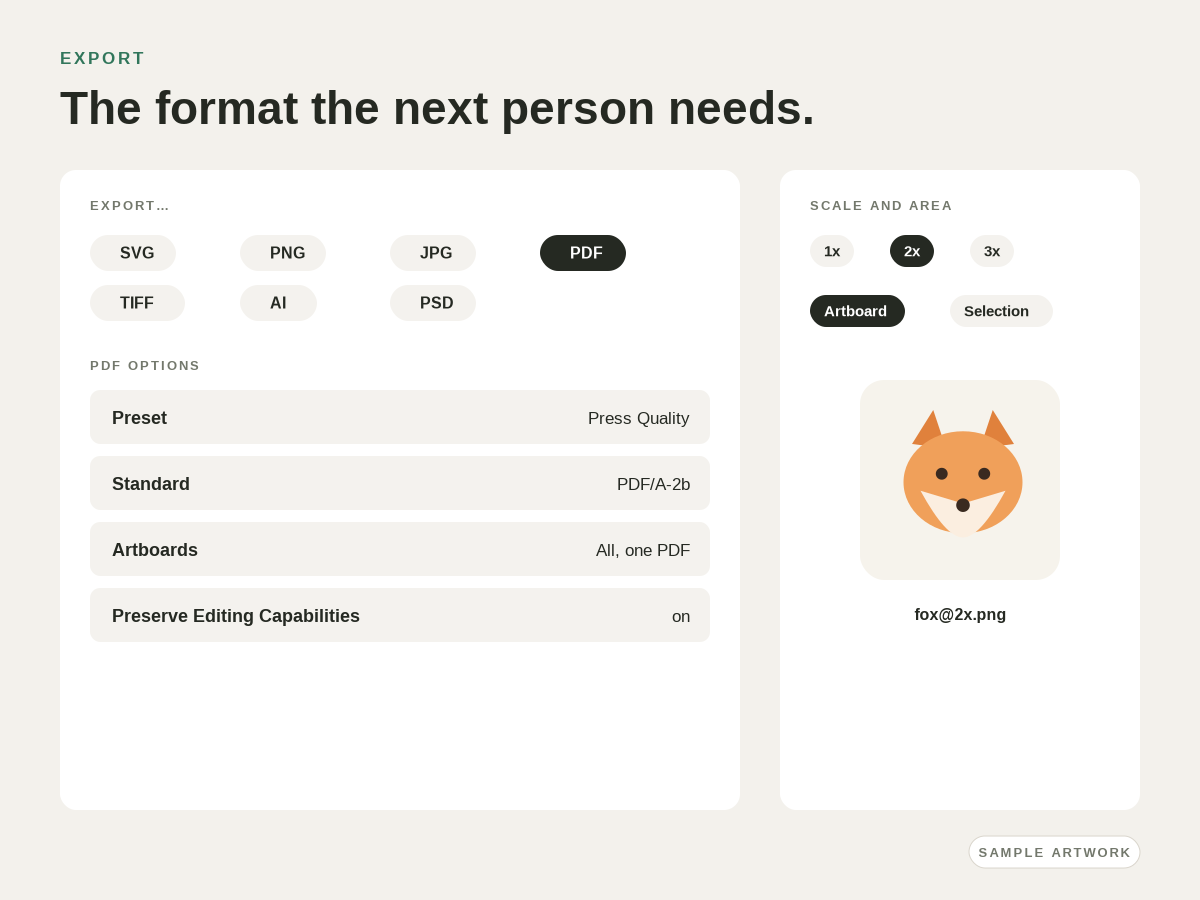 Export for web, print or a colleagueSVG, PNG, JPG, PDF, TIFF, AI or PSD, at 1x, 2x or 3x.
 Collect comments on a designShare for Review publishes artboards to a web page with comments.
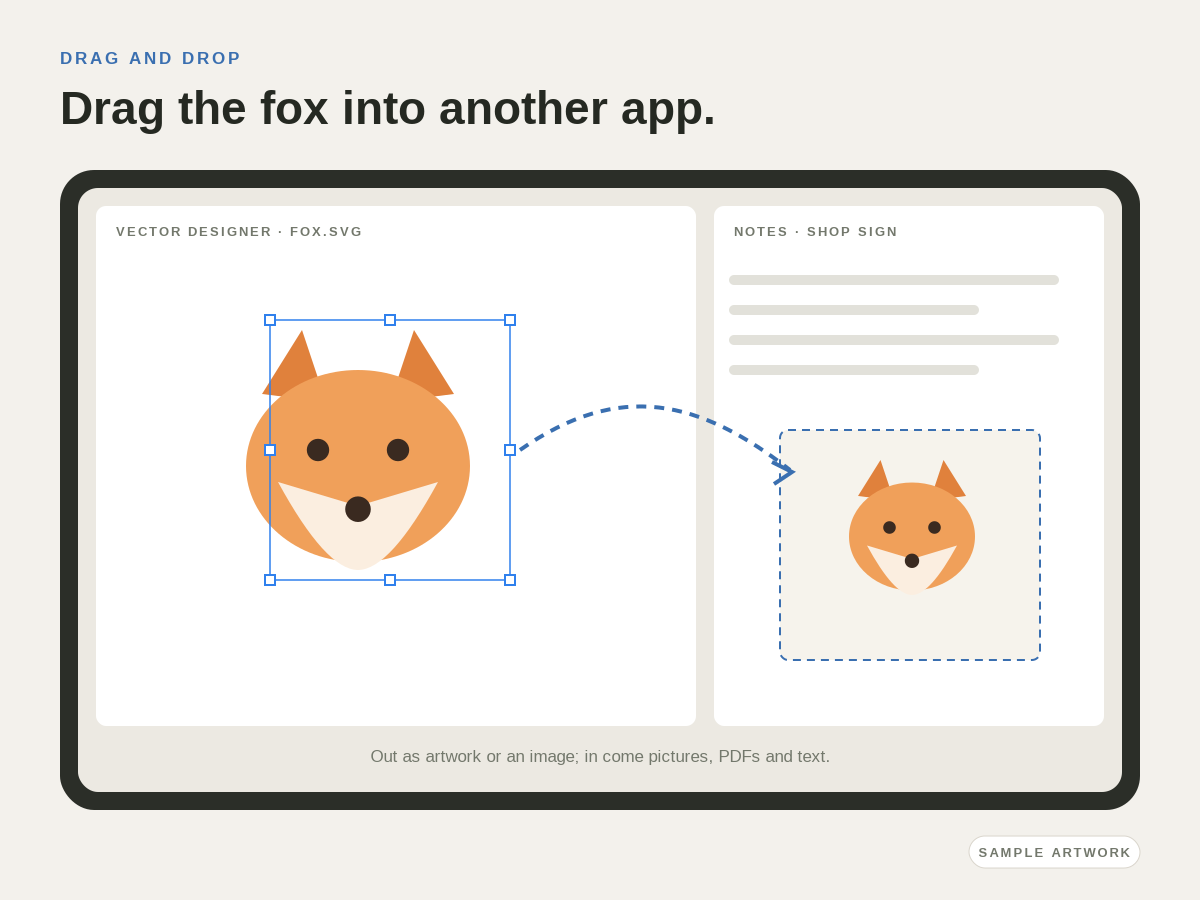 Drag artwork into another app NewDrag a selection out; drop pictures, PDFs and text in.
AI & automation
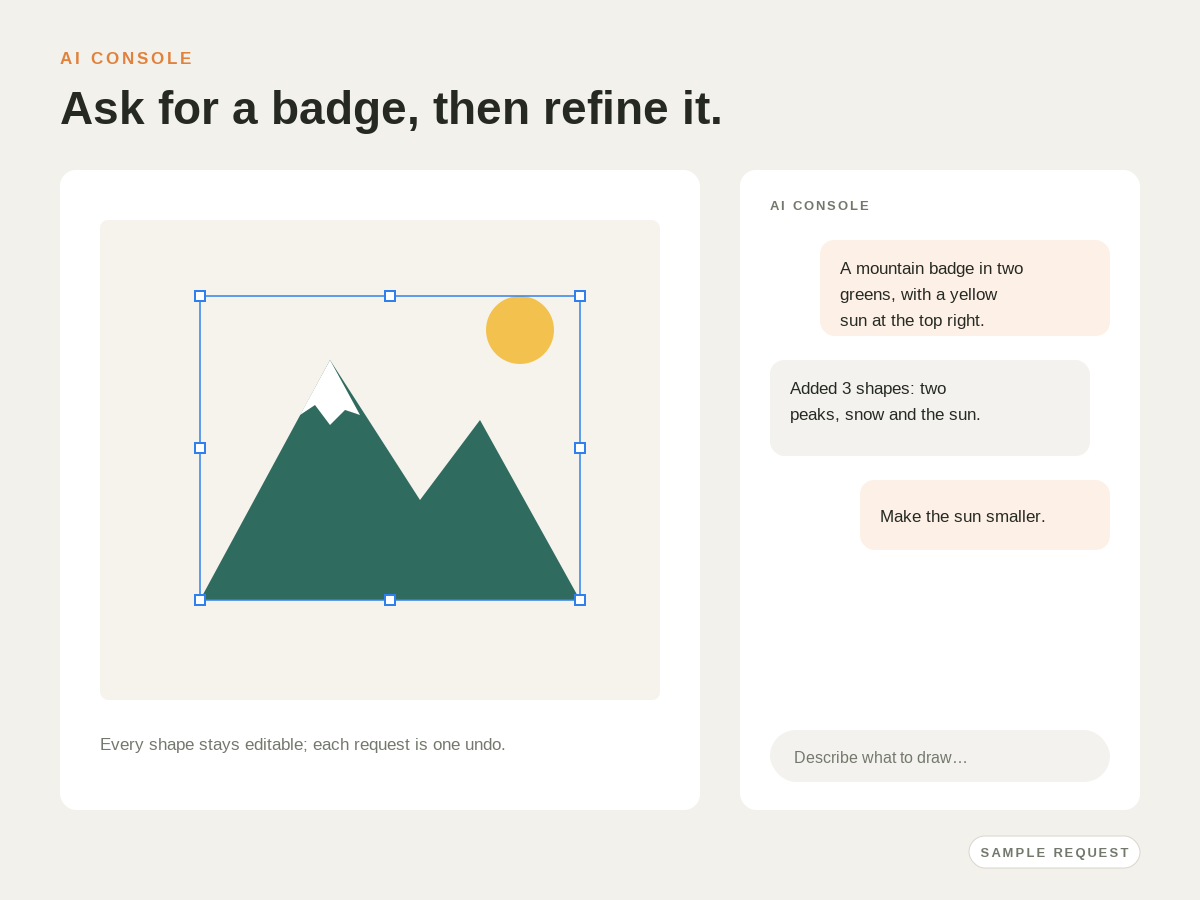 Start artwork with AIAsk the AI Console for vector artwork, then refine it.
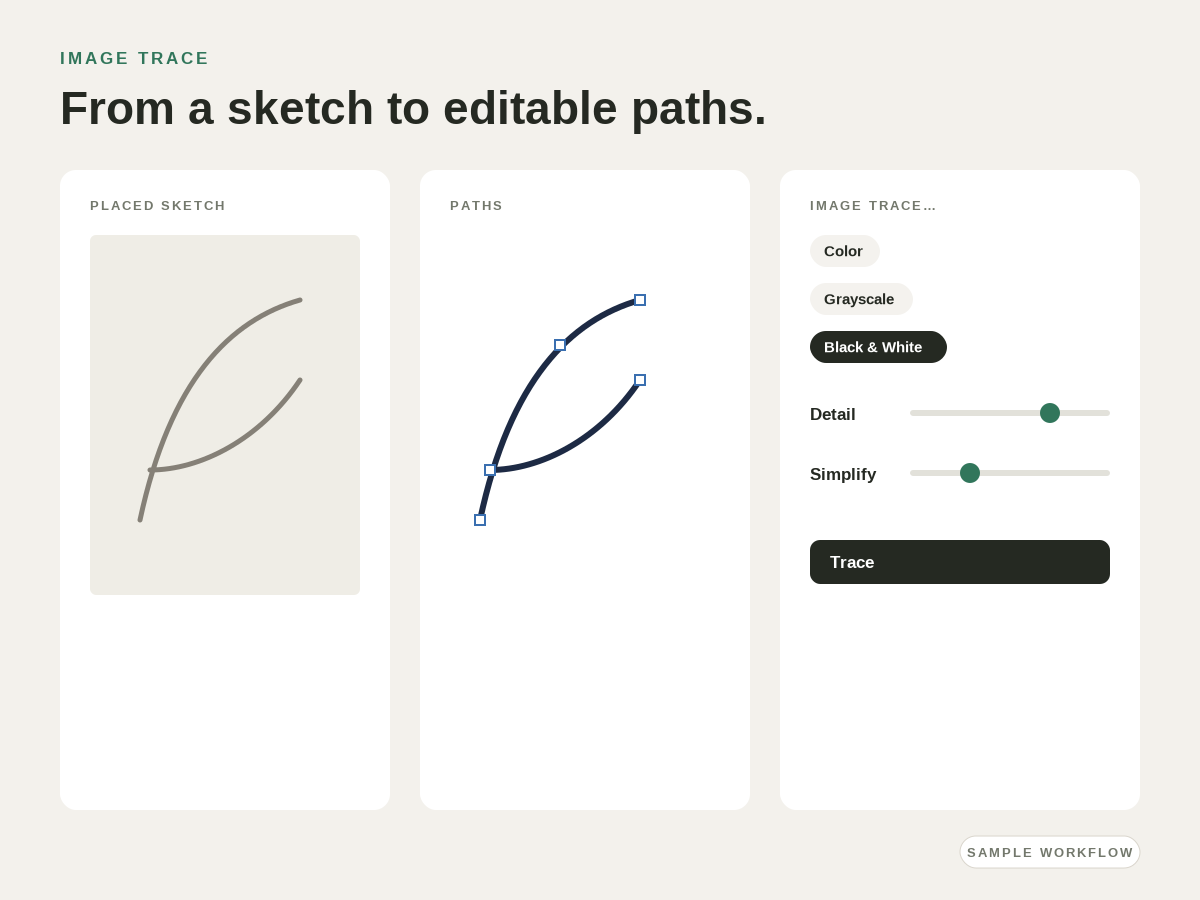 Trace a sketch or logoImage Trace turns a placed picture into editable paths.
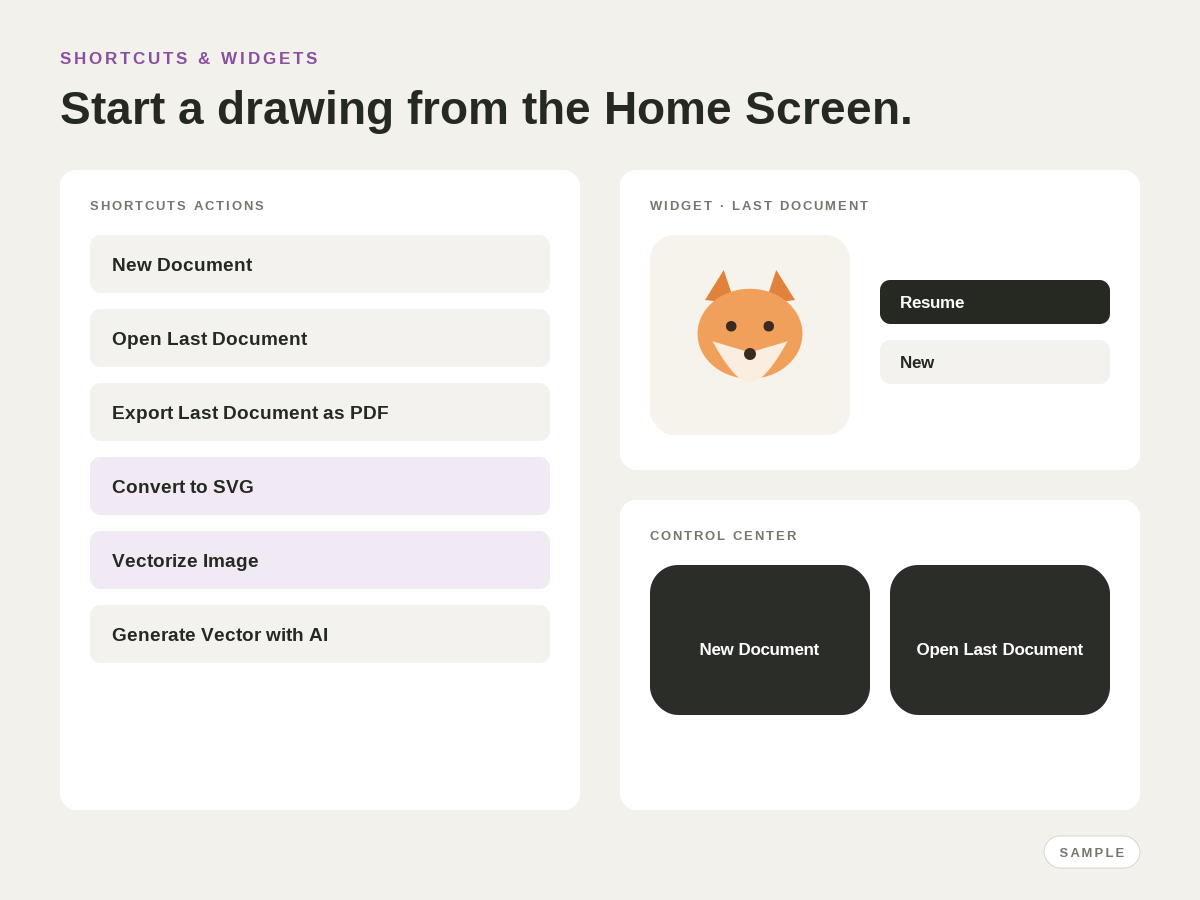 Start from the Home Screen NewShortcuts actions, widgets and Control Center buttons for your drawings.
Every feature
Everything the app does.
Every tool, palette and command of SVG Editor for iPad & iPhone, grouped by task.
Draw
- Arrow and Direct Selection: move, scale and pick anchors
- Path: corners and curves, anchor by anchor
- Add Anchor Point, Delete Anchor Point and Convert Anchor Point
- Curvature: tap points, the curve follows
- Free Hand: the pencil; closes the path when the ends meet
- Paintbrush: freehand strokes with the chosen brush
- Shaper: a rough sketch becomes a clean shape
- Spray: scatters symbols, with density, diameter and seed
- Eraser and Path Eraser: erase a stretch of the selected path
- Rect, Rounded Rectangle, Ellipse, Polygon, Star and Line
- Eyedropper and Measure
- Rotate, Scale, Reflect and Shear
- Hand
- Pen Options palette New: smoothing, size, opacity, pressure, speed and angle
- A loupe under your finger while you drag a point
Paths
- Join, Outline Stroke, Offset Path…, Convert to Path
- Corners…: Round, Inverted Round, Chamfer, per corner
- Convert to Corner, Convert to Smooth, Open or Close Path, Make Start Point
- Pathfinder: Unite, Minus Front, Minus Back, Intersect, Exclude
- Divide, Trim, Merge and Crop
- Shape Builder: drag across overlaps to merge regions
- Scissors and Knife
- Compound Path and Clipping Mask: Make and Release
- Blend: Make Blend, Release Blend, Blend Options…
- Expand… and Expand Appearance
- Image Trace…: Color, Grayscale or Black & White, Detail, Simplify
Type
- Text, Type on a Path and Area Type
- Text Pencil: writes your phrase along a stroke
- Character palette: font search, size, leading, kerning, tracking
- Paragraph palette: alignment, indents, space before and after
- Font menu
- Create Outlines: letters become editable paths
- Type on a Path Options…
- Threaded Text: Create, Release Selection, Remove Threading
- Change Case: UPPERCASE, lowercase, Title Case, Sentence case
Colour & paint
- Color palette: RGB, CMYK, HSB and Grayscale, Swap Fill and Stroke
- Swatches palette: New Swatch…, tints, colour groups, Add All Unused Colors
- Gradient palette: linear, radial, sweep, conical and mesh
- Stroke palette: weight, dashes, arrowheads
- Transparency palette: opacity, blend mode, knockout group
- Pattern palette, Make Pattern… and Edit Pattern…
- Pattern Generator New: twenty-four seeded generators
- Invert Colors, Convert to Grayscale, Adjust Colors…, Saturate…
- Blend Front to Back, Horizontally and Vertically
Brushes & effects
- Brushes palette New: Calligraphic, Bristle, Art, Scatter and Pattern brushes
- Pressure affects width, Brush Options…, Apply and Remove Brush
- Brush presets, Leaves among them
- Drop Shadow…, Feather…, Hatch Fill…, Round Corners…
- Object Mosaic…
- Free Distort…, Punk & Bloat…, Roughen…, Scribble and Tweak…, Twirl…, Zig Zag…
- Effects…: grayscale, sepia, invert, brightness, contrast, saturation, blur
- Last Filter
- Symbols palette: library and document symbols, New Symbol, Place Instance
- Place Image… and Place Photo…
- Links palette: Relink…, Embed Link, Update Link, Convert to Vector…
Arrange & layout
- Group, Ungroup and Arrange
- Lock, Unlock All, Hide, Show All
- Move…, Rotate…, Scale…, Shear…, Mirror…, Transform Each…
- Duplicate with Options…
- Align palette: align and distribute
- Layers palette: new, duplicate, lock, hide, reorder, Locate Object
- Artboards: the Artboard tool, palette and Artboard Options…
- Rearrange All Artboards… and Fit Page to Content
- Select Same: appearance, fill and stroke, opacity, font and more
- Select Object: brush strokes, clipping masks, stray points, text
- Reselect, Inverse, Next Object Above and Below
- Guides, Snap to Grid, Snap to Point, Smart Guides, Align to Pixel
- Outline, Show Grid, Pixel Preview, Show Transparency, Show Rulers
- Info and Navigator palettes
- Undo and Redo with the step's name, Paste in Place, Paste on All Artboards
Files & output
- New Document…: Mobile, Web, Print, Social, Film & Video, Art presets
- Document Setup…: RGB or CMYK, bleed, raster effects, units
- Opens SVG, .ai, EPS, PostScript and PDF, page by page
- Opens Sketch files
- Opens PSD with layers, layered TIFF, PNG, JPEG, HEIC, GIF and BMP
- Import from Figma…: a file link and a token, one artboard per frame
- Export…: SVG, PNG, JPG, PDF, TIFF, AI or PSD, artboard or selection
- PDF options: presets, PDF/A-2b, ranges, Preserve Editing Capabilities
- Save, Save As…, Share…, Print…, Move Document…
- Share for Review…: artboards on a web link, view or comment
- Comments palette: pins on the canvas, replies, Resolve
- Quick actions in Files: export as PDF, AI, SVG, PNG or TIFF, Convert to SVG
- Quick Look previews of .ai and EPS, thumbnails of SVG
- Drag and drop New: artwork out to other apps; pictures, PDFs and text in
AI & automation
- AI Console: a chat that draws and edits editable vectors
- Scripts palette: run .jsx scripts, Write a Script with AI…
- Shortcuts and Siri New: New Document, Export Last Document as PDF, Convert to SVG
- Generate Vector with AI, Edit Vector with AI, Insert Library Element
- Change Color, Replace Text, Resize Artboard, Run Script, Vectorize Image
- AI settings: engine, model and your own key
iPad & iPhone
- Home: recent files, samples, What's New, Design Systems
- iCloud Drive and Sync with Your Devices
- Handoff, also to the Mac
- Spotlight search of your documents
- New Window and Open Side by Side…
- Widgets: Recent Documents and Last Document
- Controls: New Document and Open Last Document
- Home Screen quick actions
- Apple Pencil: double tap, squeeze and hover
- Floating palettes, workspaces, Save Open Palettes as Default
- Menu bar and keyboard shortcuts
- iPhone: a tool bar you can drag
- iPhone Duo: New, Open and Close on the system's vertical bar
- Interface in twelve languages