Home / Manual

SVG Editor Manual

The complete encyclopedia, one chapter per area — the same material as the Features page, split for reading.

Made with SVG Editor

Every image below is a plain SVG file, drawn with the tools this manual describes — open one in the app and take it apart.


Japanese city at dusk — a complete vector illustration
City at dusk — gradients, layered depth and hundreds of paths in one illustration.
Composition built from rectangles, ellipses, polygons and stars
Shape tools — rectangles, rounded corners, ellipses, polygons and stars.
Still life filled with dot, stripe and check patterns
Pattern fills — painted entirely with the Pattern palette.
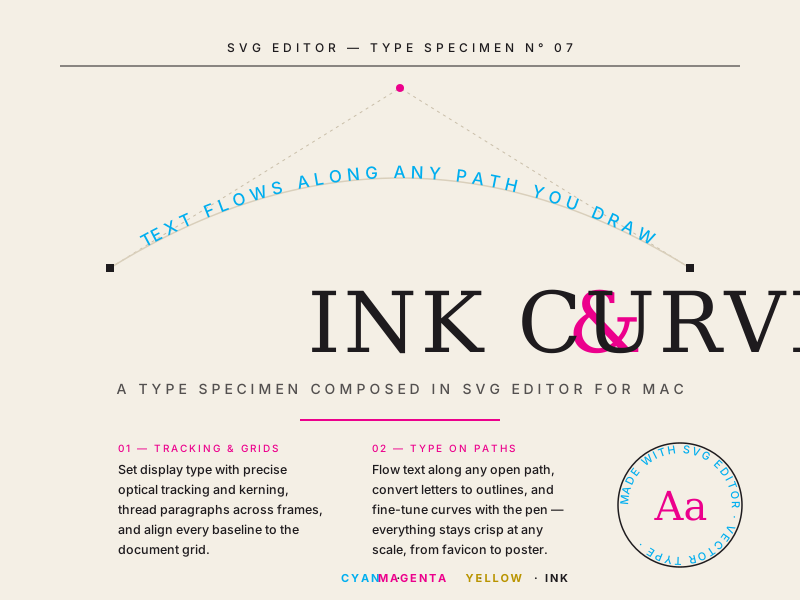
Type specimen with text flowing along a curved path
Text on a path — typography that follows any curve.
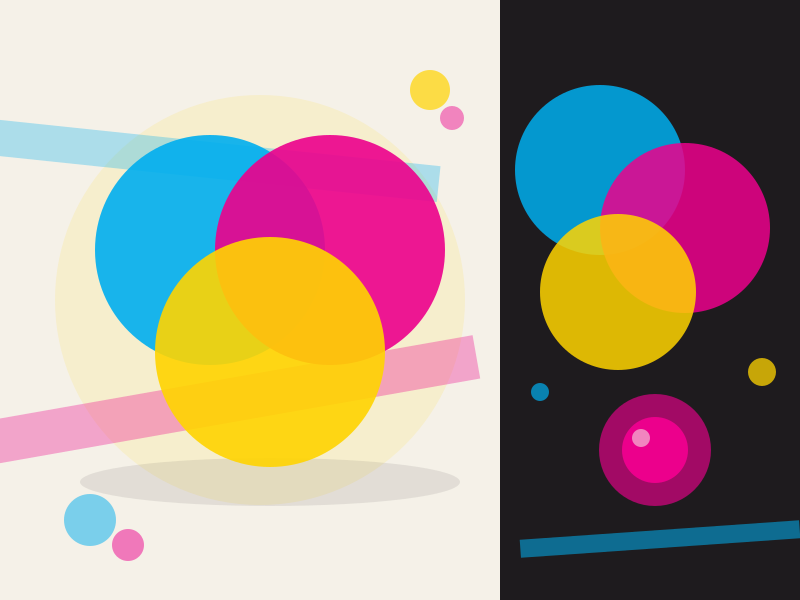
Overlapping shapes with transparency and soft shadows
Transparency & effects — opacity, blending and real SVG filters.
Field of flowers built from repeated symbols
Symbols — one flower, defined once, repeated everywhere.
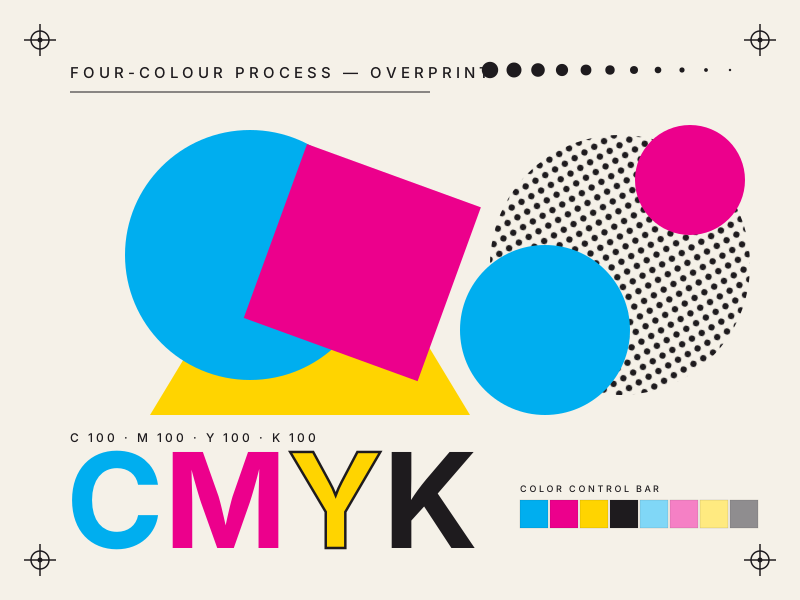
Print-style poster in process colors with halftone texture
CMYK poster — process colors and halftone, ready for press.