Vector insertion
Create new shapes, groups, icons and illustrations from plain English. The output is inserted into the current document as editable objects.
Type what you want in plain language. The AI Console can insert new vector artwork, edit existing objects and write scripts, and it respects the layers of your document.
Ask for a shape, an illustration component, a layer-aware insert, a color change or a whole-document edit. The result is built from vector objects, not a flat image.
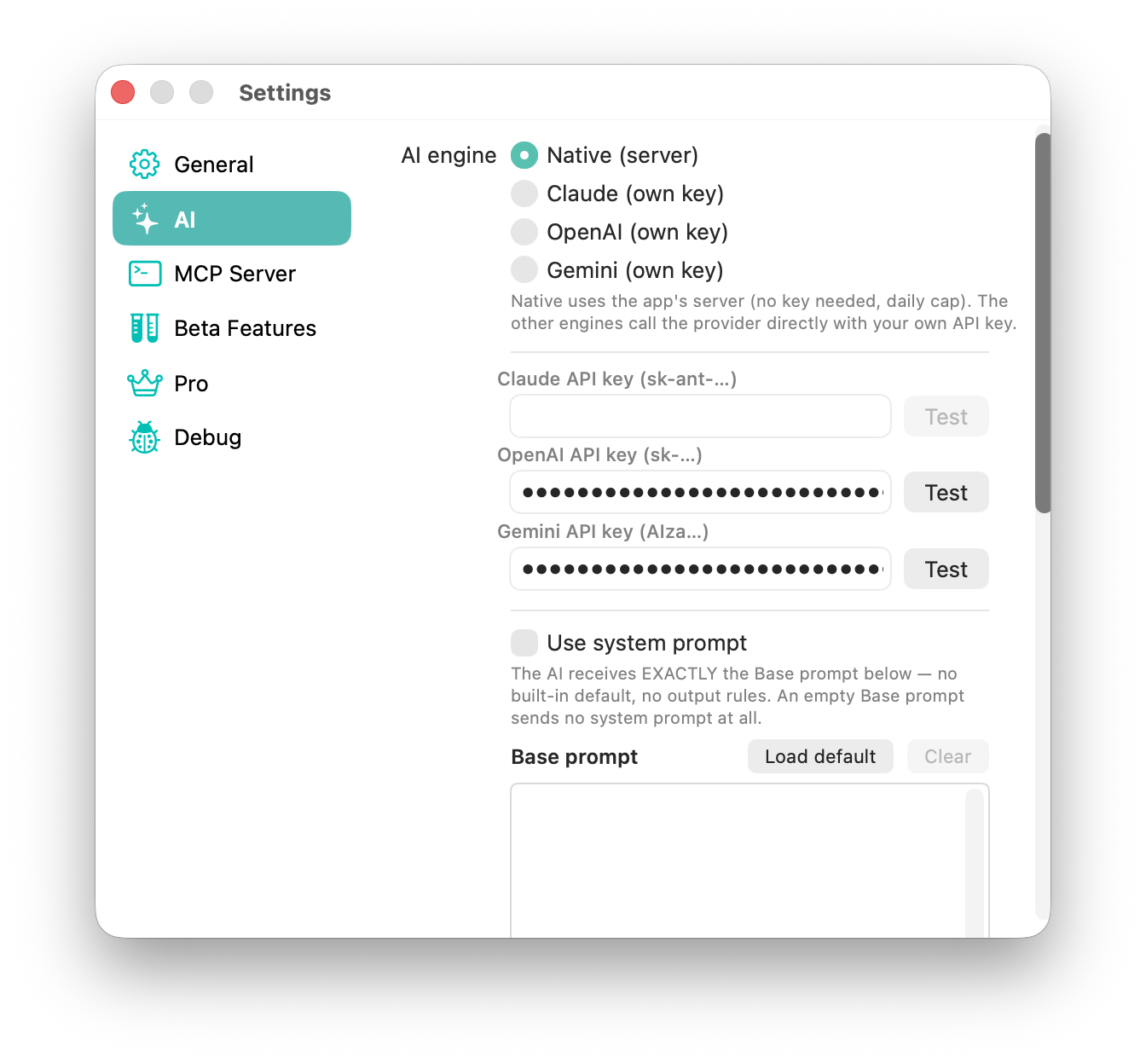
The App Store version includes a built-in assistant with usage limits; you can also connect your own API key.
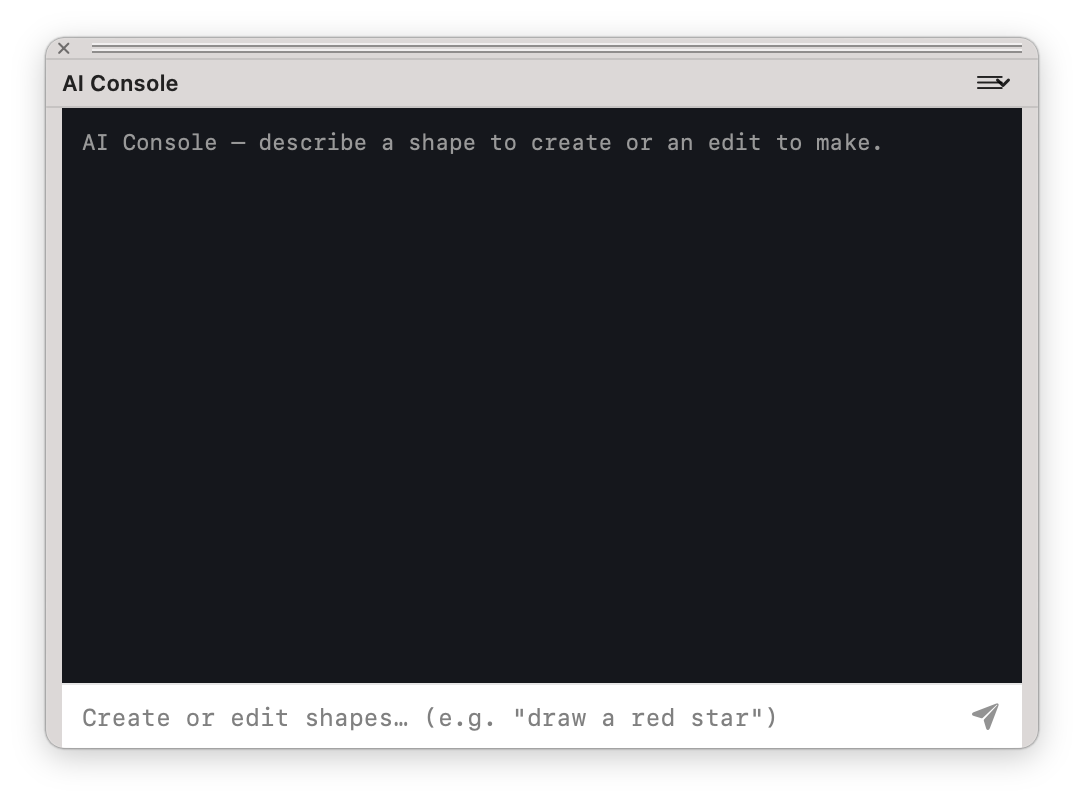
Create new shapes, groups, icons and illustrations from plain English. The output is inserted into the current document as editable objects.
Ask for targeted changes such as recoloring objects, modifying selected artwork or placing new content on a named layer.
The AI Console can use the same script library as the Scripts palette, so a repeated edit can become a script.
The AI settings show which assistant is in use and the standing instructions sent with every request.
Choose the built-in assistant or connect Claude, OpenAI or Gemini with your own API key. With your own key you can also edit the base prompt, the standing instructions sent with every request.