Illustrator-compatible scripts
Run Illustrator-style scripts from the Scripts palette or the File menu. A script can work with the document, the selection, layers, paths, groups, text frames, compound paths and colours.
Automate SVG Editor when you want to generate artwork, batch edit documents or control the app from other Mac automation tools.
Run Illustrator-style scripts from the Scripts palette or the File menu. A script can work with the document, the selection, layers, paths, groups, text frames, compound paths and colours.
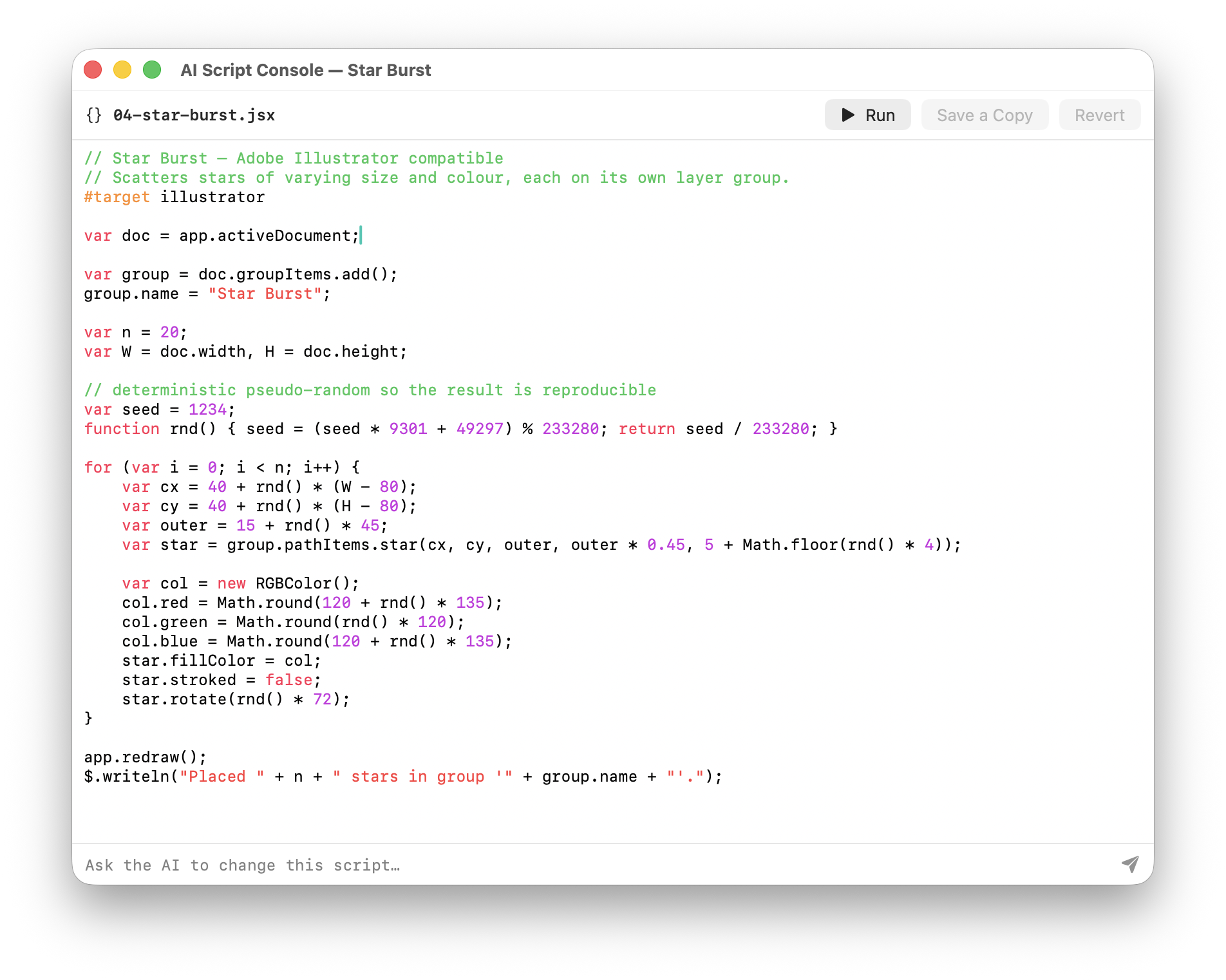
Example scripts generate grids, colour wheels, spirals, star bursts and text posters, or recolour artwork. They are useful as templates for your own scripts.
Create new scripts or add existing .jsx and .js files. User scripts appear in the Scripts palette and File menu.
Control the app from AppleScript, with the standard document commands and a do script command that runs a script on the active document.
Scripts can call menu commands such as the pathfinder operations, so automation uses the same features you reach through the menus.
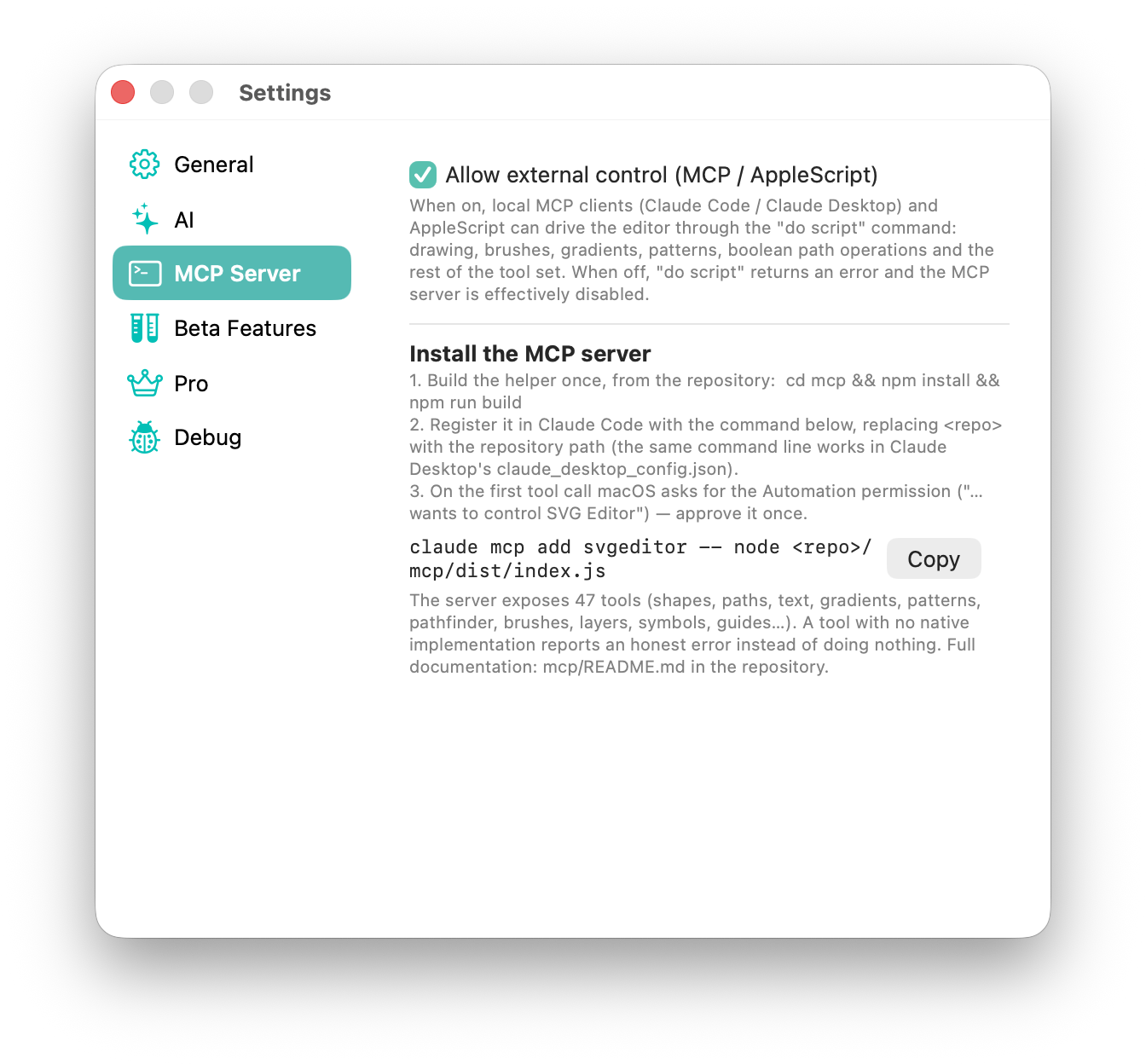
Connect an AI assistant through MCP and it can draw and edit in the open document. See the setup guide.
The script editor can run Illustrator-compatible examples such as Star Burst on the open document.
Turn on external control in Settings to let an AI assistant or AppleScript drive drawing, brushes, gradients, patterns, pathfinder operations, layers, symbols and guides.