Right to left, top to bottom.
Set vertical Japanese with its line-breaking rules, or Arabic and Hebrew running right to left, tables included.
Set Japanese, Arabic & Hebrew
Text that does not start at the top left.
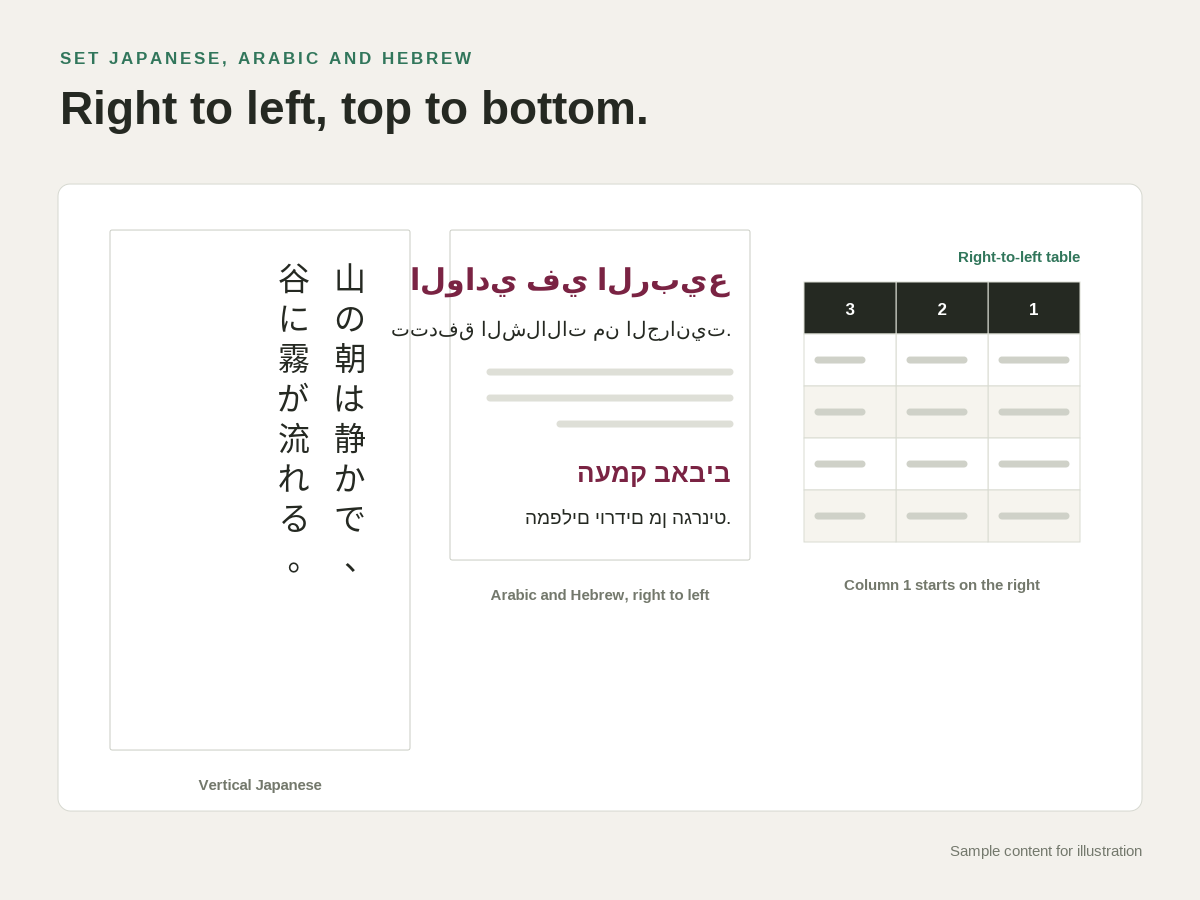
A Japanese story can run vertically, with the kinsoku rules that keep certain characters from starting or ending a line, a frame grid, and Japanese Composition in the paragraph styles.
Arabic and Hebrew run right to left, with Middle East character formats in the styles. Since 26.15 tables and the Type tool work right to left too, with the first column on the right.
Since MasterPage 26.0, September 2026; right-to-left tables and Type tool since 26.15, October 2026.
Step by step
Try it with your own document.
- Set the story
Choose the story's orientation for vertical Japanese, or the paragraph direction for Arabic and Hebrew. - Use the matching styles
Japanese Composition or Middle East character formats in the paragraph and character styles. - Add a table
A table in a right-to-left story starts from the right.
What you get
Pages in the reading order of the language they are written in, saved in .idml that other layout apps open the same way.