From the clips to the film, on the iPad.
Cut a travel film to the beat on the train, subtitle it on the sofa, finish the grade on the Mac: Montage opens the projects of Montage Pro.
All features
Pick the task in front of you.
Cut
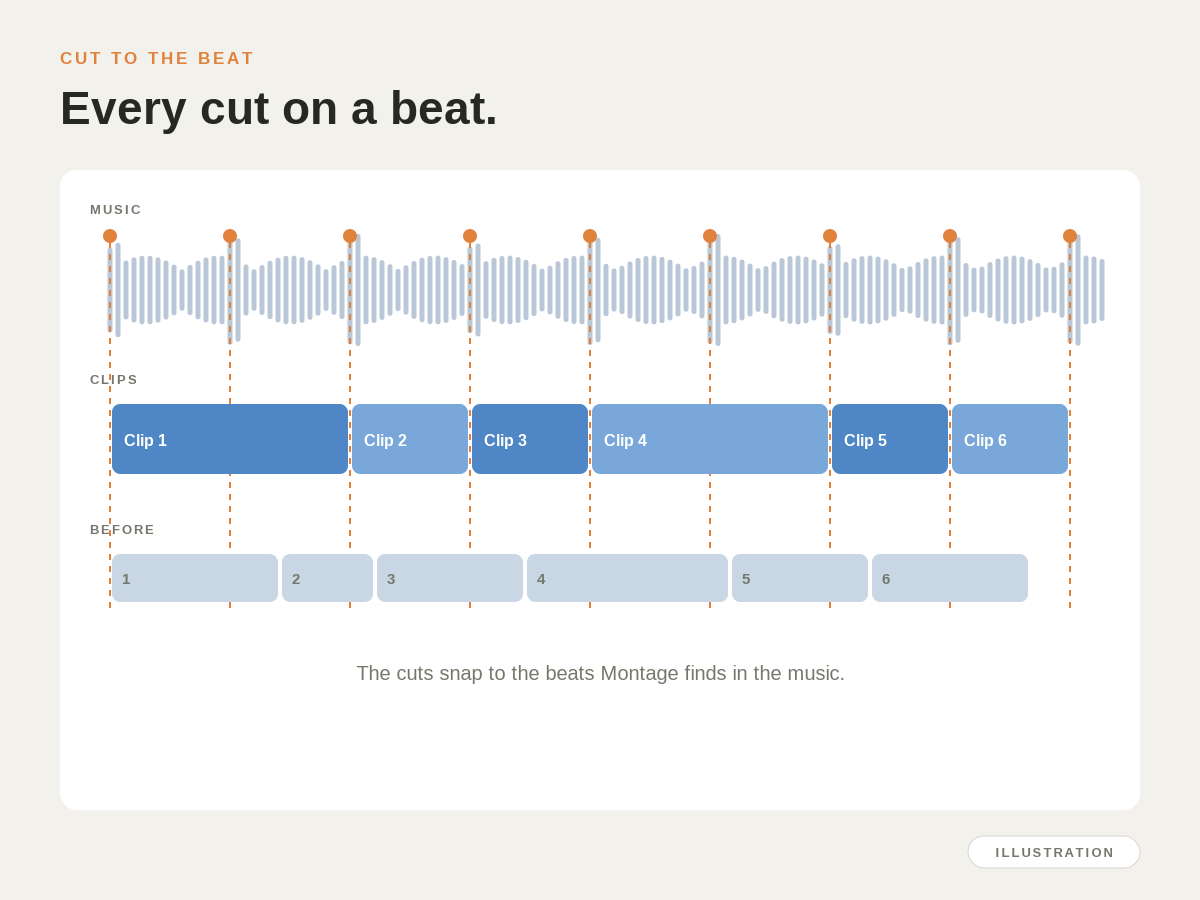 Cut a film to the beatMontage finds the beats of the music and the cuts snap to them.
 Shape the edit on the iPadTrim, split, ripple and slip clips on tracks of video, stills, titles and audio.
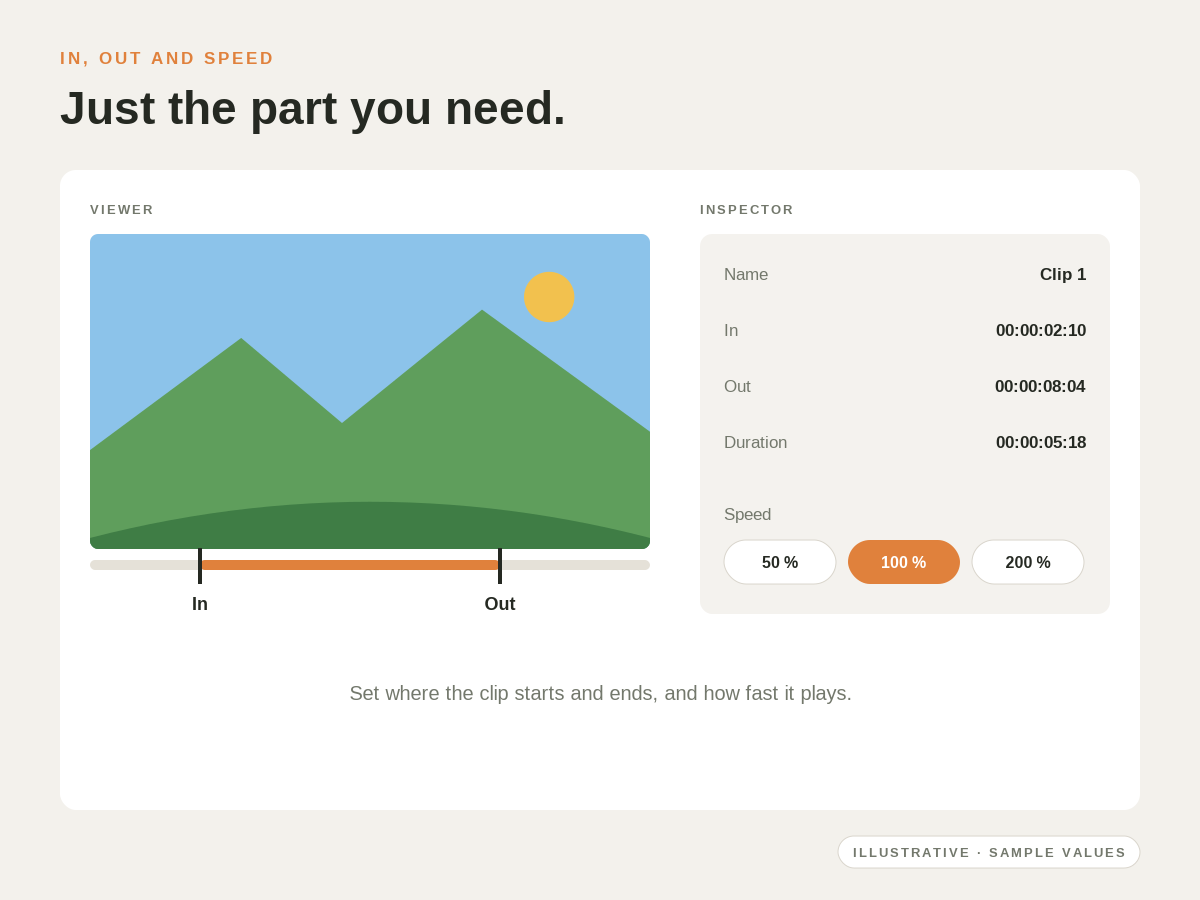 Keep just the part you needSet the in and out of a clip, and how fast it plays.
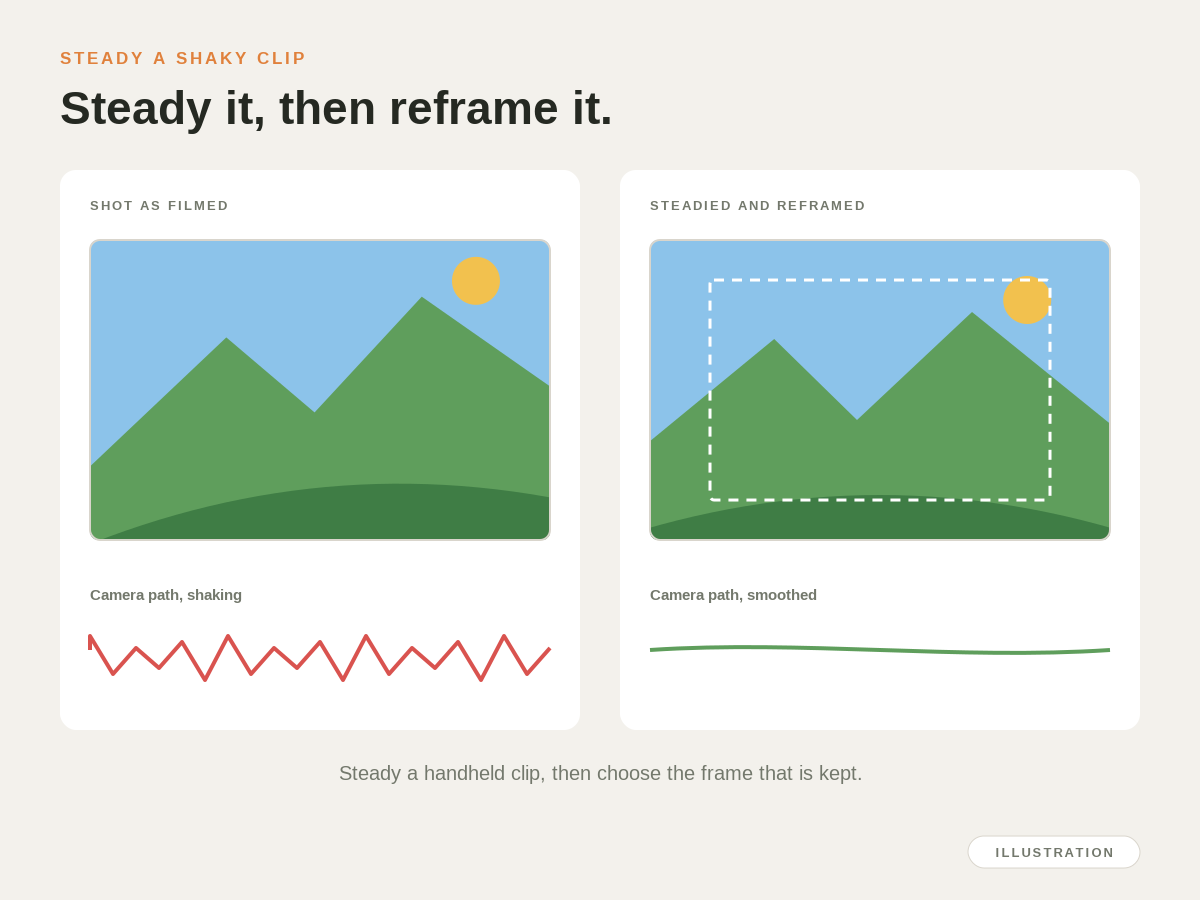 Steady a shaky clipStabilise a handheld clip, then reframe it.
Look & sound
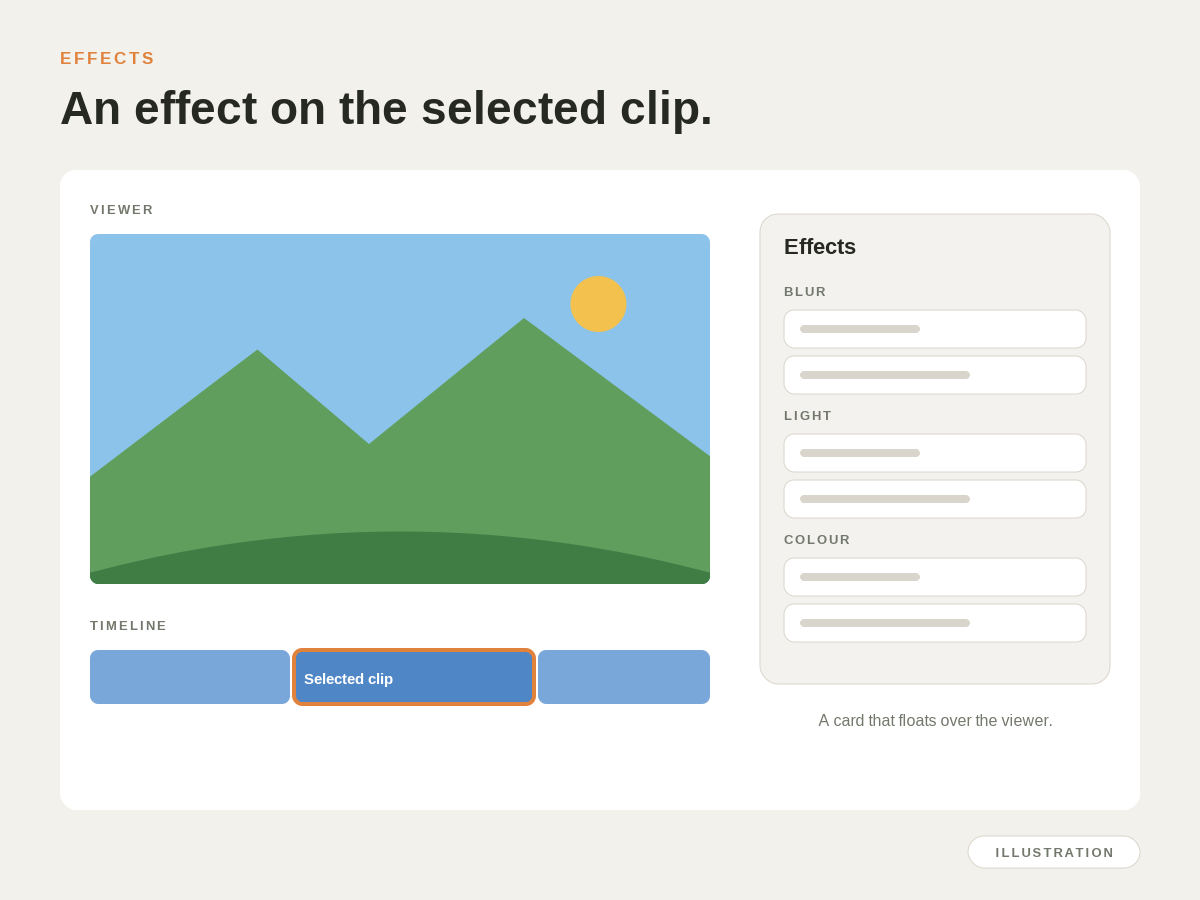 Add an effect to a clipBlur, light and colour effects for the selected clip.
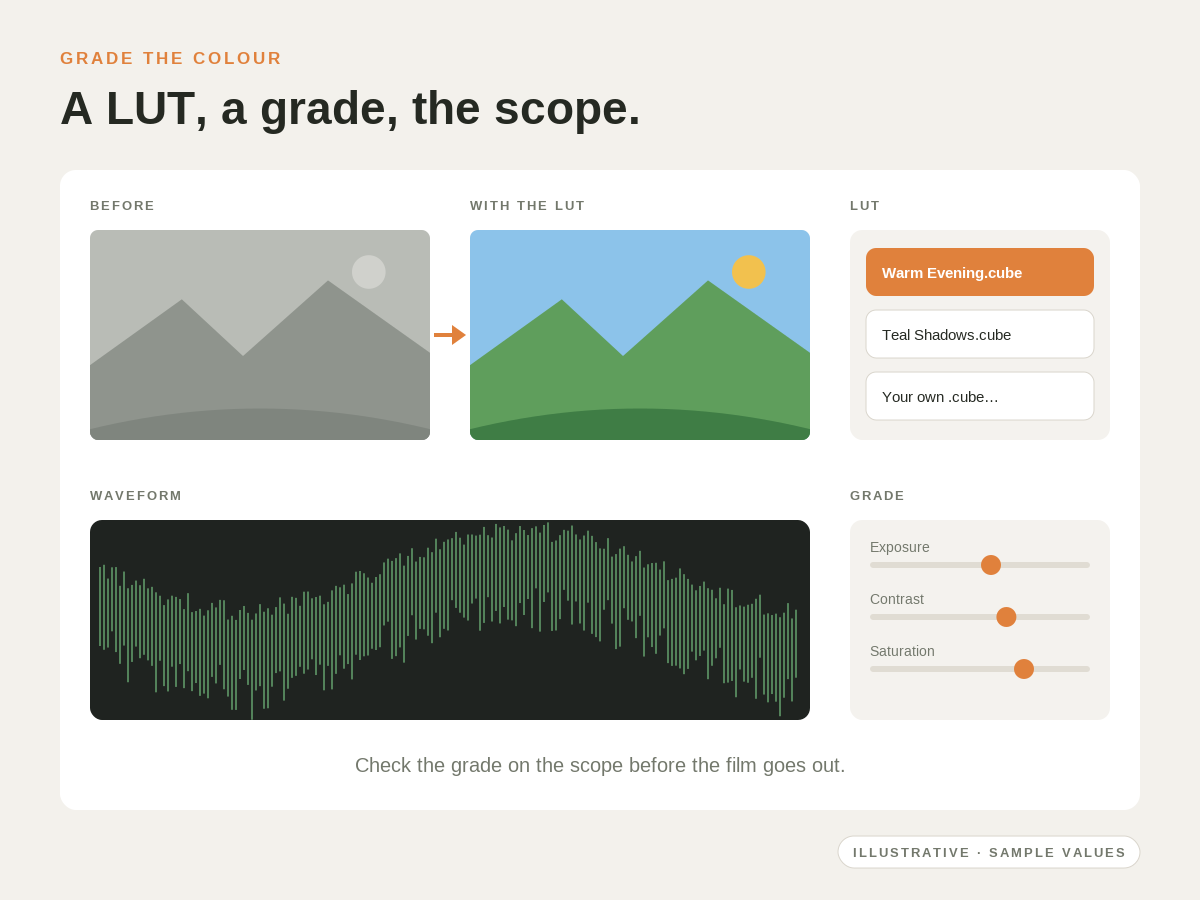 Grade the colourA LUT, your own .cube files too, checked on the scopes.
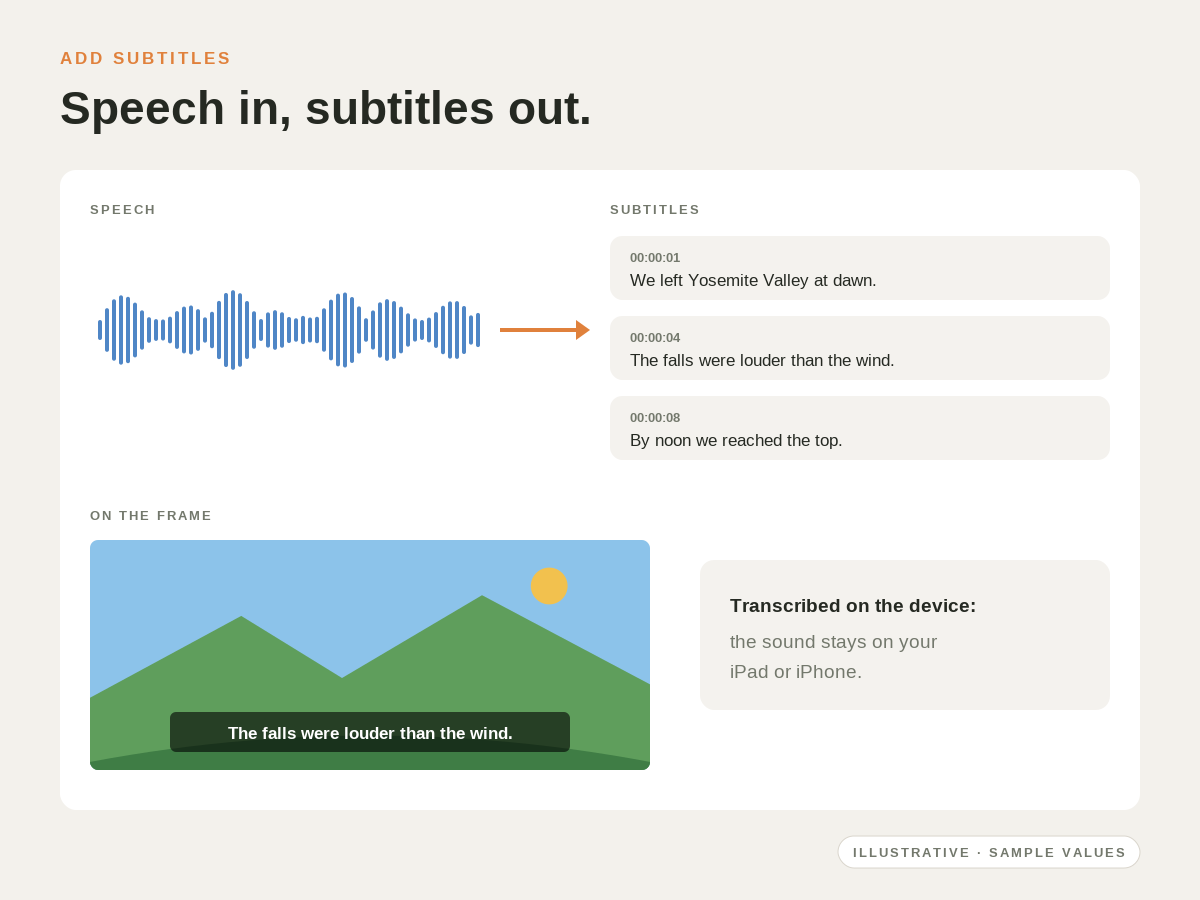 Subtitle an interviewSpeech turned into subtitles, transcribed on the device.
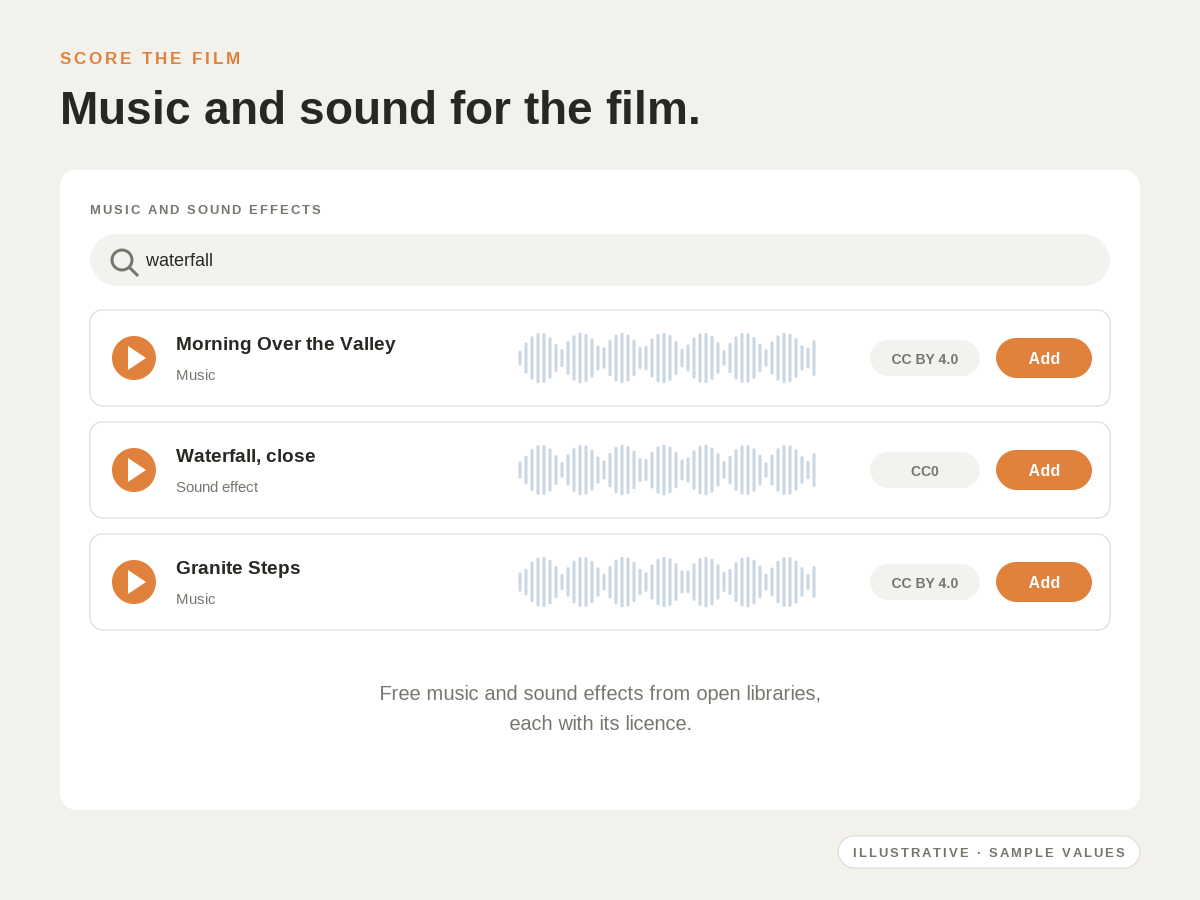 Score the filmFree music and sound effects from open libraries, each with its licence.
Finish
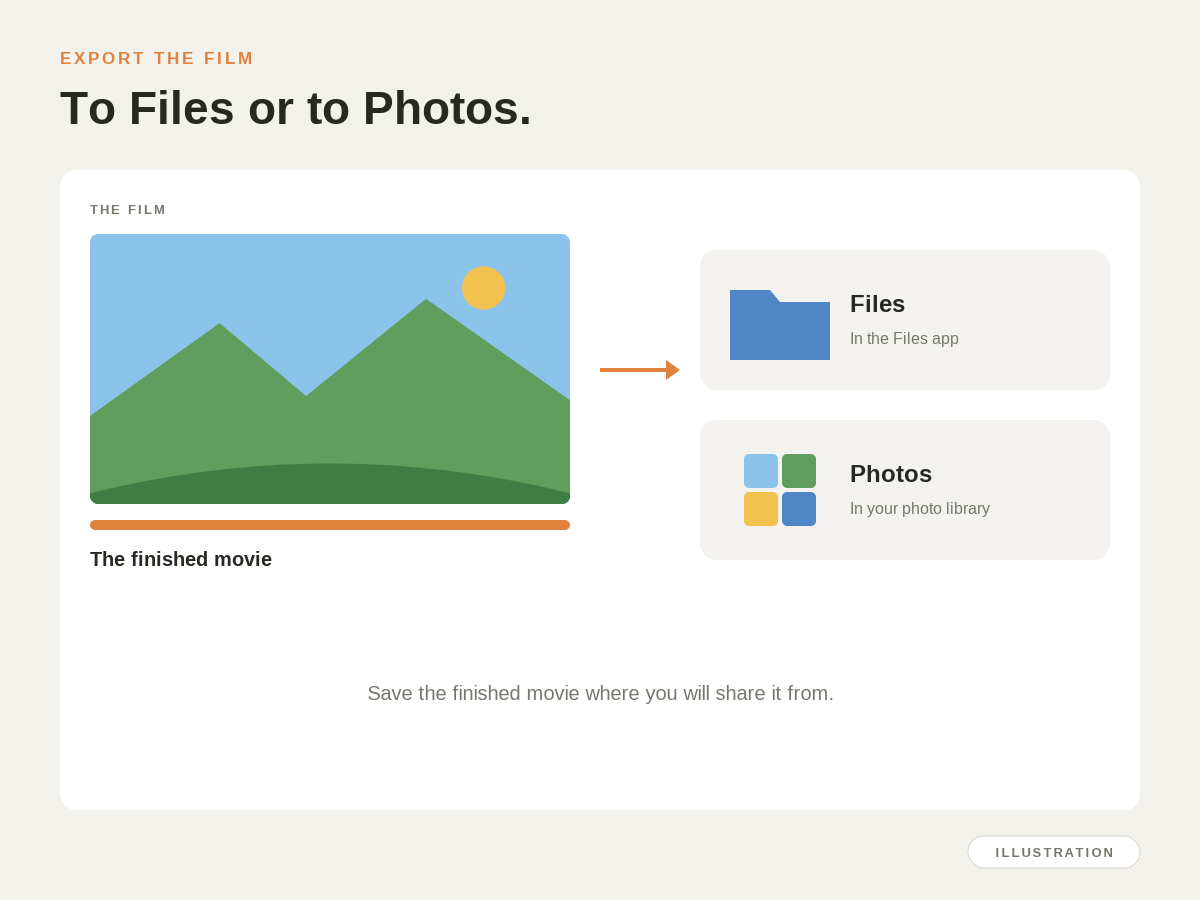 Export the filmSave the movie to Files or to your photo library.
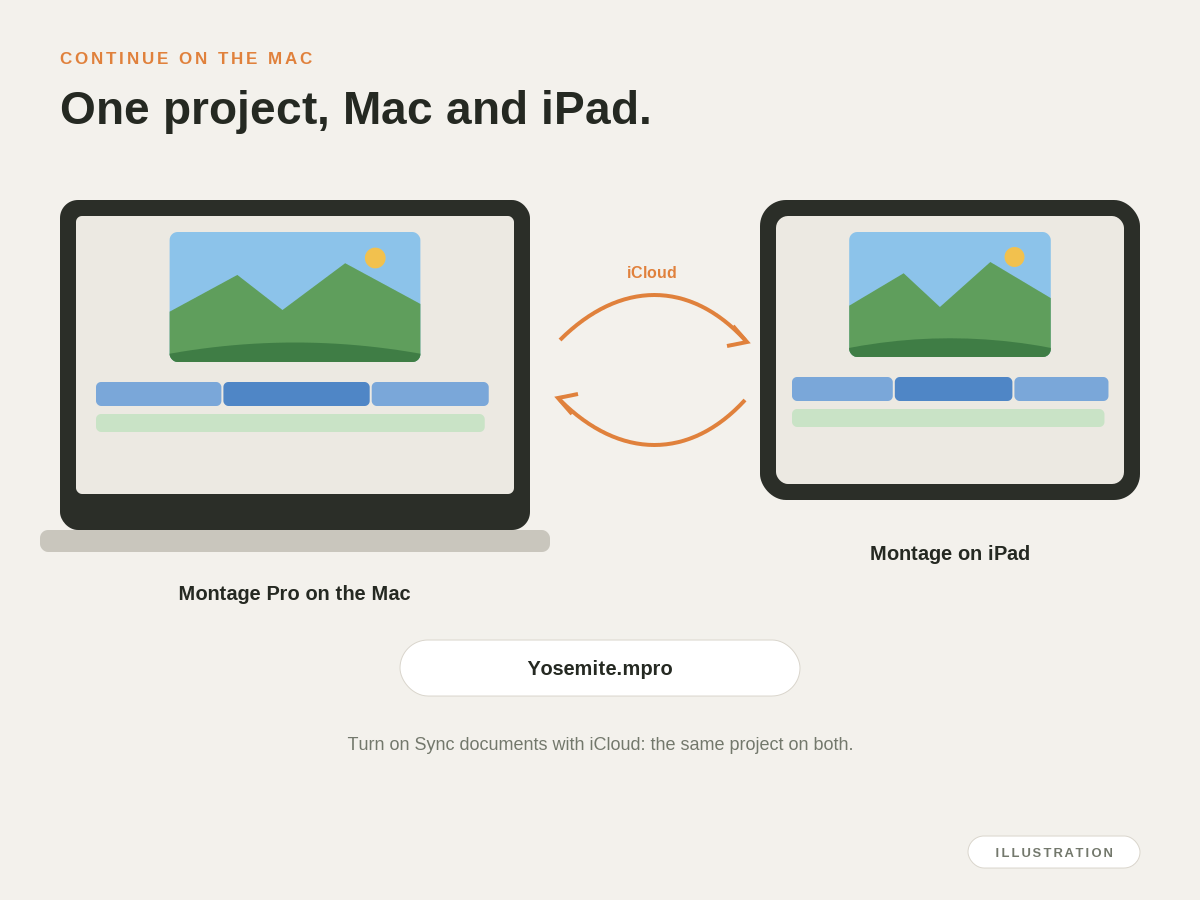 Finish it on the MacThe .mpro projects of Montage Pro, kept in step through your iCloud.
Every feature
Everything the app does.
What Montage for iPad & iPhone does, grouped by task.
Edit
- Timeline, library and inspector
- Tracks of video, stills, titles and audio
- Trim and split clips
- Ripple and slip
- Markers where you need them
- In, out and speed of a clip
Beat
- The beats of the music, found by Montage
- Cuts that snap to the beats
Effects & colour
- Effects for the selected clip: blur, light and colour
- LUTs, your own .cube files too
- Colour grading
- Scope: the waveform of the frame in the viewer
- Stabilise a handheld clip and reframe it
Sound & subtitles
- Free music and sound effects from open libraries, each with its licence
- Subtitles from speech, transcribed on the device
Export & sync
- Save the movie to Files
- Save the movie to your photo library
- Opens and saves the .mpro projects of Montage Pro for Mac
- Sync documents with iCloud: the same project on the Mac, the iPad and the iPhone
iPad & iPhone
- On iPad, palettes as floating cards
- On iPhone, a compact editor: the viewer above the timeline
- Samples and tutorials
- iPad, iPhone and iPhone Duo, iOS and iPadOS 18.0 or later
- One App Store app with Montage Pro for Mac