What do you need to do with this PDF?
Fill in a form on the train, sign a contract with Apple Pencil, collect comments on a draft or search a scanned letter: Pdf Editor for iPad & iPhone, task by task.
All features
Pick the task in front of you.
New marks the main additions of the latest versions.
Fill & sign
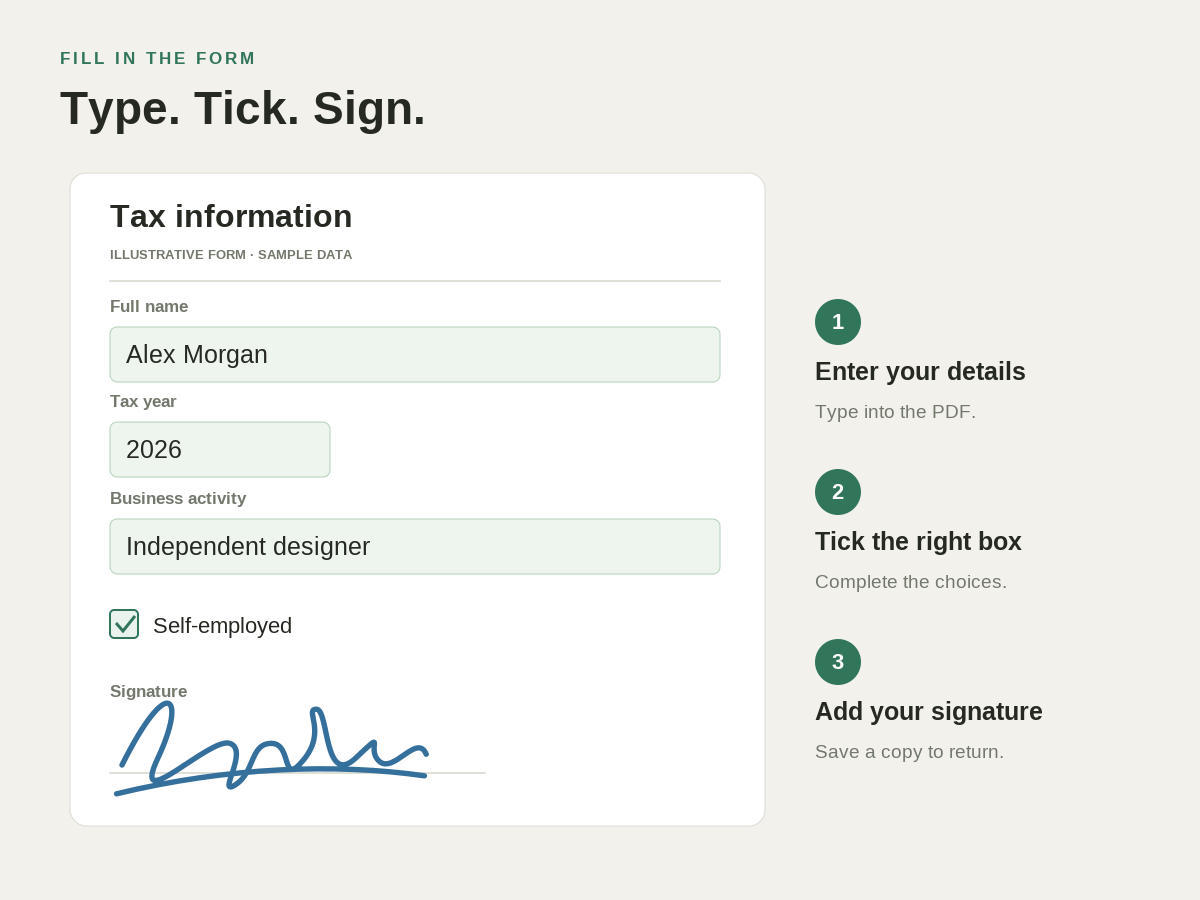 Fill in a formType into the fields, tick the boxes, then sign at the bottom.
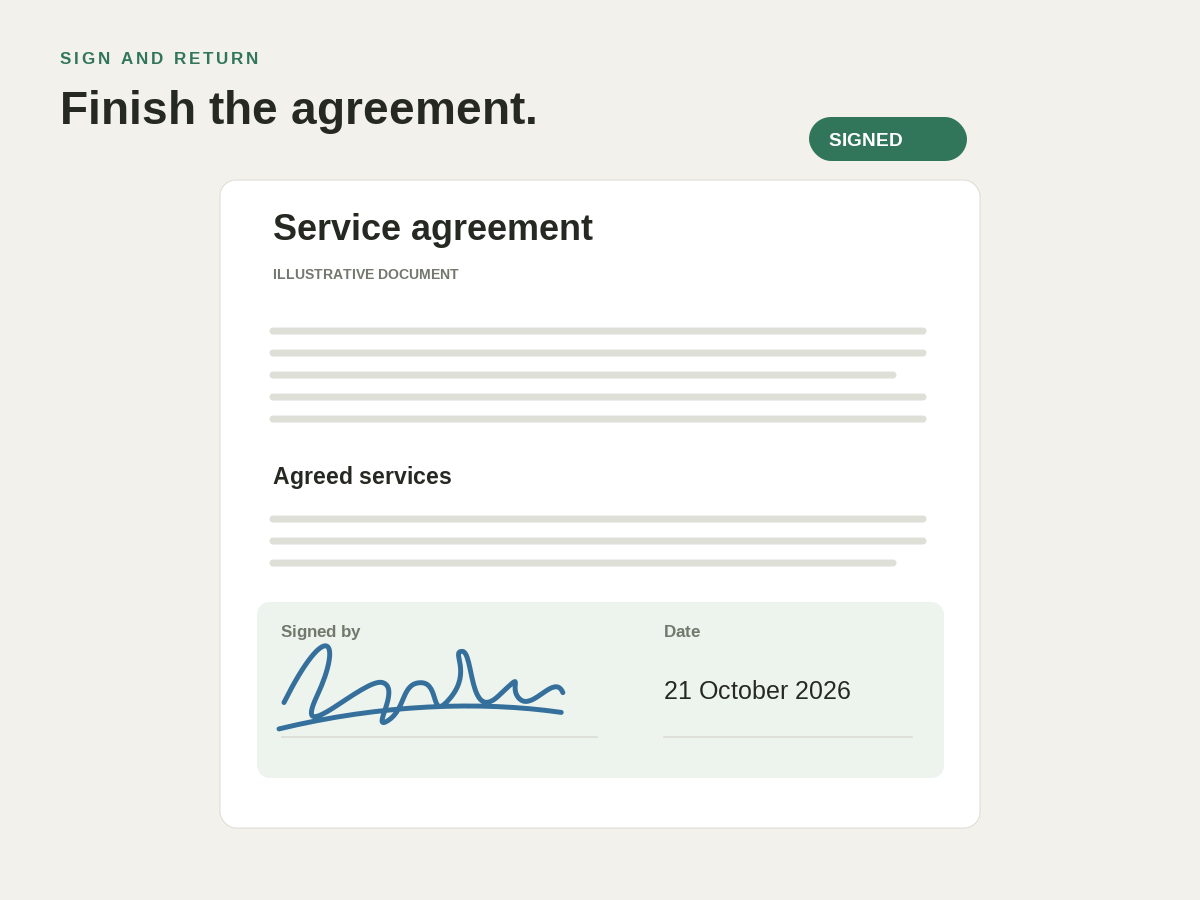 Sign a contractSign Every Signing Spot walks you from one signature box to the next.
 Make your signatureDraw it with Apple Pencil, type it, or photograph it on paper.
Review & redact
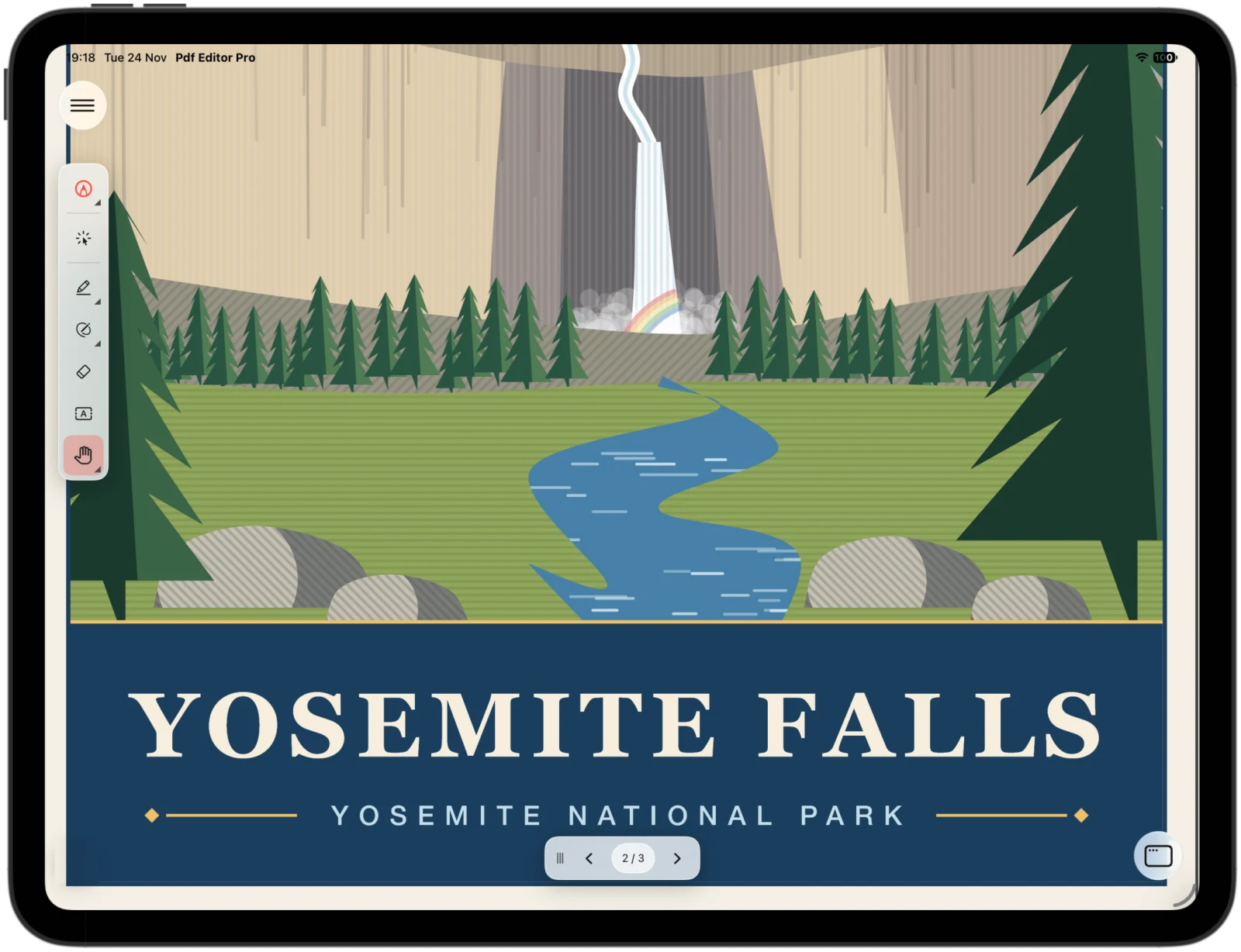 Mark up with Apple PencilPencil, highlighter, shapes and notes, with the toolbox beside the page.
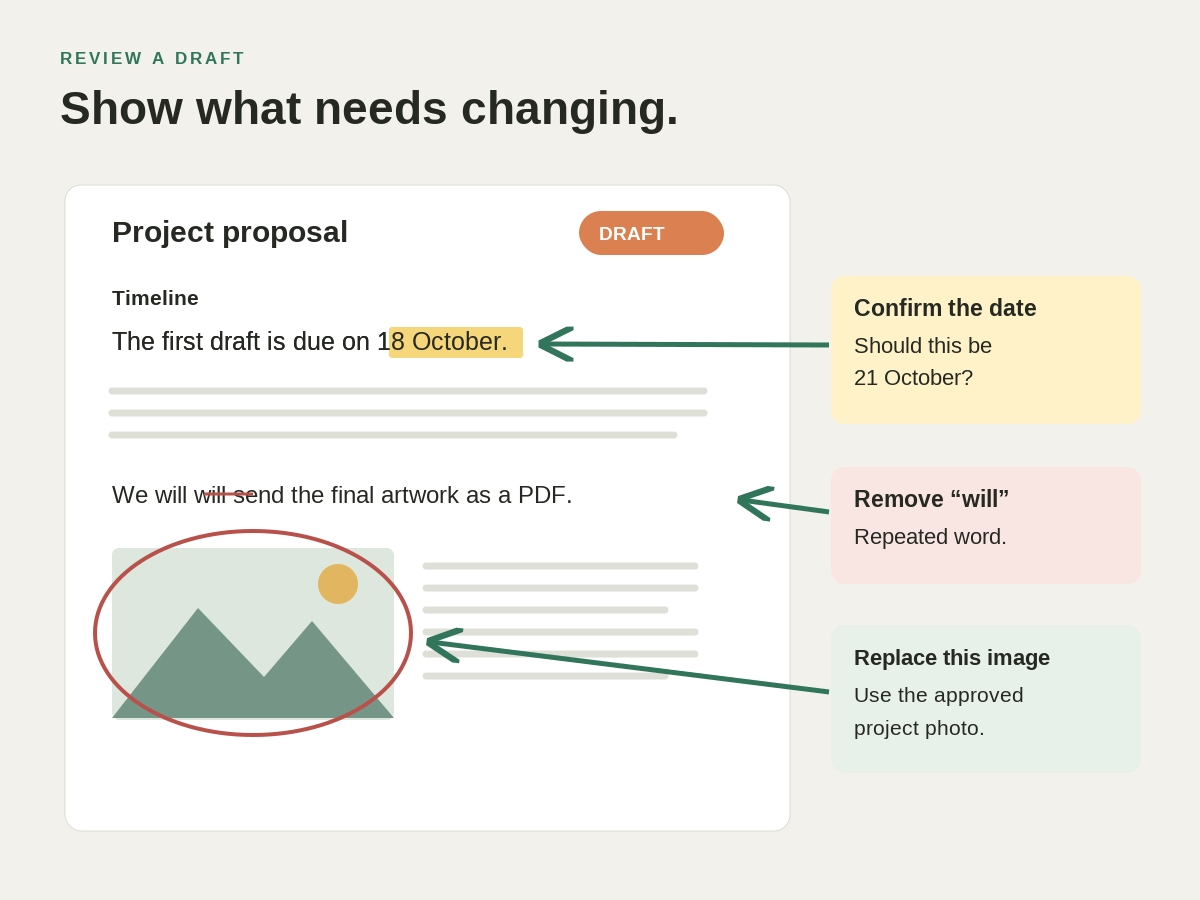 Review a draftHighlight, strike out and pin a note where each change goes.
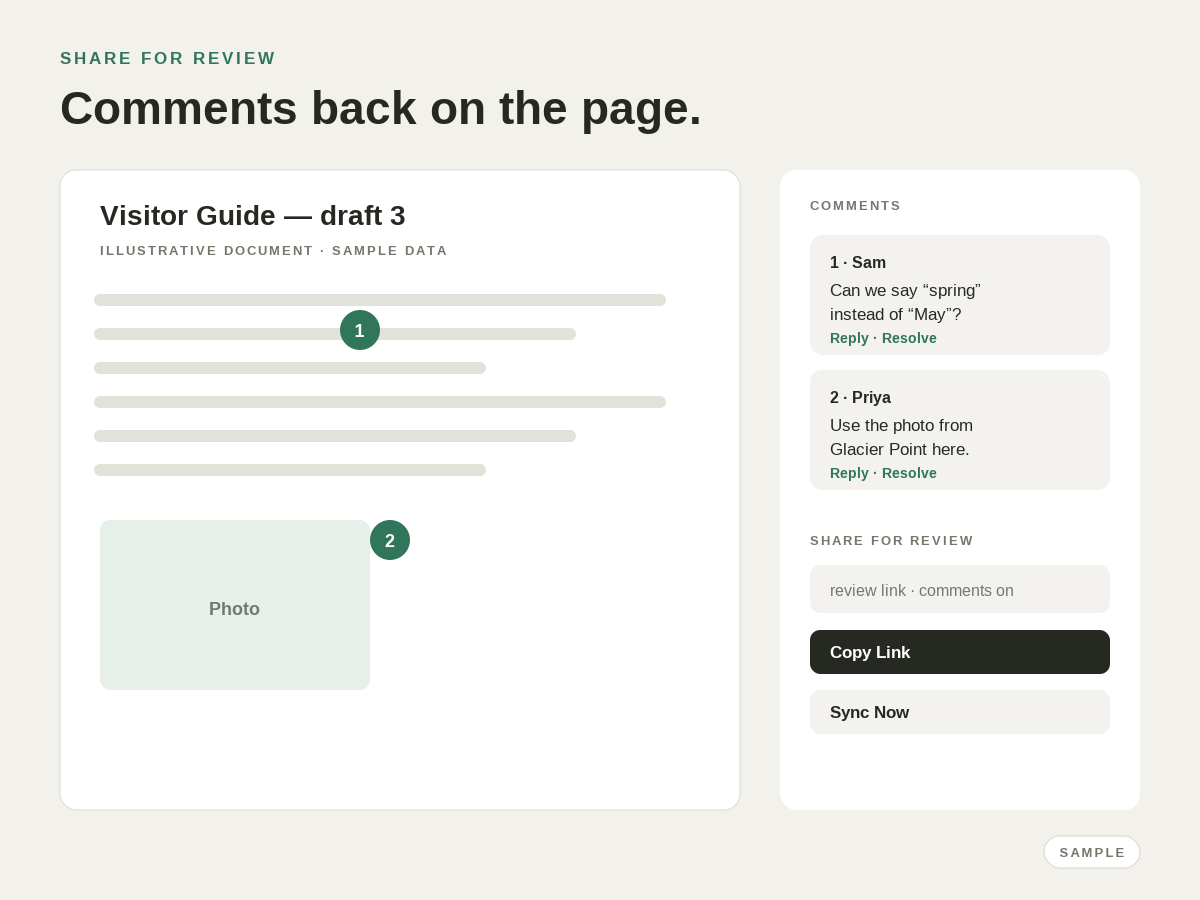 Collect comments on a draft NewShare for Review sends a link; comments come back pinned to the page.
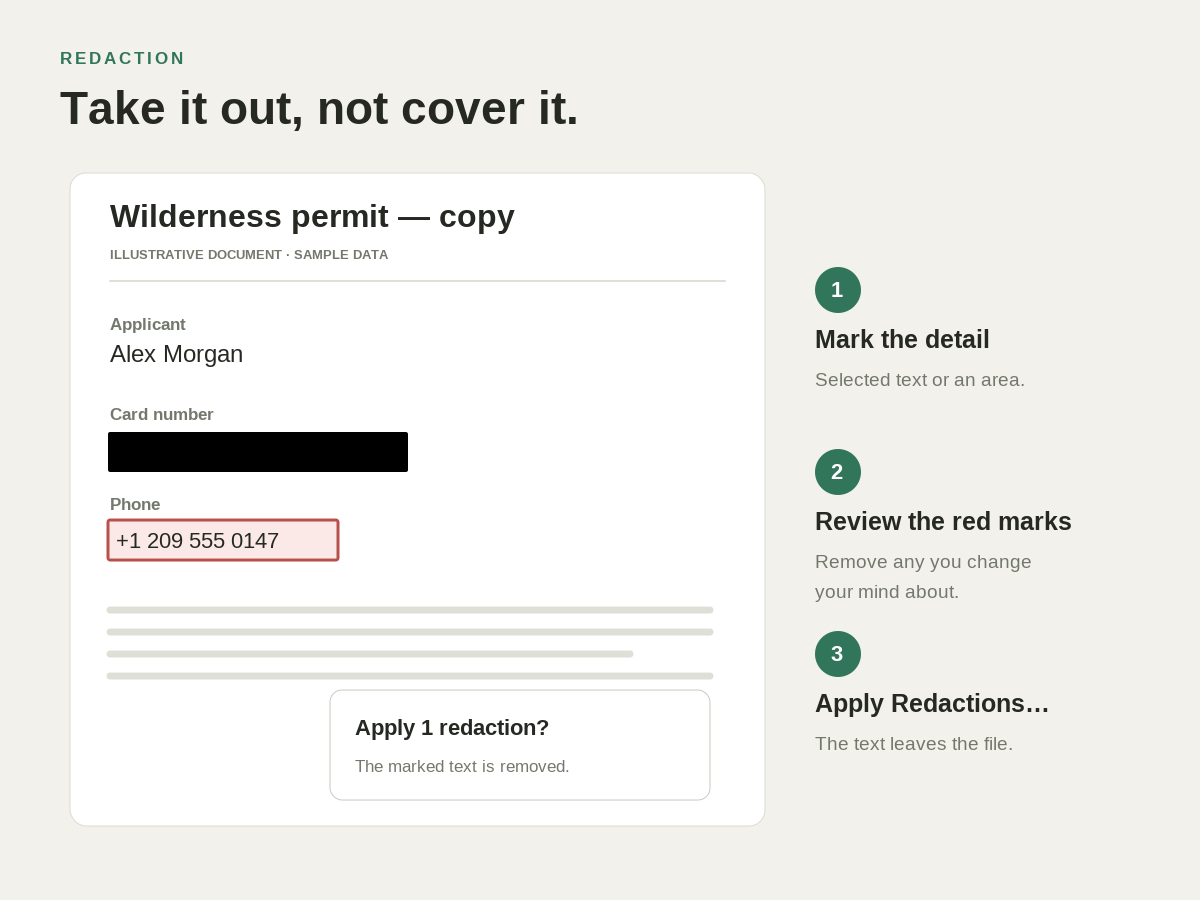 Remove private detailsMark text or an area; Apply Redactions takes it out of the file.
Pages
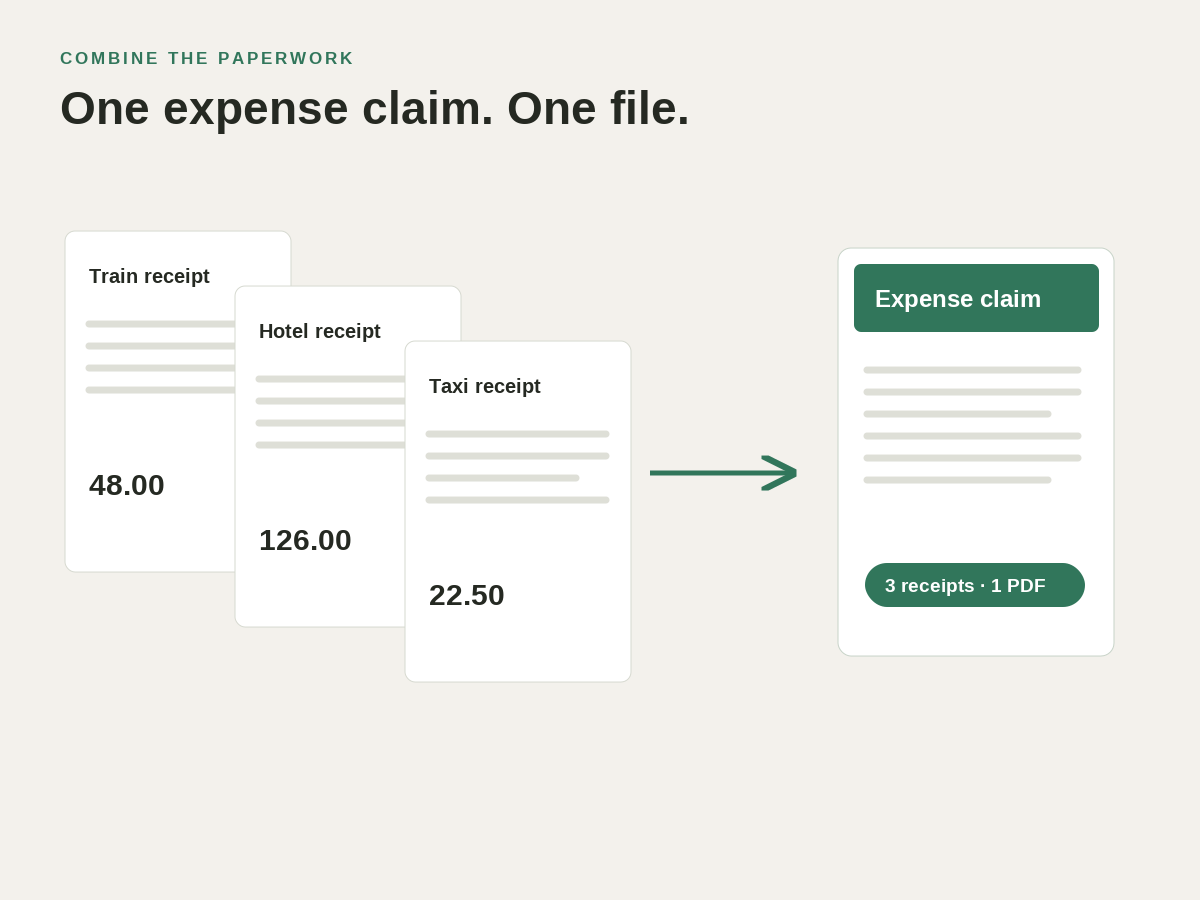 Combine receipts into one PDFInsert Pages from File joins several PDFs into one claim.
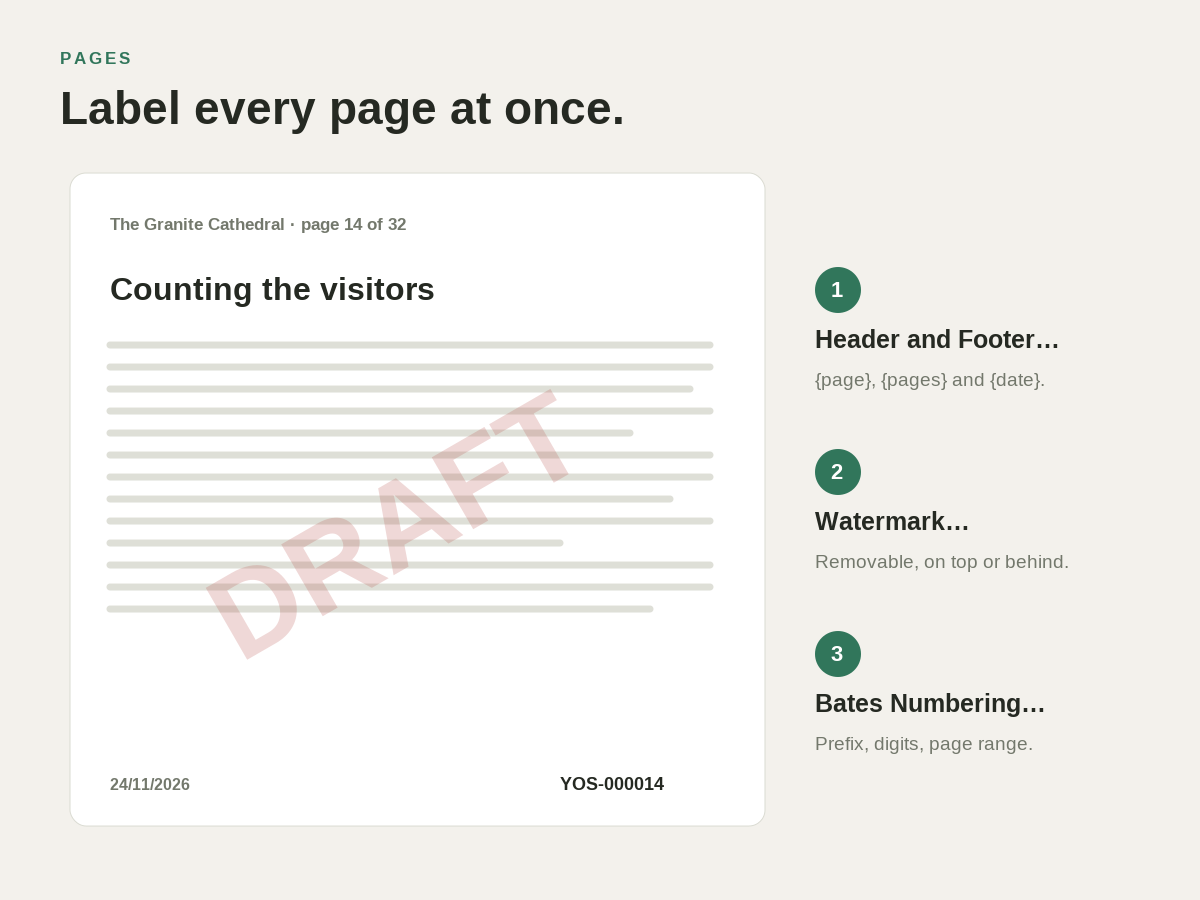 Label every pageHeader and Footer, Watermark and Bates Numbering across the whole document.
Scans & files
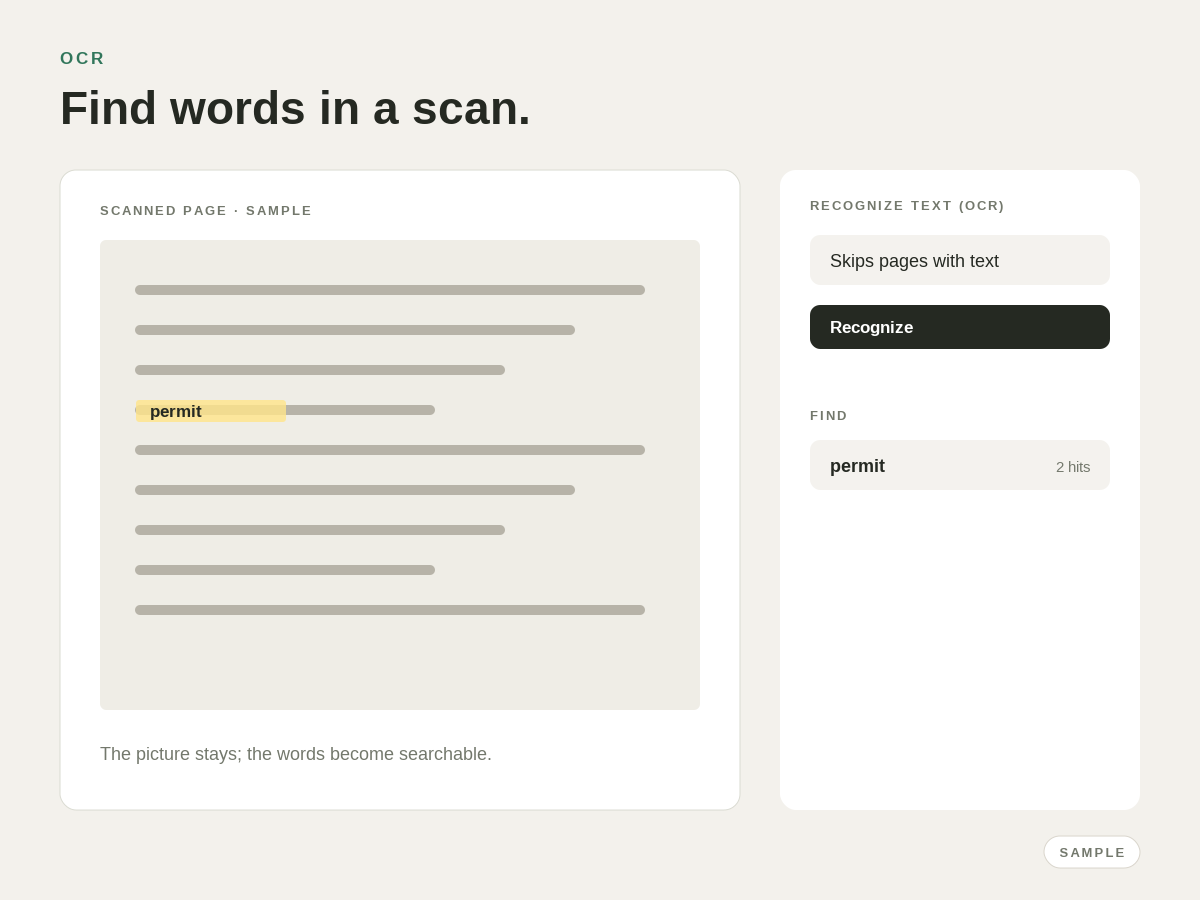 Search a scanned letterRecognize Text adds a searchable text layer to scanned pages.
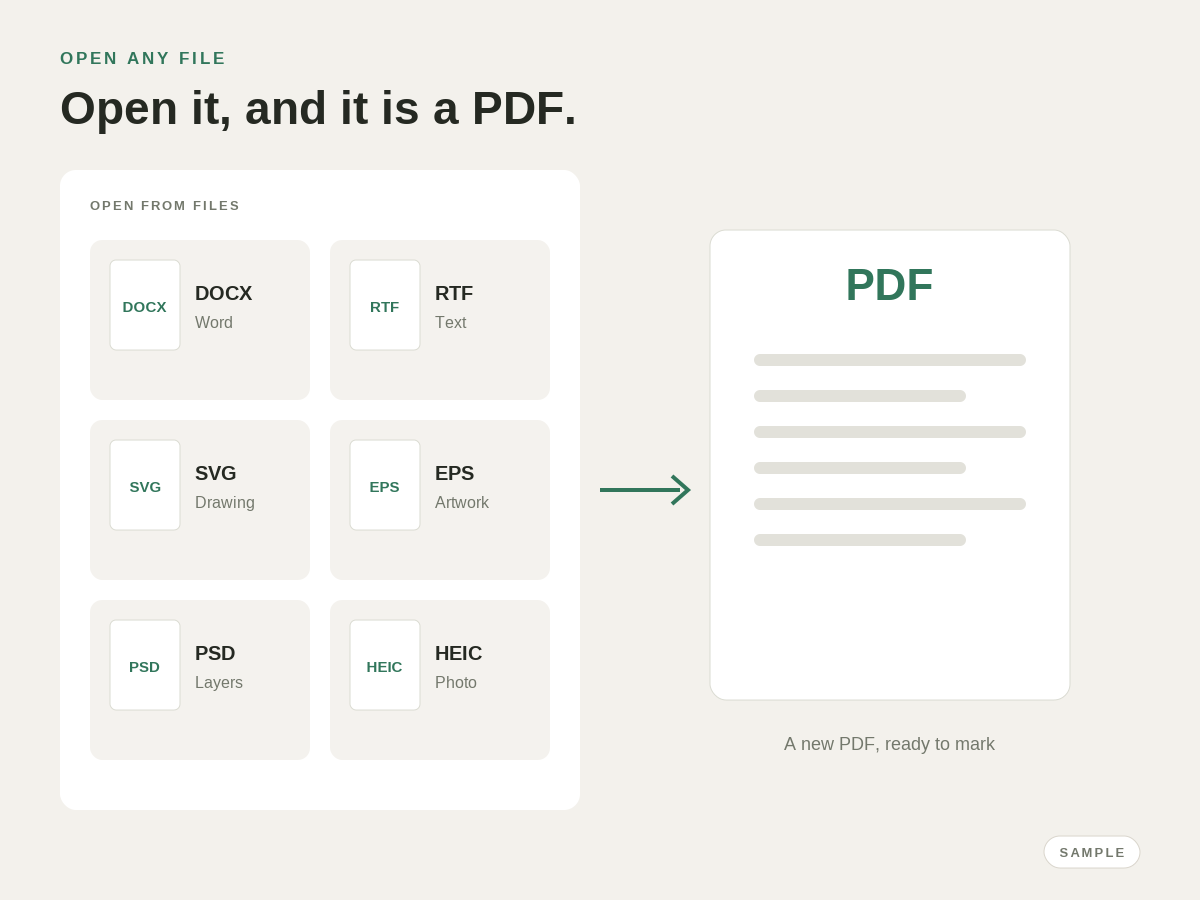 Open a Word file as a PDF NewWord, RTF, SVG, EPS, PSD and photos open as new PDF pages.
 Turn a PDF into Word or imagesExport Word, PNG, JPEG or TIFF; the open PDF stays as it is.
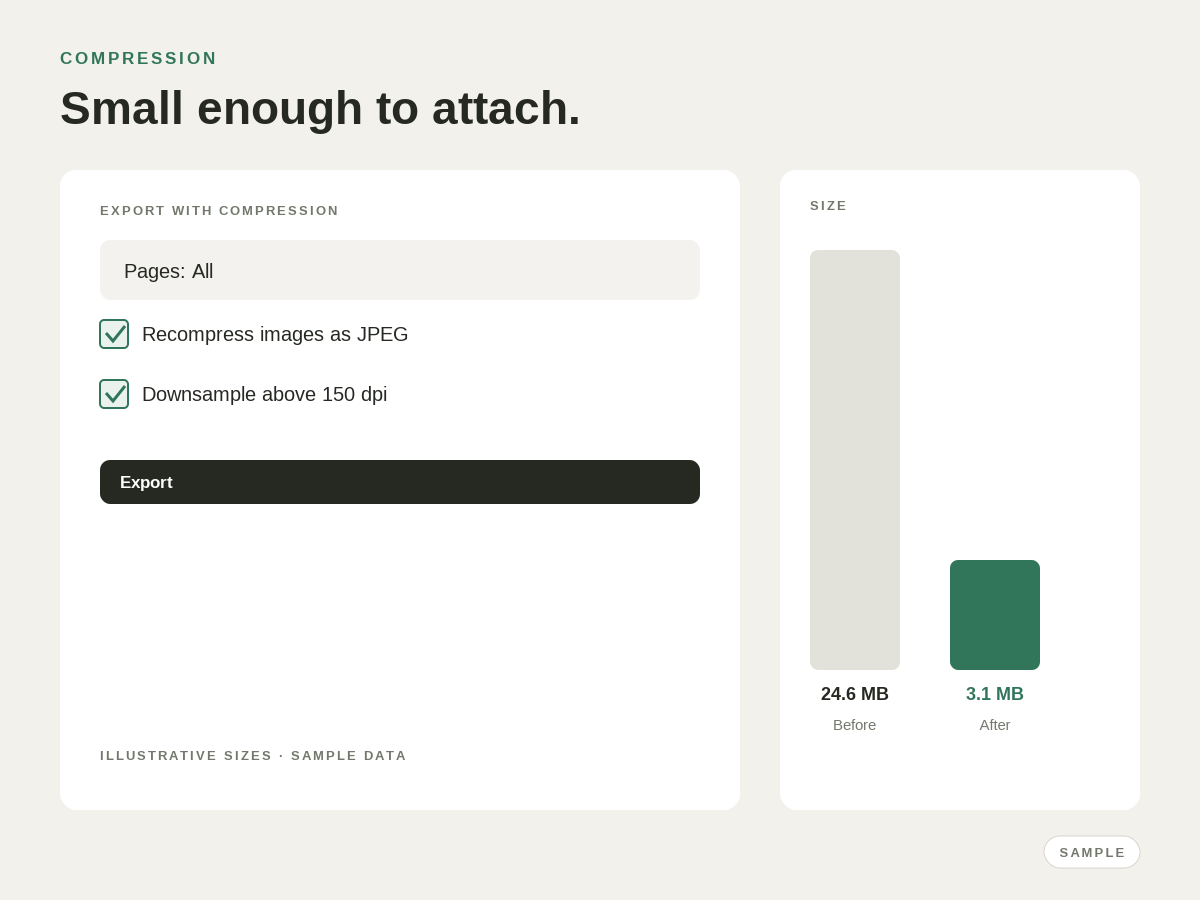 Make a PDF small enough to sendExport with Compression recompresses and downsamples the pictures inside.
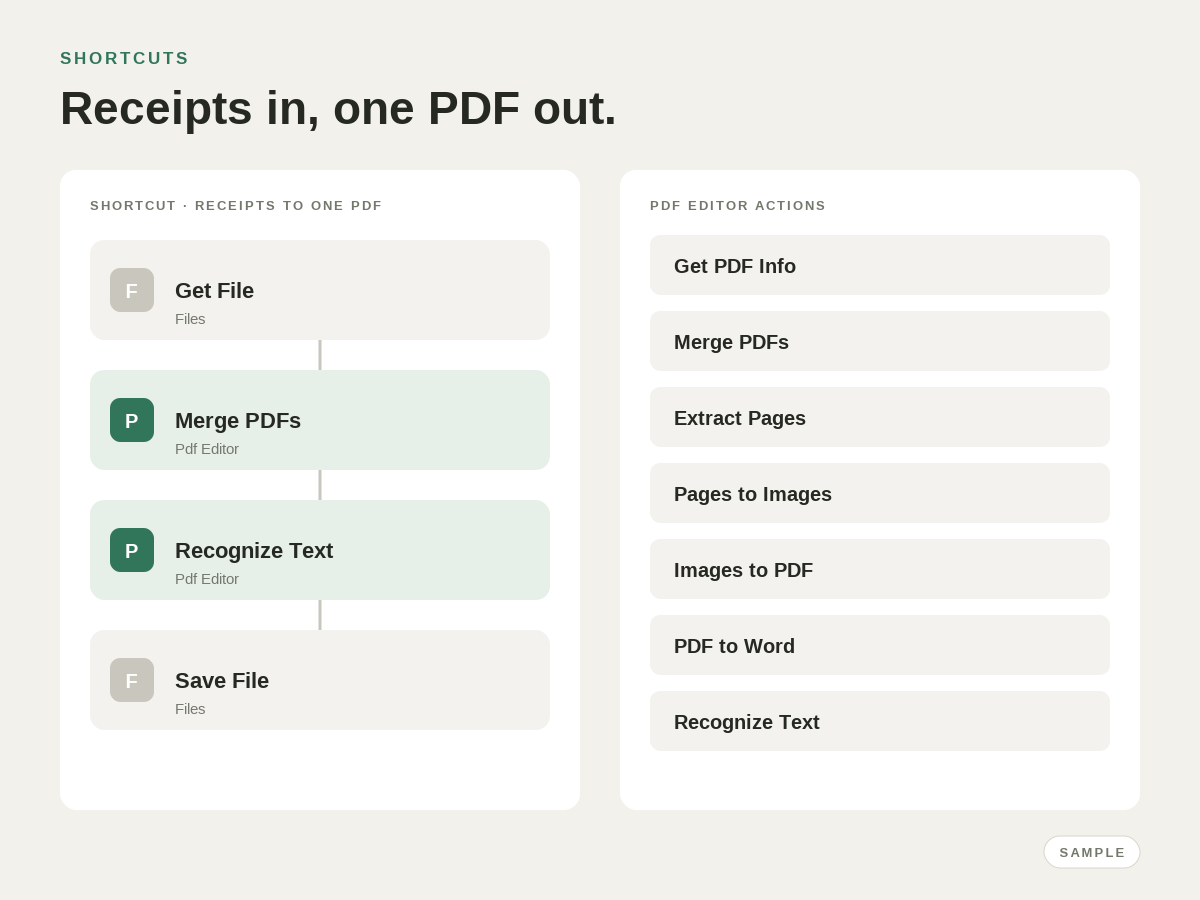 Merge PDFs with Shortcuts NewMerge, extract, recognize text or convert without opening the app.
Every feature
Everything the app does.
Every tool, palette and command of Pdf Editor for iPad & iPhone, grouped by task.
Read & navigate
- Page Display: Single Page, Continuous, Two Pages, Show Cover Page
- Zoom In, Zoom Out, Actual Size, Fit Page in Window, Fit Width, Fit Spread in Window
- Show Rulers and Show Pages Sidebar
- Go to Page…, First, Previous, Next and Last Page
- Find…, Find Next, Find Previous: matches highlighted on the page
- Bookmarks palette: new, rename, move, indent and outdent
- Annotations palette: every mark, page by page
- Document Info: PDF version, PDF/A, tags, encryption, fonts, metadata
- Info palette: page, size, crop box, zoom
- Tags palette: the reading structure, alternative text, language, title
- Separations palette: preview one ink plate at a time
- Follow Link
- Reading Select tool: select text to copy, no marks left
- Hand and Zoom tools
Annotate & review
- Annotation Select tool
- Highlight Text, Underline Text and Strike Out Text
- Pencil and Pen: freehand ink with Apple Pencil or a finger
- Square, Circle and Line
- Eraser: tap a mark to remove it
- Text Box: type straight onto the page
- Note tool, Add Note and Show Notes on Page
- Record Sound…: a voice note on the page
- Add Stamp: Approved, Draft, Confidential or Custom…
- Edit palette: fill, stroke, opacity, width, solid, dashed or dotted
- Color palette: CMYK, RGB, HSB and Grayscale
- Swatches palette: the document's own inks
- Text palette: font, size, colour and alignment of text boxes
- Share for Review… New: a review link with page and permission choices
- Comments palette: pinned comments, Reply, Resolve, Sync Now
- Copy Link, Update Link, Published Reviews and Unpublish…
- Import Comments as PDF Notes…
Fill & sign
- Field Select tool: tap a field to fill it
- Text fields, checkboxes, radio buttons, lists and buttons
- Signatures palette and Add Signature…: place a saved signature
- Create Signature…: Draw, Type, or Photo or File
- Remove the paper background
- Draw Initials…, Type Initials… and Initials from a Signature…
- Sign Every Signing Spot…: finds each signature box in turn
- Fill in the date too
- Width when placed
- Digital Signatures in This Document: lists the signatures already there
Edit the page
- Object tool: select and move what is on the page
- Text tool: rewrite the page's own text
- Link tool: Go to View or Web Link, Edit Link…, Delete Link
- Place Image…: From Files…, From Photos… or Take Photo…
- Places PNG, JPEG, TIFF, SVG, PDF and EPS
- Drag or paste an image onto the page
- Cut, Copy, Paste, Delete, Select All, Undo and Redo
- Bring to Front, Bring Forward, Send Backward, Send to Back
Pages
- Insert Blank Page, Duplicate Page and Delete Page
- Organize Pages: thumbnails, drag to reorder
- Rotate Pages Clockwise, Counterclockwise and 180°
- Crop Pages…: margins and a page range
- Extract Pages…
- Insert Pages from File…: merge PDFs, or drop one on the window
- Bates Numbering…: prefix, suffix, digits, start
- Header and Footer…: {page}, {pages} and {date}
- Watermark…: over or behind the content, with opacity
- Remove Watermarks
Redact
- Mark Selected Text for Redaction
- Mark Area for Redaction…
- Apply Redactions…: the marked content leaves the file
- Remove All Redaction Marks
- Redact Selected Text Now and Redact Area Now…
Scans, export & share
- Recognize Text (OCR)…: a searchable layer, pages with text skipped
- Export PDF…, Export PNG…, Export JPEG…, Export TIFF…
- Export Word…: with Detect headings
- Export with Compression…: recompress images as JPEG, downsample
- Page range, odd or even pages, resolution in dpi
- Print…: page range and copies
- Share…
- Save, Save As… and Revert to Saved
- Opens Word, RTF, SVG, .ai, EPS, PSD and images as a new PDF New
- Import Word or RTF…
- Convert & Export in Files: PDF to images, Word or a smaller PDF
- Share extension: make a PDF from photos, open it or save it
- Quick Look previews: thumbnails and previews of .ai files
Shortcuts & system
- Shortcuts actions New: Get PDF Info, Merge PDFs, Extract Pages, Pages to Images
- Images to PDF, PDF to Word, Recognize Text and Open Sample
- Home Screen quick actions: recent documents and the sample
- Spotlight: finds recent documents, with a text snippet
- Handoff with the Mac: lands on the same page
- Reopens the last document at the page you left
- Multiple windows
iPad & iPhone
- Four workspaces: Annotate, Edit, Fill & Sign, Export
- Menu bar and keyboard shortcuts, Keyboard Shortcuts…
- Long-press menus
- Apple Pencil double tap or squeeze: switch to the eraser, last tool or colours
- Only Draw with Apple Pencil
- Save Open Palettes as Default and Restore Default Palettes
- iPhone Duo: the tools sit in the system's vertical bar when open
- Home screen: recent files, Add from Files…, PDF tools to get started
- Samples & Templates: posters, a trail map, a visitor guide, a form
- Settings: theme, white pages in Dark Mode, Reduce Transparency, language
- Help: Pdf Editor Pro Help, Open Sample Document, Send Feedback…