Paint out what spoils the shot.
Take a bin off a beach, a wire out of the sky or a stranger out of a holiday photo, and keep the texture of what was behind it.
What you do
Fill the hole from the pixels around it.
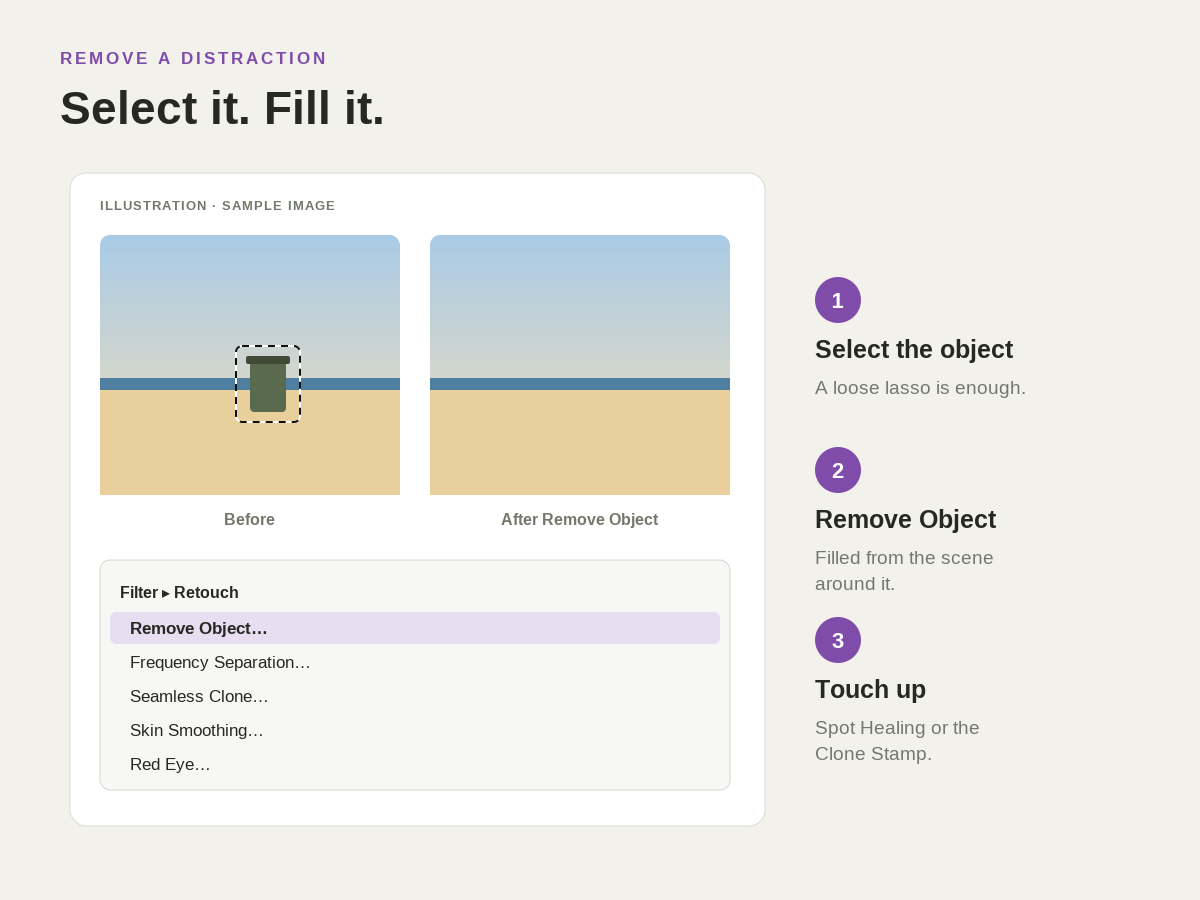
Draw a selection around the thing you want gone and choose Filter ▸ Retouch ▸ Remove Object…: the selection is filled from the picture around it, on this Mac.
For small marks, the Spot Healing Brush paints them out in one stroke; the Patch tool moves a clean area over a larger one; the Clone Stamp copies exactly the pixels you choose.
Step by step
Try it on your own photo.
- Select it
Lasso or marquee around the object, with a little margin of background. - Remove it
Filter ▸ Retouch ▸ Remove Object… fills the selection; the Preview shows the result before you accept. - Touch up
Pass the Spot Healing Brush or the Clone Stamp over any repeat in the texture.
What you get
The photo without the object, one History step per fill or stroke, so you can step back to any point of the clean-up.