Convert files from the Finder.
Preview an .ai or .eps file with the space bar and turn a batch of .ai files into SVGs without opening each one.
Finder & Shortcuts
The Finder knows your vector files.
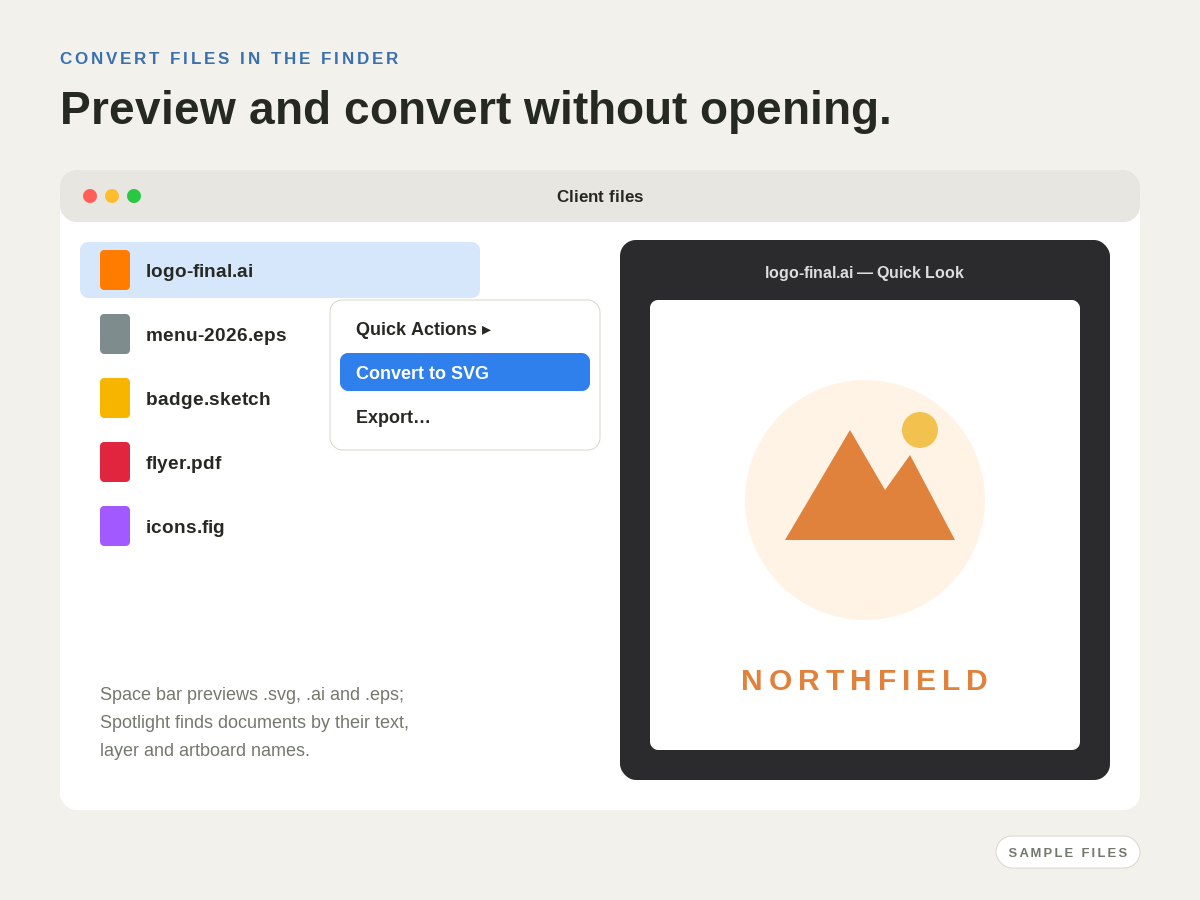
Press the space bar on an .svg, .ai or .eps file to see it in Quick Look. Spotlight finds the documents the app knows by their text, layer and artboard names. Select files and choose Quick Actions ▸ Convert to SVG or Export… for .ai, EPS, PostScript, PDF, Sketch and Figma files.
Step by step
Convert files from the Finder, in 3 steps.
- Preview
Select the file in the Finder and press the space bar. - Convert
Select one or more files, right-click and choose Quick Actions ▸ Convert to SVG. - Automate
The same actions are in Shortcuts: Export Document, Convert to SVG, Get Document Info and more.
What you get
Files next to the originals.
The new files are saved next to the originals; a document with several artboards gives one file per artboard, or one PDF with a page each.