Contents and index, generated.
Generate a table of contents from the heading styles and an index from the entries you mark, and update both when pages move.
Build a contents page & index
The page numbers write themselves.
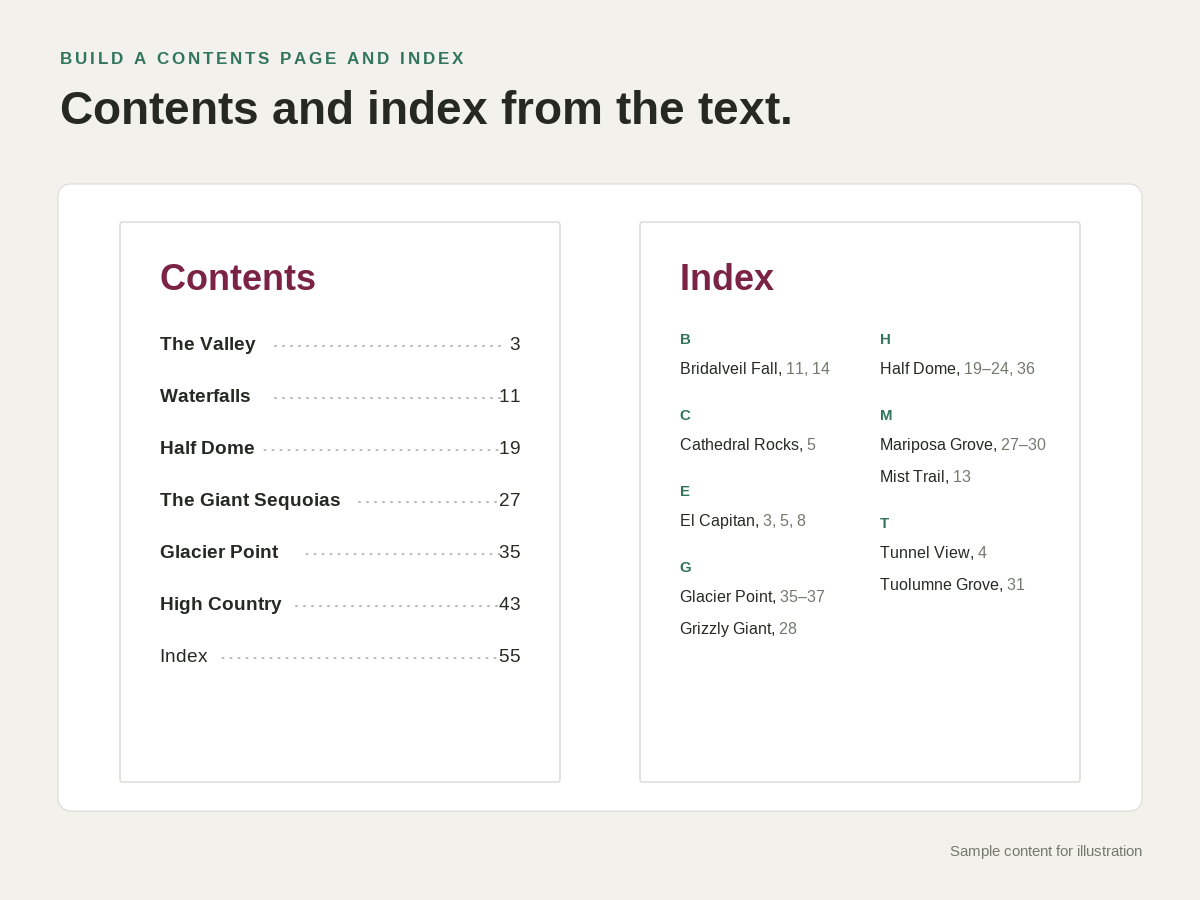
Layout ▸ Table of Contents… builds the contents from the paragraph styles you choose, such as Chapter Title and Heading 1. The result comes on a loaded cursor: click or drag to place it, hold ⇧ to autoflow it.
Window ▸ Index adds entries for the words you select and generates the index. Bookmarks, in Window ▸ Interactive, reach the exported PDF as its outline.
Since MasterPage 26.0, September 2026.
Step by step
Try it with your own document.
- Style the headings
Every chapter title and heading needs its paragraph style. - Build the contents
Layout ▸ Table of Contents…, pick the styles, place the result on the contents page. - Mark and generate the index
Select a word, add it in Window ▸ Index, then generate the index on the last pages. - Update after edits
Layout ▸ Update Table of Contents when chapters move.
What you get
Contents and index whose page numbers match the book you are about to print.