Lay out a whole book.
Open a manuscript as a .docx, .txt or .epub and it arrives as pages of threaded frames, then keep typing in a book of several hundred pages.
Lay out a whole book
From manuscript to pages in one step.
Open a .docx, .txt or .epub and MasterPage lays it out: as many pages of linked text frames as the text needs, without freezing while it works. Drag the same files onto an existing text frame to pour them into that story.
Since 26.15 a long book opens with a preview while the rest is laid out, and a text selection runs across threaded frames as it does in a single frame.
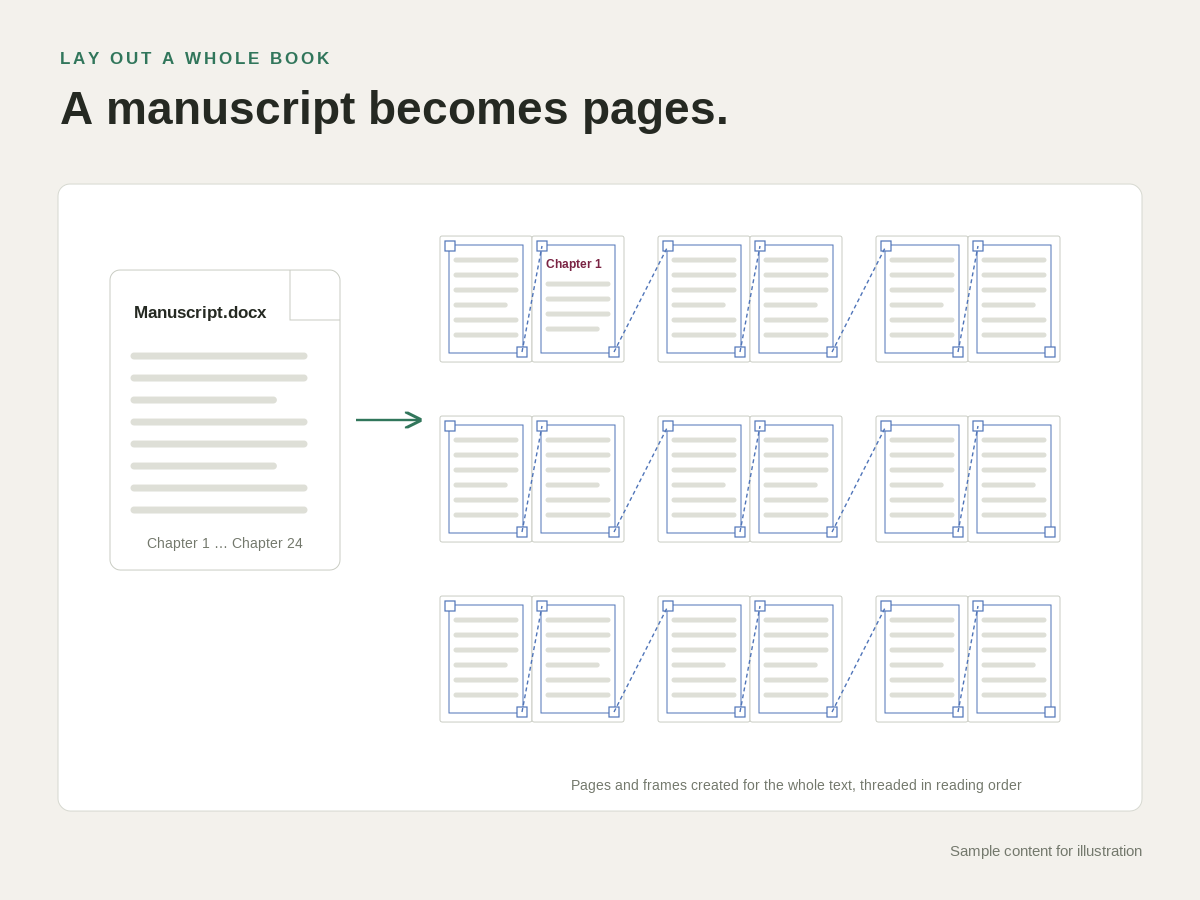
Opening a manuscript since MasterPage 26.0; long books with a preview since 26.15, October 2026.
Step by step
Try it with your own document.
- Open the manuscript
File ▸ Open… the .docx, .txt or .epub; the pages and their threaded frames are created for you. - Style the chapters
Apply paragraph styles to chapter titles and body text; the text reflows through every frame. - Add notes
With the caret in the text, Type ▸ Insert Special Character ▸ Footnote (⌥⌘F) adds a footnote at the foot of the column.
What you get
A book-length layout you can still edit sentence by sentence, ready for a contents page, an index and a PDF or an ebook.