Fix a name everywhere.
Search the text, GREP patterns, glyphs or objects of a document, change every match at once, and check the spelling before it goes to print.
Find, change & spell-check
One correction, every page.
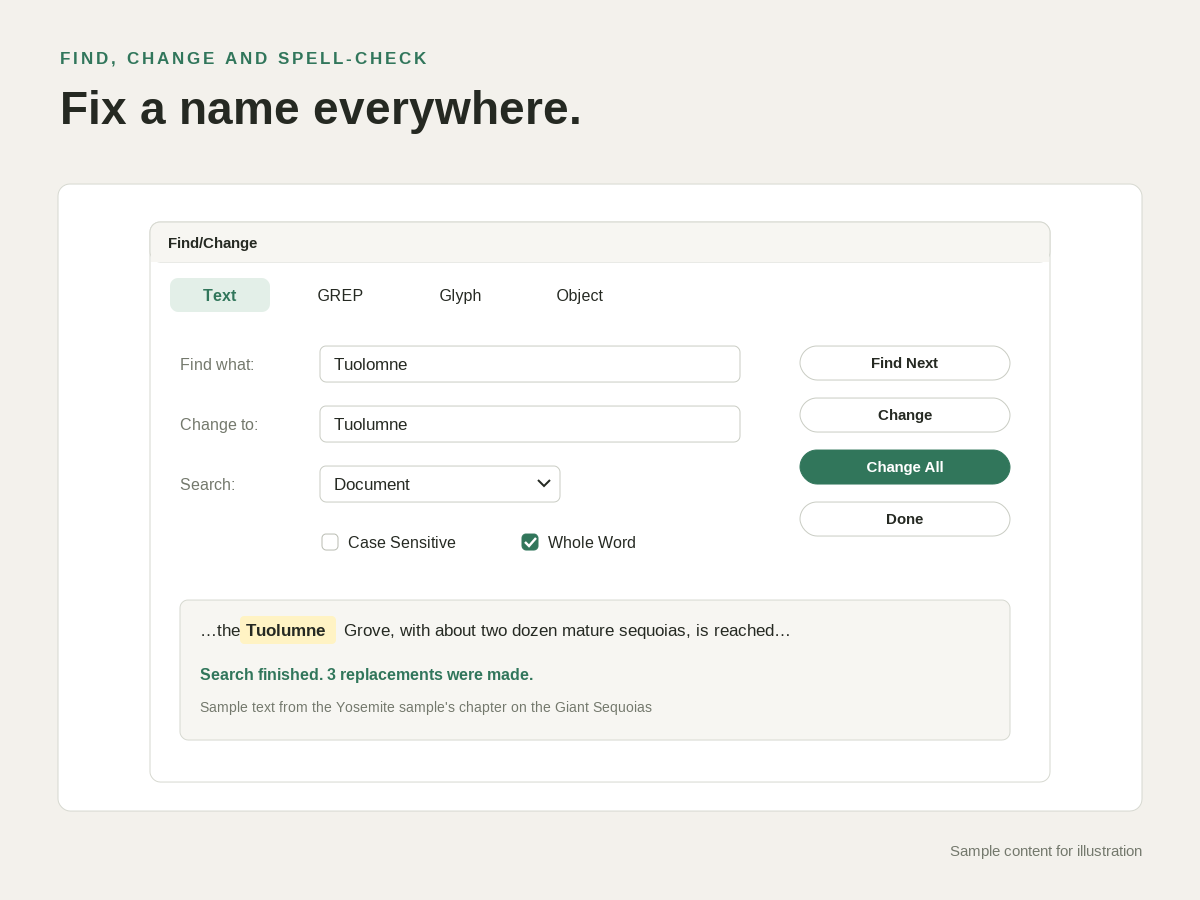
Edit ▸ Find/Change… has four tabs: Text, GREP, Glyph and Object. A search can also match a paragraph or character style, and a query can be saved for the next issue.
Edit ▸ Spelling ▸ Check Spelling… walks through the words it does not know, with your User Dictionary for names. Edit ▸ Edit in Story Editor shows a story as plain text, the quick way to proofread one that runs over thirty pages.
Since MasterPage 26.0, September 2026.
Step by step
Try it with your own document.
- Search
⌘F, type the word or the pattern, choose where to look. - Change
Change to the new spelling, then Change All, or step with Find Next to check each one. - Proofread
Check Spelling… for the rest; add names to the User Dictionary so they stop being flagged.
What you get
A document where the same name is spelt the same way on every page.