Edit in HDR and wide gamut.
Keep the bright sun of an HDR photo bright and the saturated reds of a P3 shot saturated, from opening to saving.
What you do
The document keeps its colour space.
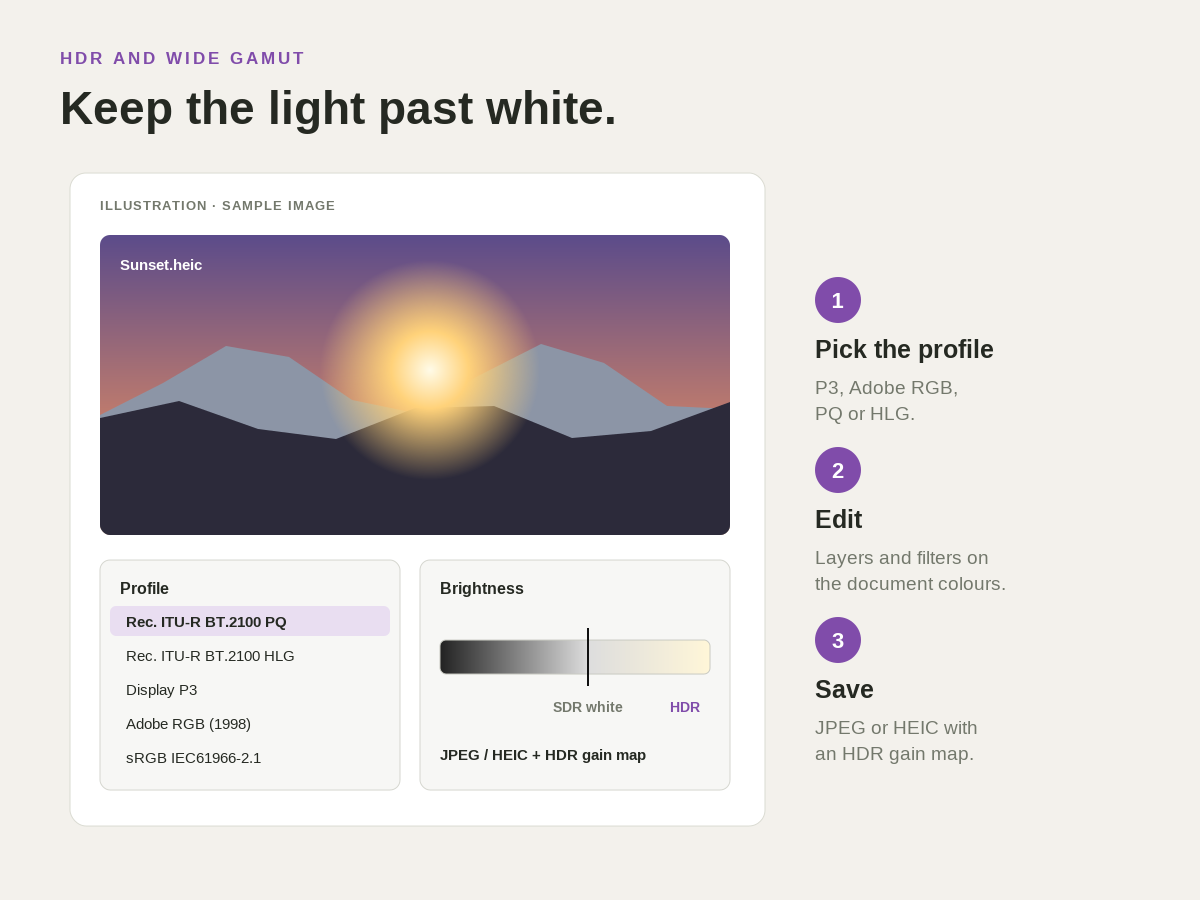
File ▸ New, Assign Profile… and Convert to Profile… offer Display P3, Adobe RGB and the HDR profiles Rec. ITU-R BT.2100 PQ and HLG. On a display that shows HDR, the canvas shows the highlights above white.
Place and Paste keep colours past sRGB; the colour picker and the Info palette read values through the document's profile. Saving as JPEG or HEIC can include an HDR gain map, so the photo shows its highlights where HDR is supported.
Step by step
Try it on your own photo.
- Open or create
Open an HDR or wide-gamut photo, or choose the profile in File ▸ New. - Edit
Layers, adjustments and filters work on the document's colours. - Save
Choose JPEG or HEIC with ☑ Include HDR gain map, or a layered TIFF or PSD.
What you get
A photo whose highlights and colours reach the display that can show them, with an SDR base for the screens that cannot.