Keep a working copy.
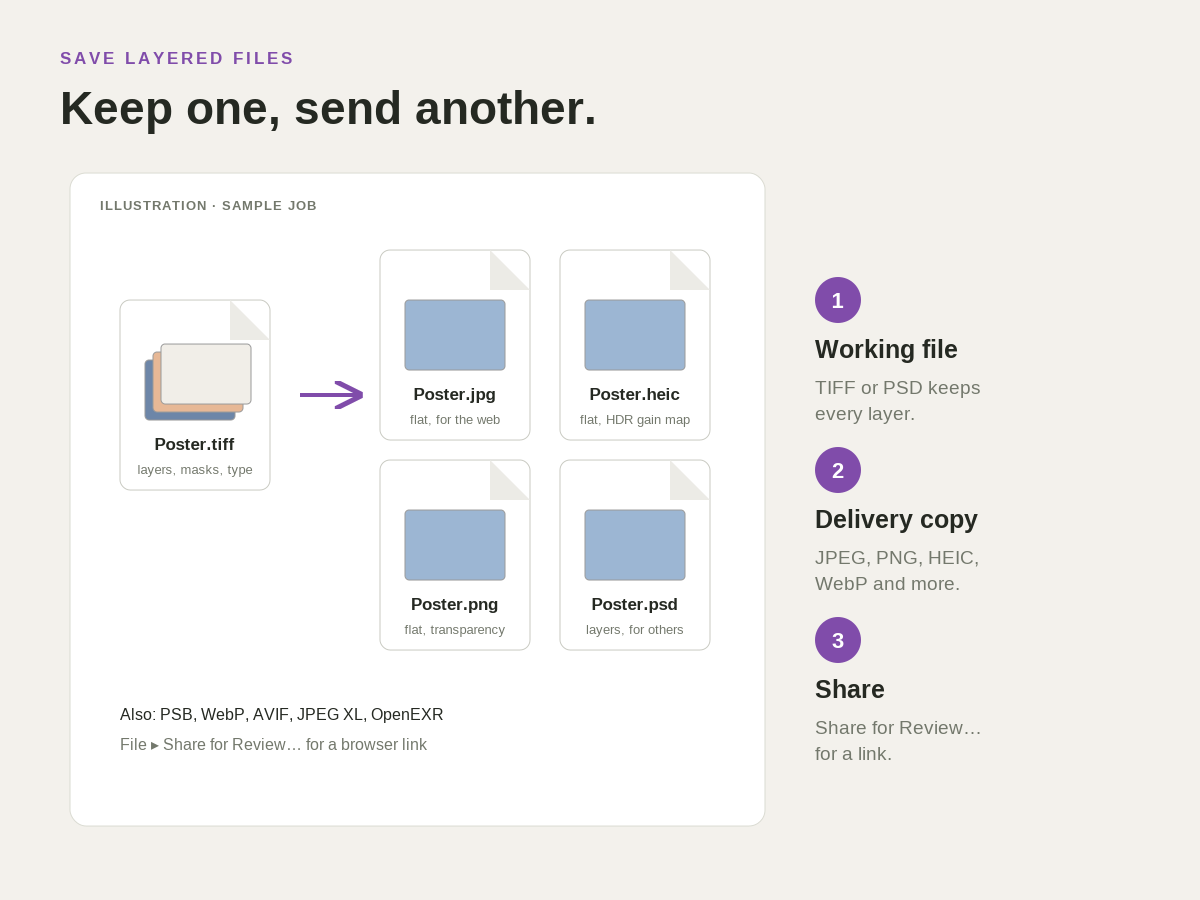
Keep every layer, mask and type layer of a job for the next round of changes, and send the client the flat JPEG they asked for.
What you do
A layered file and a delivery file.
Flare's own format is a layered TIFF; PSD keeps layers, masks, adjustment layers and smart objects for Flare and opens in other editors. PSB is there for very large documents.
For delivery, save as JPEG, PNG, HEIC, WebP, AVIF, JPEG XL, OpenEXR and more. File ▸ Share for Review… publishes the picture as a web page; reviewers open the link in any browser, and Unpublish Review Link takes it down.
Step by step
Try it on your own photo.
- Save the working file
File ▸ Save As… ▸ TIFF or PSD keeps the layers. - Save the delivery copy
Choose JPEG, PNG or another format; the warning tells you when layers will be flattened. - Share
File ▸ Share for Review… for a link the client opens in a browser.
What you get
A file you can reopen with every layer, and a copy in the format each place needs.