Edit a whole shoot at once.
Correct the first photo of a series, then give its white balance and tone to the other forty without touching their crops.
What you do
Fix one, paste to the rest.
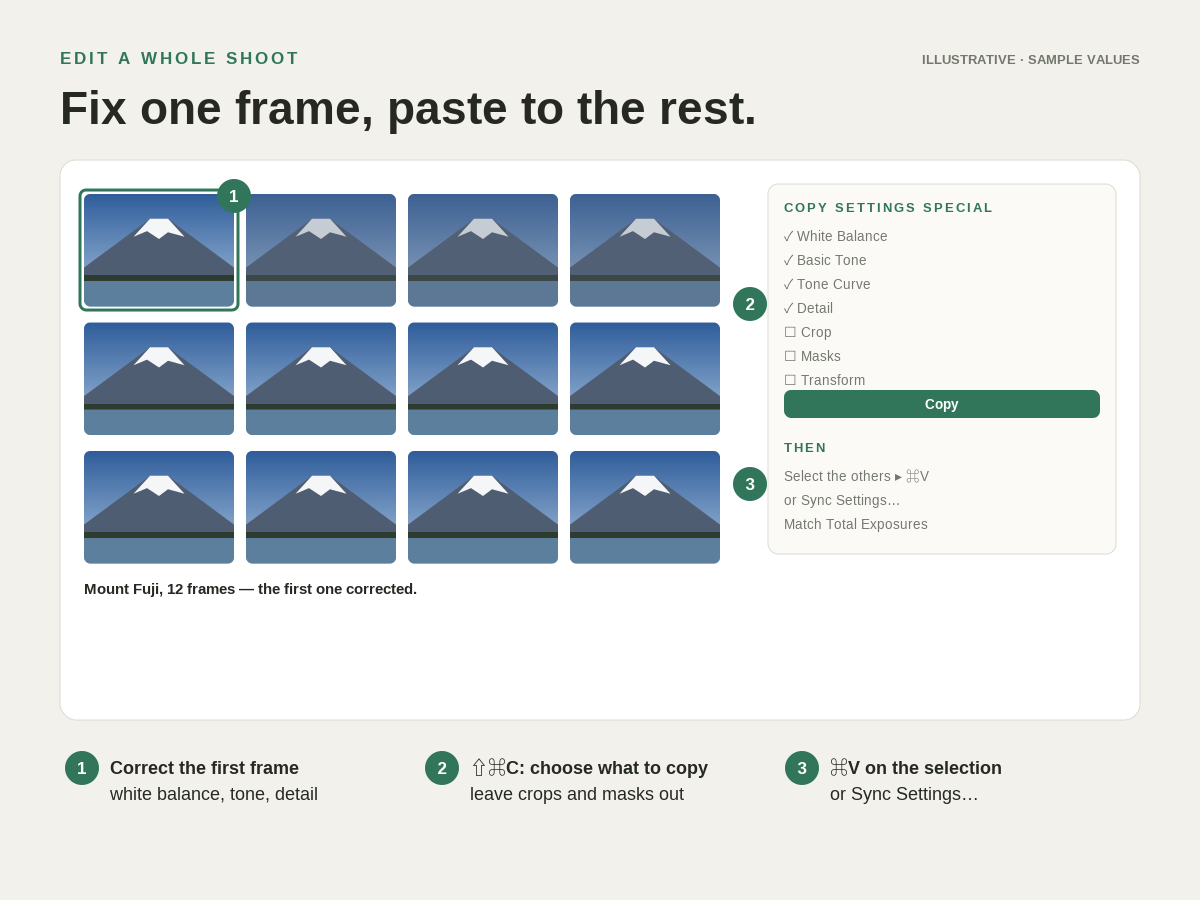
⌘C copies the develop of the active photo and ⌘V pastes it on the selection. Copy Settings Special… (⇧⌘C) lets you choose which settings travel; Sync Settings… gives the active photo's settings to the selected photos.
Step by step
Try it on your own photos.
- Correct the first frame
White balance, tone, detail: whatever the series shares. - Choose what to copy
Develop ▸ Copy Settings Special… (⇧⌘C) and untick Crop, Masks or Transform, which belong to each frame. - Paste on the others
Select the rest of the series and press ⌘V, or use Develop ▸ Sync Settings…. Match Total Exposures evens out frames shot at different exposures.
What you get
A consistent series in minutes.
Each photo keeps its own copy of the settings: correct one afterwards without touching the others.