Add elements without typing.
Add a section, an image, a form field or a table from the Elements palette or the Insert menu, with its class and id set before it lands in the source.
Add page elements
128 building blocks.
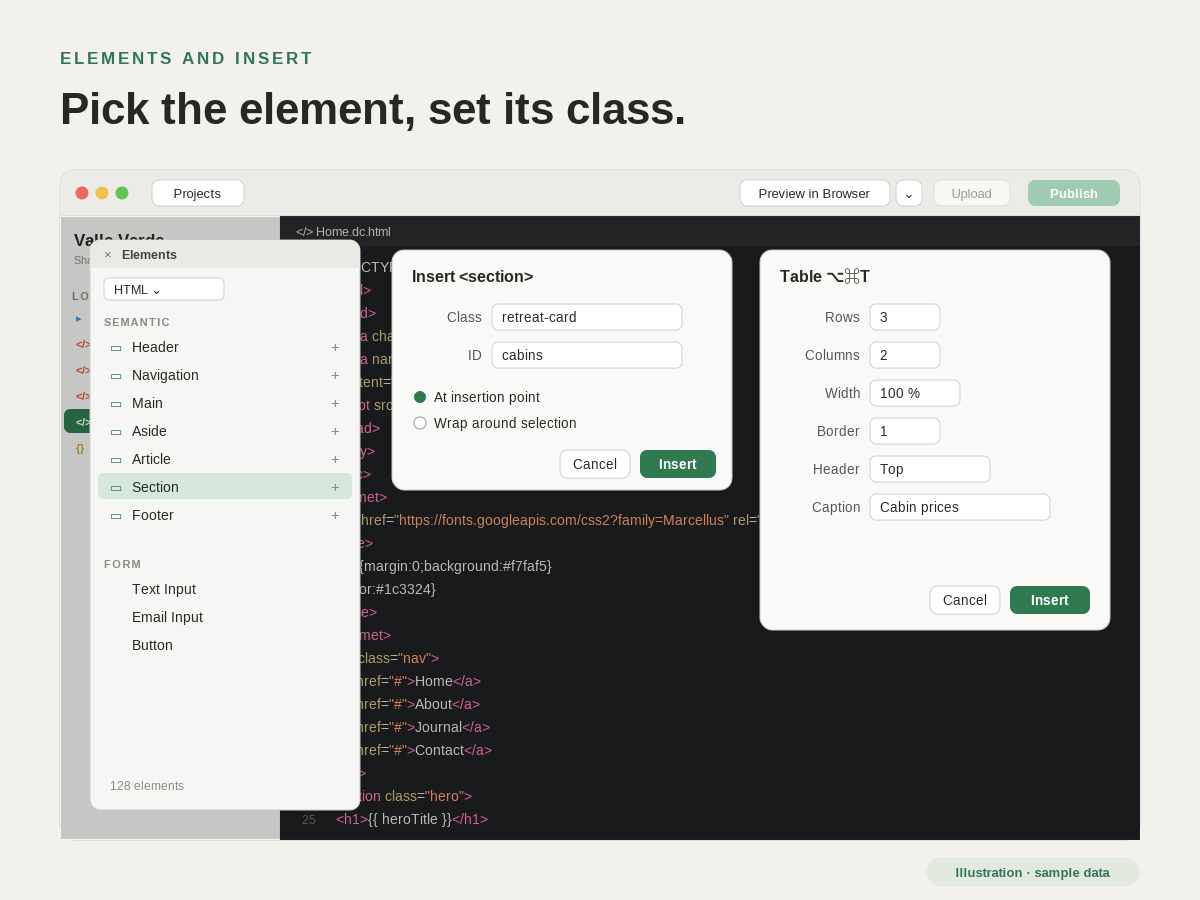
The Elements palette (⌘5) groups 128 elements under HTML, Form, CSS, jQuery Mobile, PHP and Markdown: semantic sections, input types, layout rules, database access with PDO and more. A click opens a dialog for the class and the id, and inserts at the cursor or wraps the selection; Option-click inserts at once.
Step by step
Add a table of prices.
- Open the table builder
Choose Insert ▸ Table… (⌥⌘T). - Shape it
Set rows, columns, the width in pixels or percent, border, padding and spacing, a header row or column, and a caption. - Insert
The table lands at the cursor, ready for its content.
What you get
Shortcuts for the common ones.
Insert ▸ Div (⇧⌘D), Image (⌥⌘I), Paragraph (⌥⌘P) and Link (⌥⌘K) skip the palette altogether.