Read your Markdown rendered.
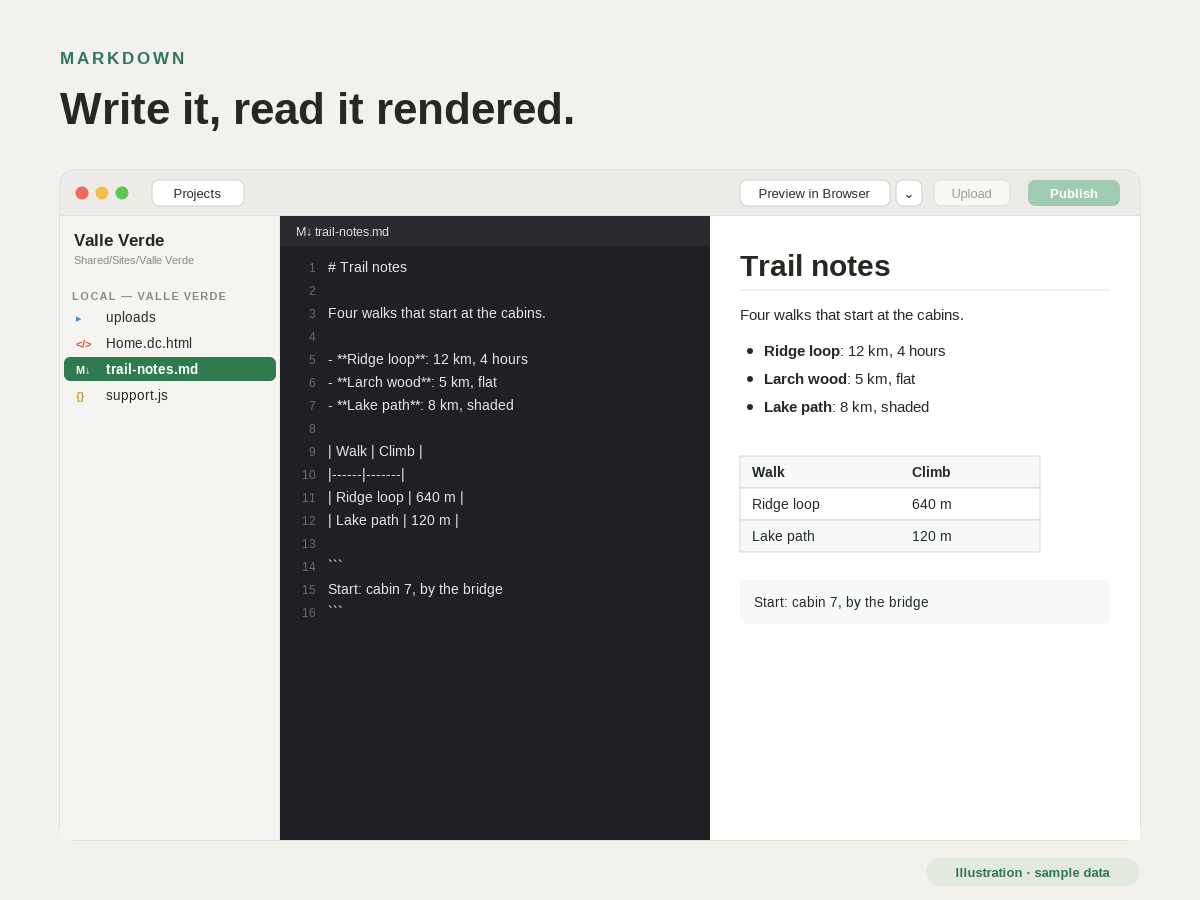
Write a README, release notes or a blog post in Markdown and read it formatted beside the source, with headings, lists, tables and code blocks.
Preview Markdown
Formatted next to the text.
Open a .md file and the preview renders it in the familiar style of code-hosting sites. The renderer and its stylesheet ship inside the app, so the preview works without a connection.
Step by step
Write a post.
- Open or create the file
Create a .md file from the file tree or open one from the project. - Split the window
Press ⌃⌘2 to keep the rendering beside the text. - Insert the syntax
The Markdown group of the Elements palette and the Markdown snippets add headings, links, tables and code blocks.
What you get
No surprises once it is published.
You see the post as it will read, including tables and code blocks, before it goes online.