From a folder of clips to the film.
Cut a day of travel clips to the beat of a song, steady the shaky shots, title and grade the film, subtitle an interview, then export it for the screen it will play on.
All features
Pick the task in front of you.
Cut
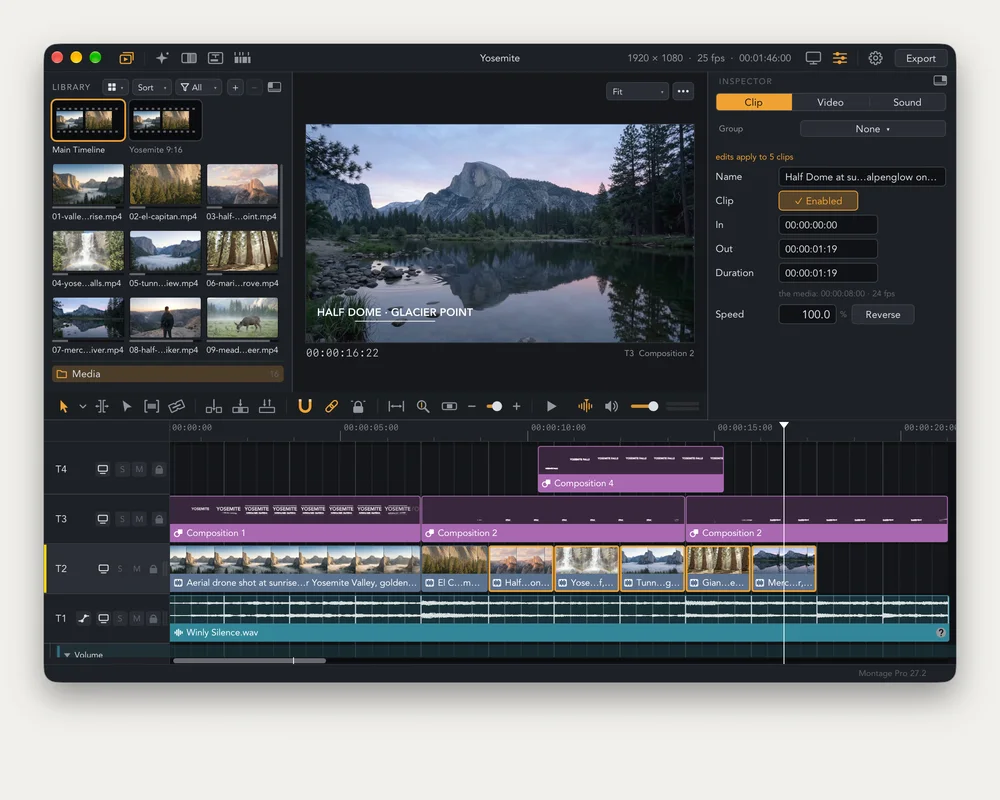 Cut a travel film to the beatConform to Beat Track makes each clip a set number of beats long.
 Assemble a long editVideo, sound, titles, effects and subtitles on as many tracks as needed.
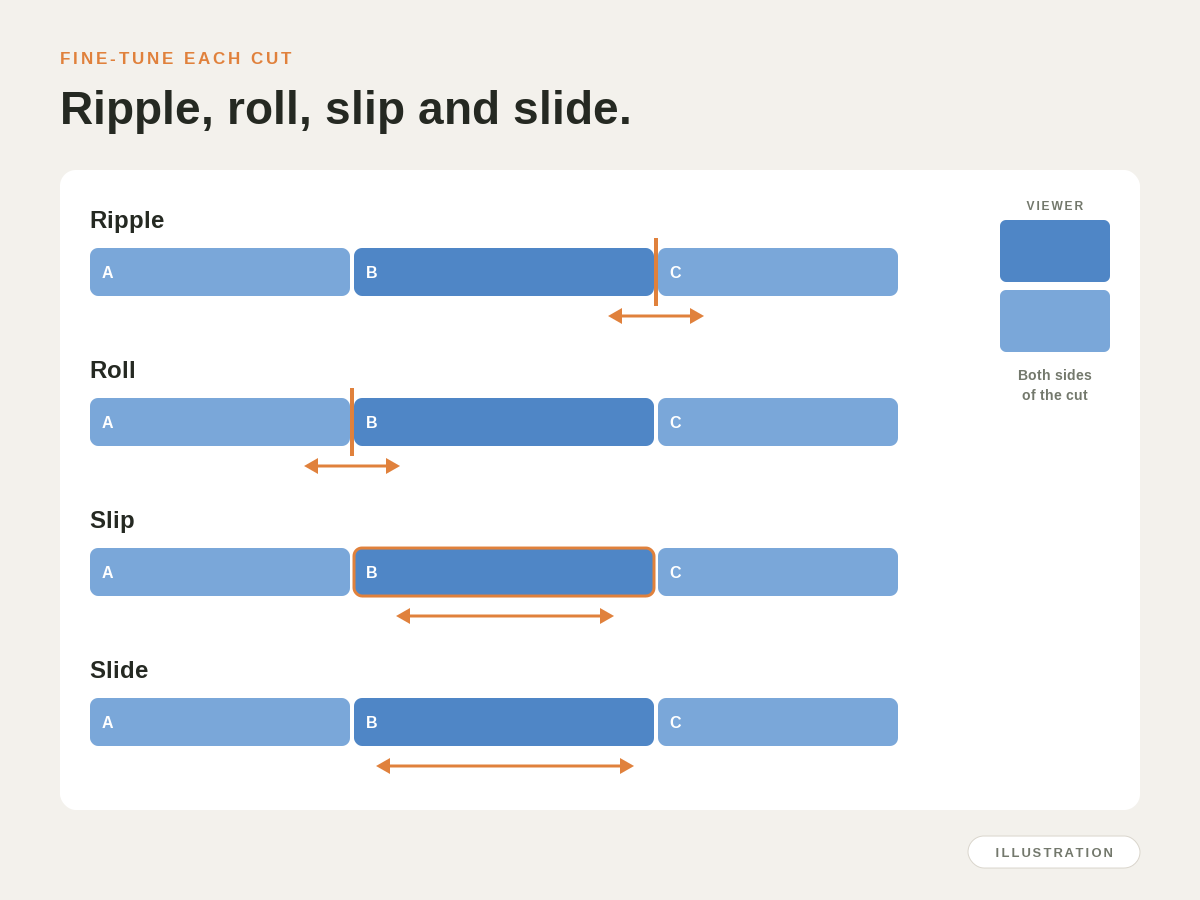 Fine-tune each cutRipple, roll, slip and slide, with both sides of the cut in the viewer.
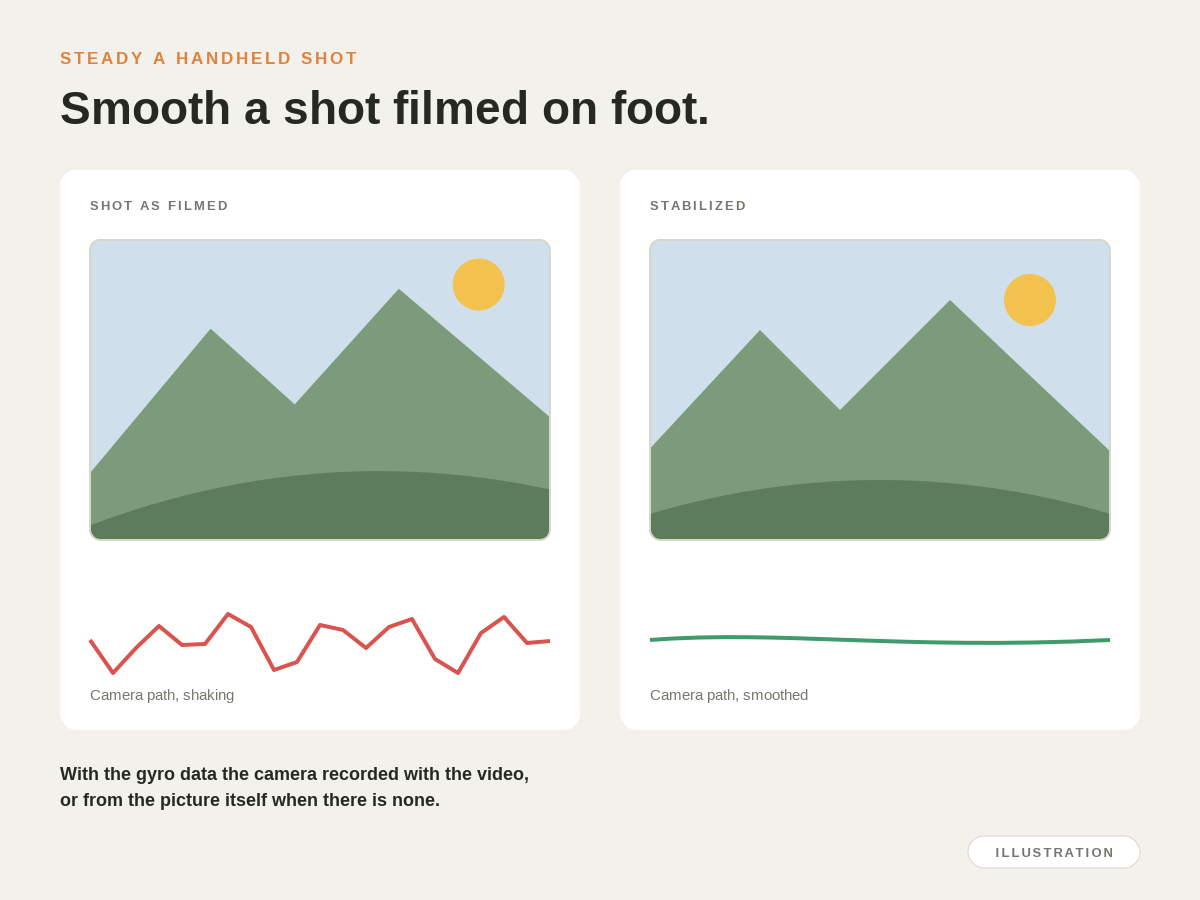 Steady a handheld shotSmooth a shot filmed on foot, with the camera’s gyro data or the picture.
Titles & motion
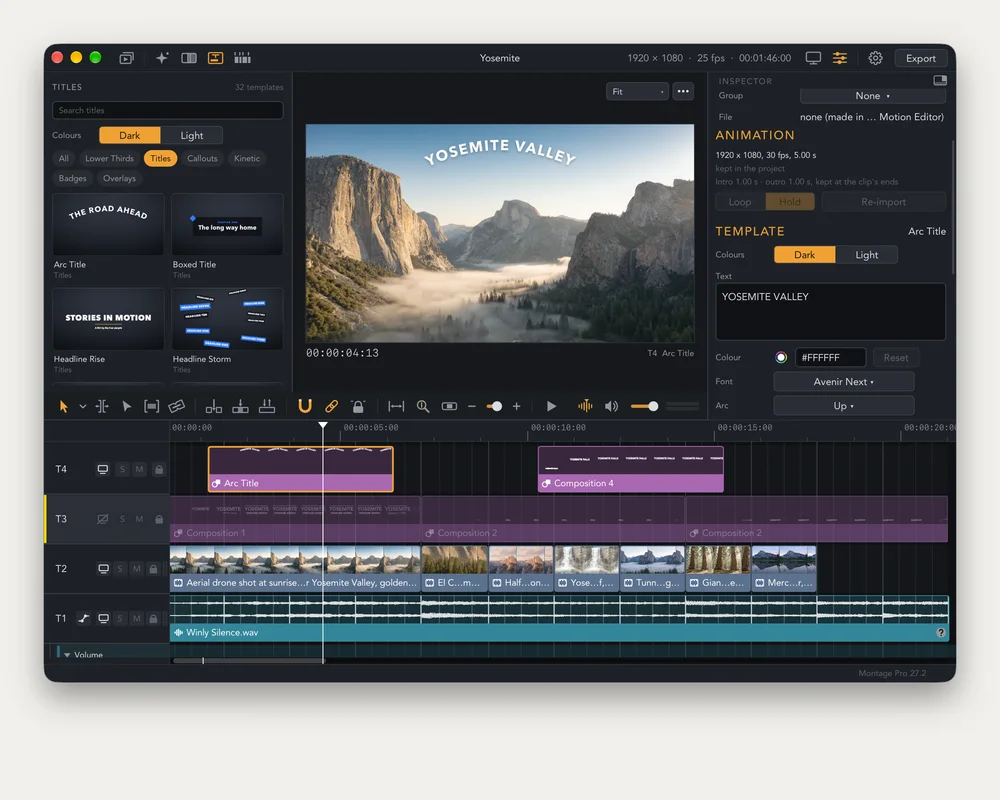
Colour & sound
Every feature
Everything the app does.
Every menu command, browser and window of Montage Pro for Mac, grouped by task.
Edit
- Undo and Redo: any step
- Cut, Copy and Paste
- Cut and Close the Gap
- Paste and Push
- Remove, Remove and Close the Gap
- Select All and Deselect All
- Select Everything Before / After the Playhead
- Select Everything Before / After the Playhead on the Destination Track
Timeline
- New Timeline and Duplicate Timeline
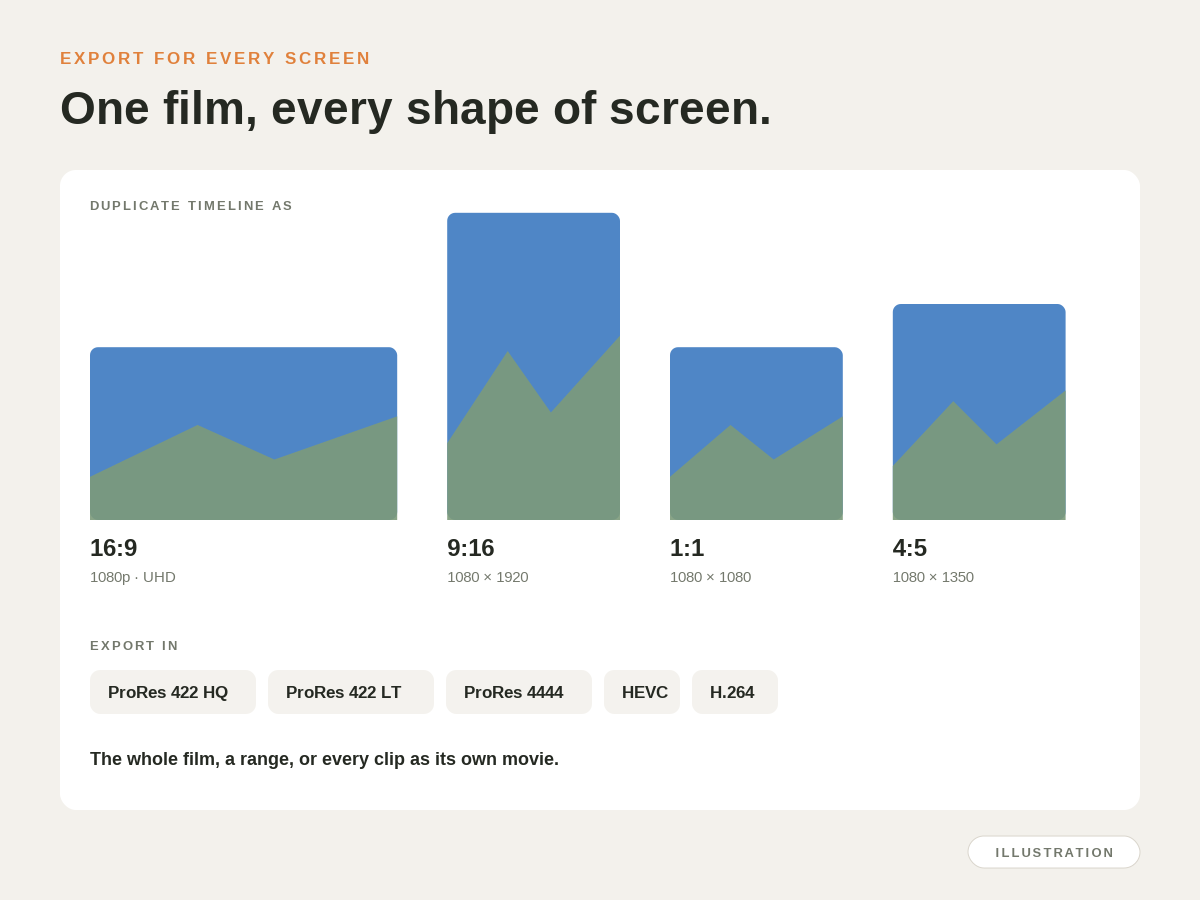
- Duplicate Timeline As: 1080p, UHD, 4K DCI, 9:16, 1:1, 4:5
- Start Timecode…
- Insert, Overwrite, Replace and Append
- Place on Top
- Ripple Overwrite and Fit to Fill
- Cut Selected at the Playhead
- Cut All at the Playhead
- Close All Gaps
- Delete Ripples
- Set In, Set Out, Clear In, Clear Out, Clear In and Out
- Add a Mark, Add a Mark and Edit It
- Edit the Mark and Remove the Mark
- Stabilize All Sources: with the camera’s gyro data, or from the picture
- Render All Stabilized and Clear Renders
Beat
- Analyse Beats: finds the beats in the music
- Cut here, on the beat
- Cut here on the half beat and Cut here on the frame
- Suppress the cut
- Anchor here: the pattern starts again
- Cut at Beats: Downbeats or Beats
- Conform to Beat Track: each clip 1 to 96 beats long
- Replace Music…: swap the song, keep every cut
- Beat Grid: Off, Downbeats or Beats
- Beat Grid ▸ Division: 1/4 beat to 48 beats
- Montage, Make Auto Montage, Cut To and Explode Montage
- Montage Settings… and Auto Montage Presets
Clip
- Add FX Clip and Add Text Clip
- Add Compound Clip and Break Apart Compound Clip
- Extract Still
- Split at Marks
- Retime: Slow 50 %, 25 %, 10 %
- Retime: Fast 2x, 4x, 8x, 20x
- Retime: Normal (100 %), Hold, Blade Speed, Custom Speed…
- Change Duration…
- Add a Dissolve and Add a Picture Dissolve
- Pair / Unpair Clips
- Detach / Attach Audio
- Disable / Enable Clip
- Mute / Unmute Clip
- Tag the Selected Clips
- Group ▸ New Group…
- Copy Settings and Paste Settings…
Track
- New Track Above and New Track Below
- New Compound Track
- Rename Track… and Remove Track
- Remove the Empty Tracks
- Move Track Up and Move Track Down
- Close Gaps and Close This Gap
- Shown, Solo, Mute, Lock
- Follow and Compound
- Select All Clips in Track
- Select to the End or the Start of the Track
- Select to the End or the Start, Every Track
- Track Height: Small, Medium, Large
Tools
- Select, Trim and Live Trim
- Position and Range Selection
- Blade, Slip and Slide
- Zoom and Hand
- Ripple and roll trims, with both sides of the cut in the viewer
- Trim Nudges: Slip / Slide
- Back and Ahead One Frame or Five Frames
- Nearest Cut Point and Cut Point Side
- Clip Under the Playhead
- Everything Under the Playhead
- Start to the Playhead and End to the Playhead
- Start / End to the Playhead, Closing the Gap
- Cut Point to the Playhead
- Magnet, Keep Pairs and Hold Positions
Titles & motion
- Titles browser: 32 ready-made titles, lower thirds, callouts and badges
- Add Motion Graphics Clip… and New Motion Graphics Clip
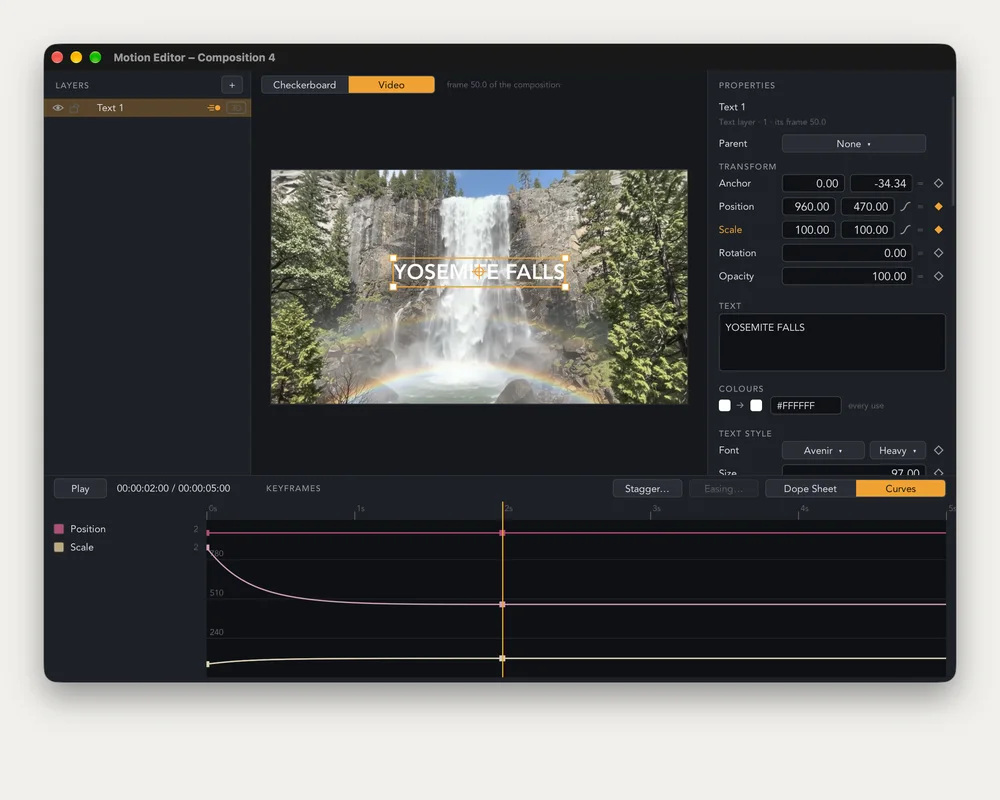
- Motion Editor: layers, keyframes, text on a path, 3D cameras and motion blur
- Curves in the Motion Editor: the easing between keyframes
- Save as Template…: from a clip or a project
- Animation files from your design tools play as clips
Effects & transitions
- Effects browser: blurs, glows, colour looks and lens effects
- Cut a speaker out of the background, on your Mac
- Transitions browser: a dissolve, a dip or a zoom
Colour
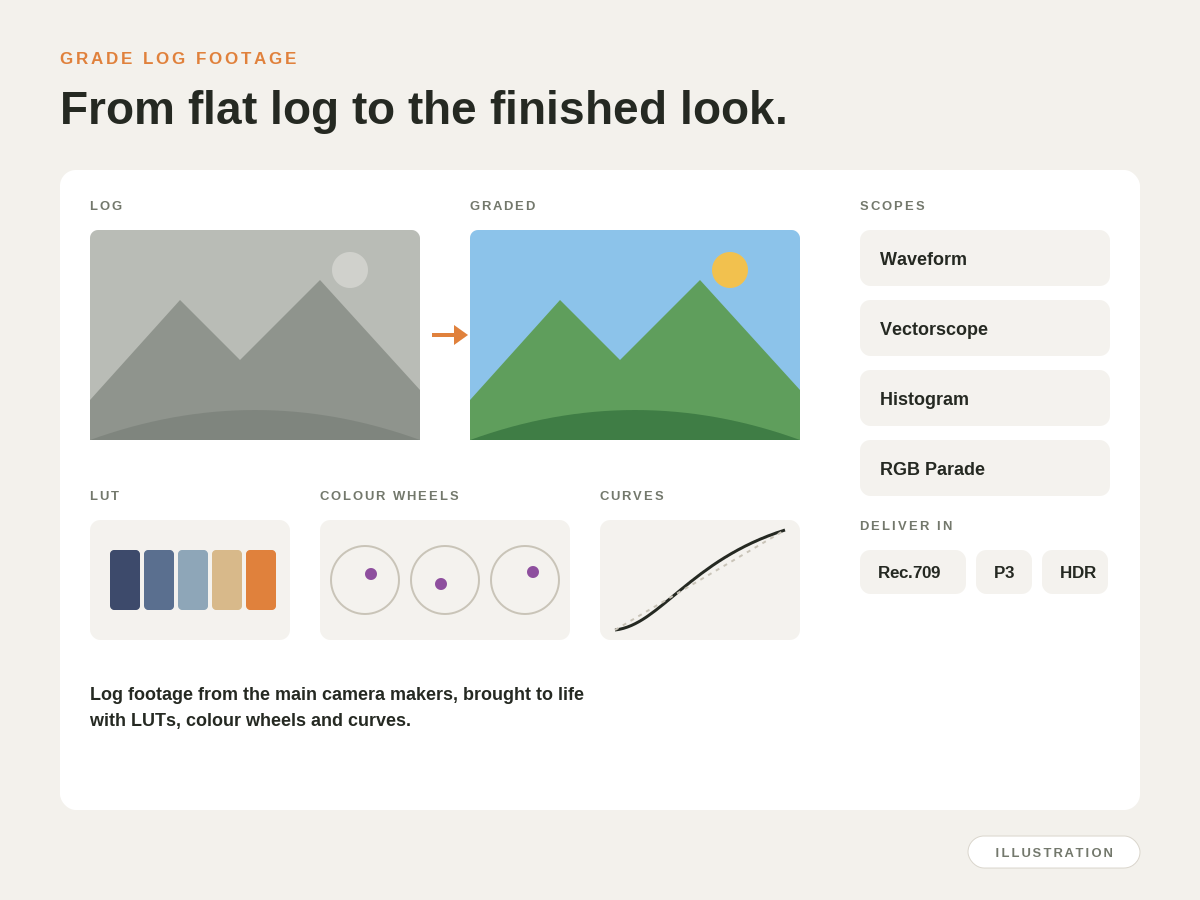
- Log footage from the main camera makers
- LUTs, colour wheels and curves
- Scope: Waveform, Vectorscope, Histogram, RGB Parade
- Measure After or Before the Output Transform
- Increase, Decrease and Reset Gain of the scope
- Deliver in Rec.709, P3 or HDR
Audio & subtitles
- Fades on every track
- Add a Sound Crossfade
- Montage Pro’s own audio effects
- Audio Units already on your Mac, in the Effects browser
- Audio While Scrubbing
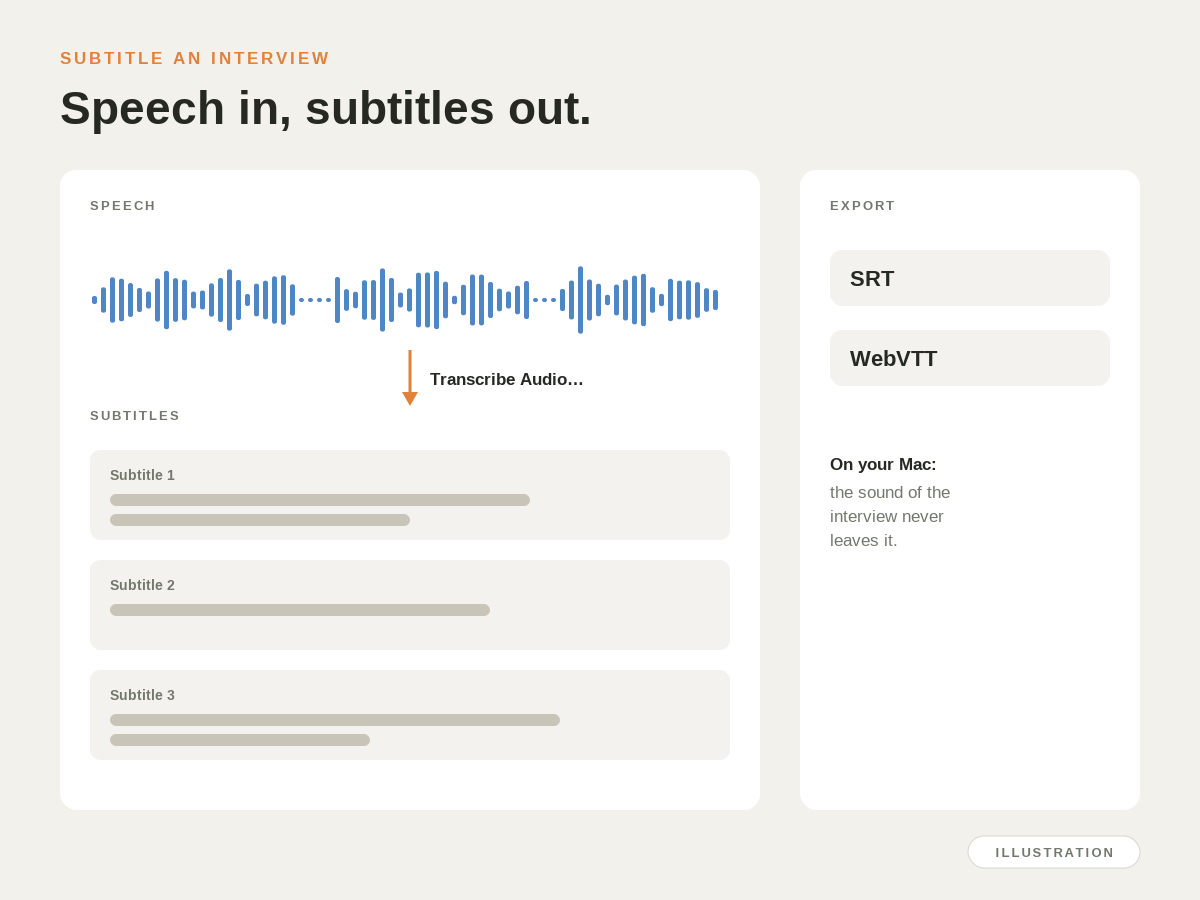
- Transcribe Audio…: speech becomes subtitles on your Mac
- Stop Transcription
- Add Subtitle
- Import Subtitles… and Export Subtitles…: SRT or WebVTT
Generate & music
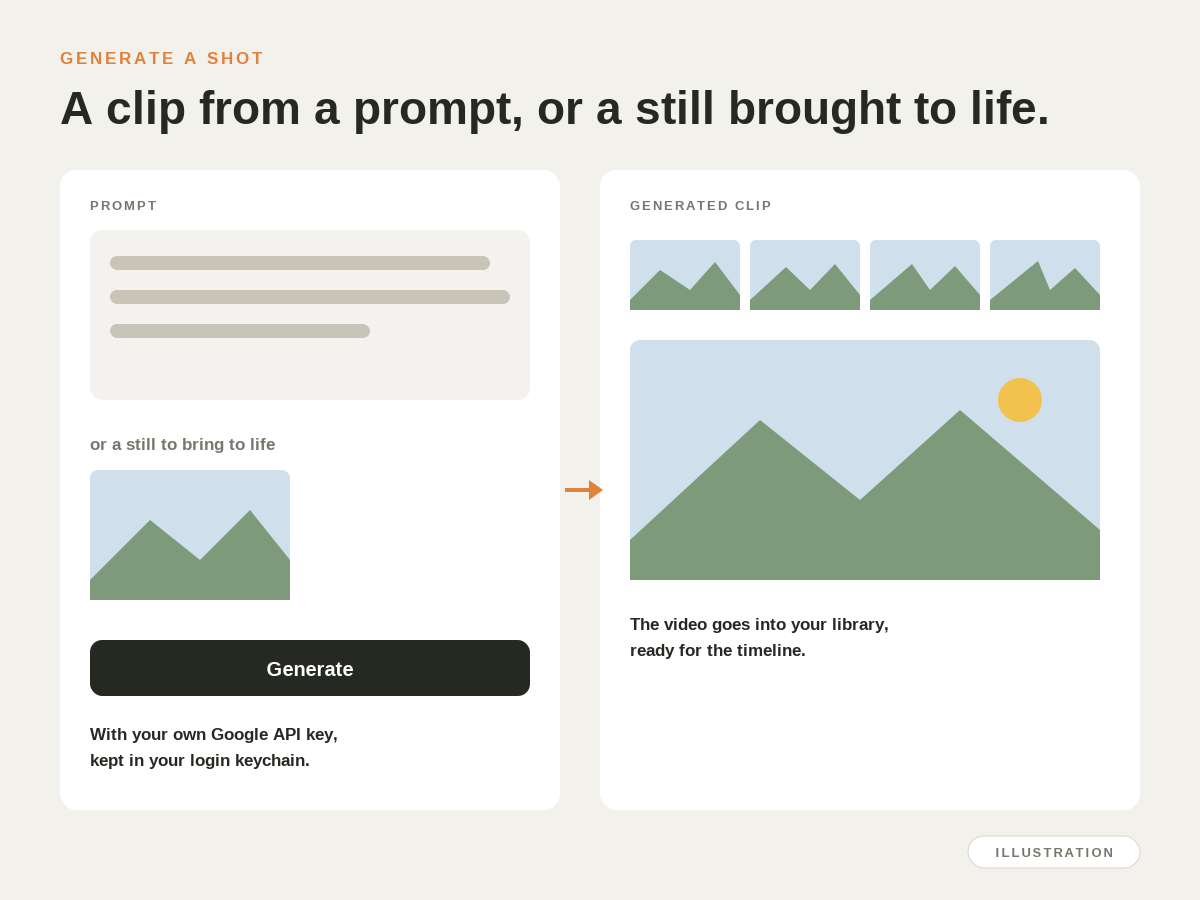
- Generate: a video from a prompt, or a still brought to life, with your own Google API key
- Add AI Prompt Clip
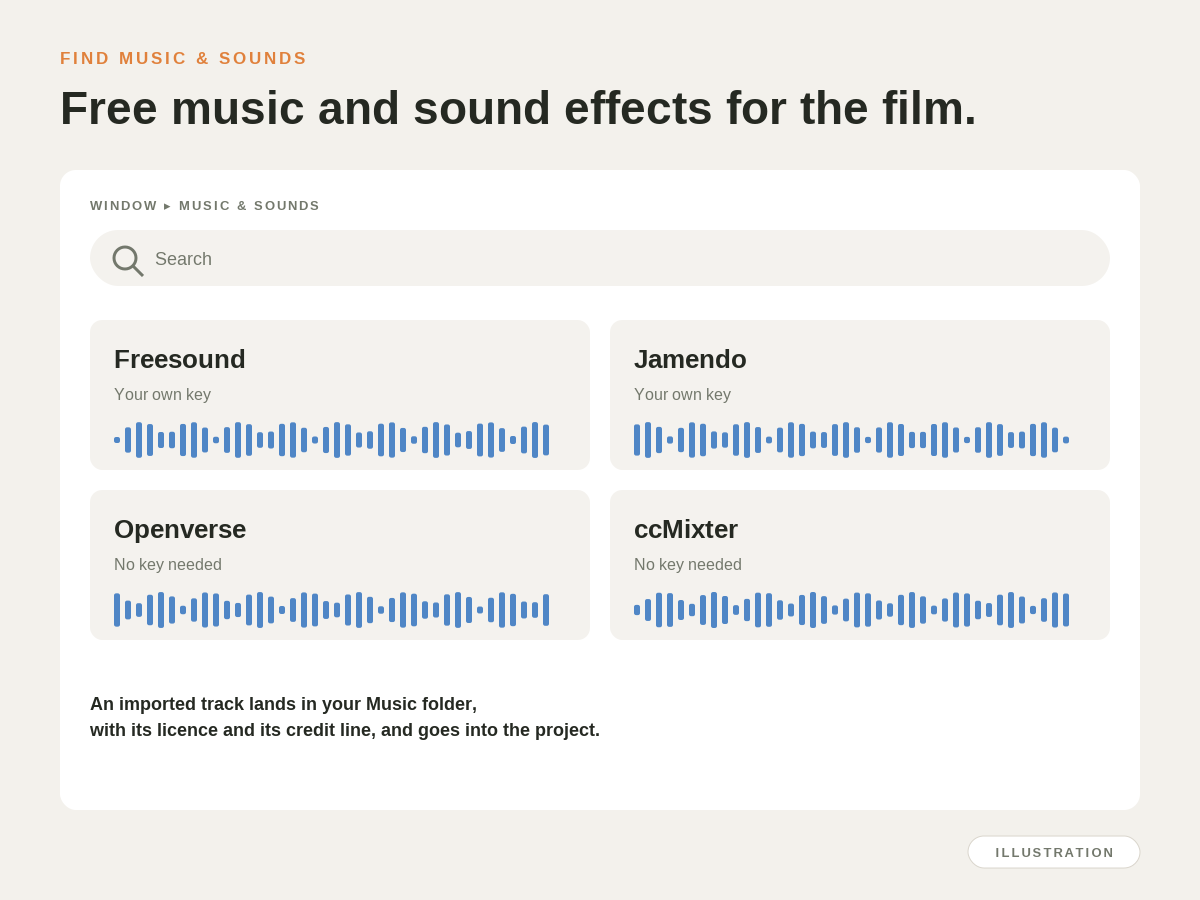
- Music & Sounds: free music and sound effects from Freesound, Jamendo, Openverse and ccMixter
- Imported tracks keep their licence and credit line
Files & formats
- New Project and New from Template
- Open… and Open Recent
- Add to Library…
- Import Project… and Import Timeline…
- Import ▸ FCPXML…
- Relink Media…
- Save, Save As…, Duplicate
- Rename… and Move To…
- Package Project…
- Export Movie… and Export Selected…: the whole film, a range or every clip as its own movie
- ProRes 422 HQ, ProRes 422 LT and ProRes 4444
- HEVC (Main 10 for HDR) and H.264
- Export ▸ FCPXML… and EDL (V1)…
- Open Sample Project: the Yosemite film
View & window
- Library, Effects, Transitions, Titles
- Inspector
- Inspector Full Height and Library Full Height
- Clip View and Trim Preview
- Guides: Thirds, Centre, Safe Areas
- Video Window: in a window or full screen
- Video Fills the Screen
- Viewer Zoom: Fit, 6.25 % to 300 %
- Zoom to Fit, Zoom In Close, Zoom In, Zoom Out
- Taller Tracks, Shorter Tracks, Tracks at Their Own Height
- Enter Full Screen
- Welcome to Montage Pro
Sharing & sync
- Sync documents with iCloud: .mpro projects through iCloud (CloudKit), with Montage on iPad and iPhone
- Open from iCloud…
- Share…: a project, through iCloud, to view or to edit
- Rainbow Factory Account…
- Check for Updates… (direct download)
- Feedback chat in every window
Plug-ins & automation
- OpenFX plug-ins in the Effects browser, each in a process of its own (direct download)
- MCP server: an AI assistant reads and edits the project, one undo step per change (direct download)