Process a folder of photos.
Resize, sharpen and convert three hundred shop photos to JPEG without opening them one by one.
What you do
Record once, play on every file.
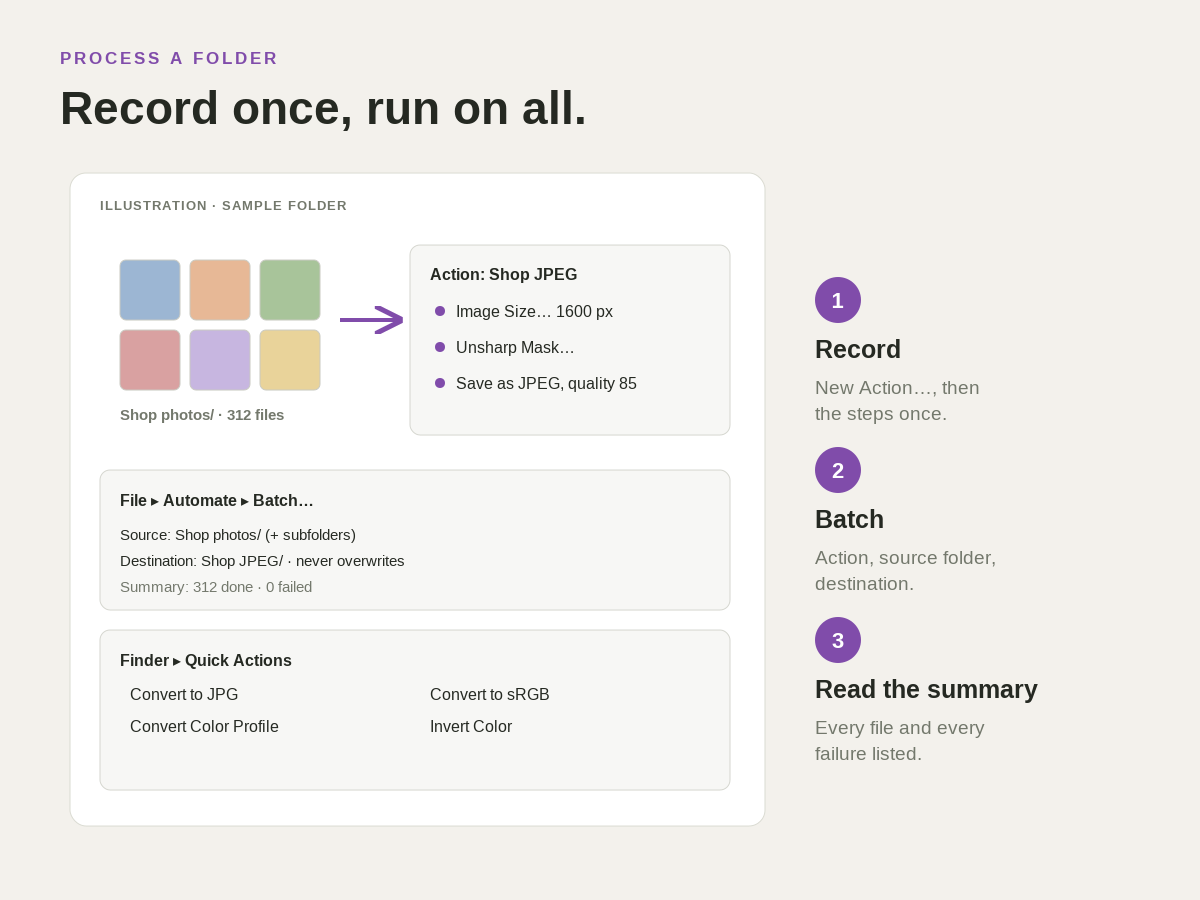
The Actions palette records the steps you take: menu commands, adjustments, filters, layer commands. File ▸ Automate ▸ Batch… plays an action on every image of a folder, subfolders too, and saves each result to a destination folder as JPEG, TIFF, PNG or the source format, never overwriting an existing file.
Without opening the app: right-click pictures in Finder ▸ Quick Actions for Convert to JPG, Convert to sRGB, Convert to Grayscale, Convert Color Profile and Invert Color.
Step by step
Try it on your own photo.
- Record
In the Actions palette, New Action…, then do the steps once on one photo. - Batch
File ▸ Automate ▸ Batch…, choose the action, the source folder and the destination. - Check the log
A summary lists every file processed and any that failed.
What you get
A folder of processed copies, and a log of what happened to each file.