Paint with oils and a knife.
Paint a study in thick oil, scrape colour across with a palette knife or turn a photo into a knife painting.
Paint that has thickness.
The Oil Paint tool paints with a Rigger, Round and Flat brushes, a Palette Knife or an HB Pencil, in Oil, Acrylic or Gouache. The Oil Paint palette sets the size, the paint load and the shape of the stroke, and Apply Light shows the relief of the paint.
The Palette Knife tool lays and drags the foreground colour; the Knives palette keeps your knives and the direction of the light.
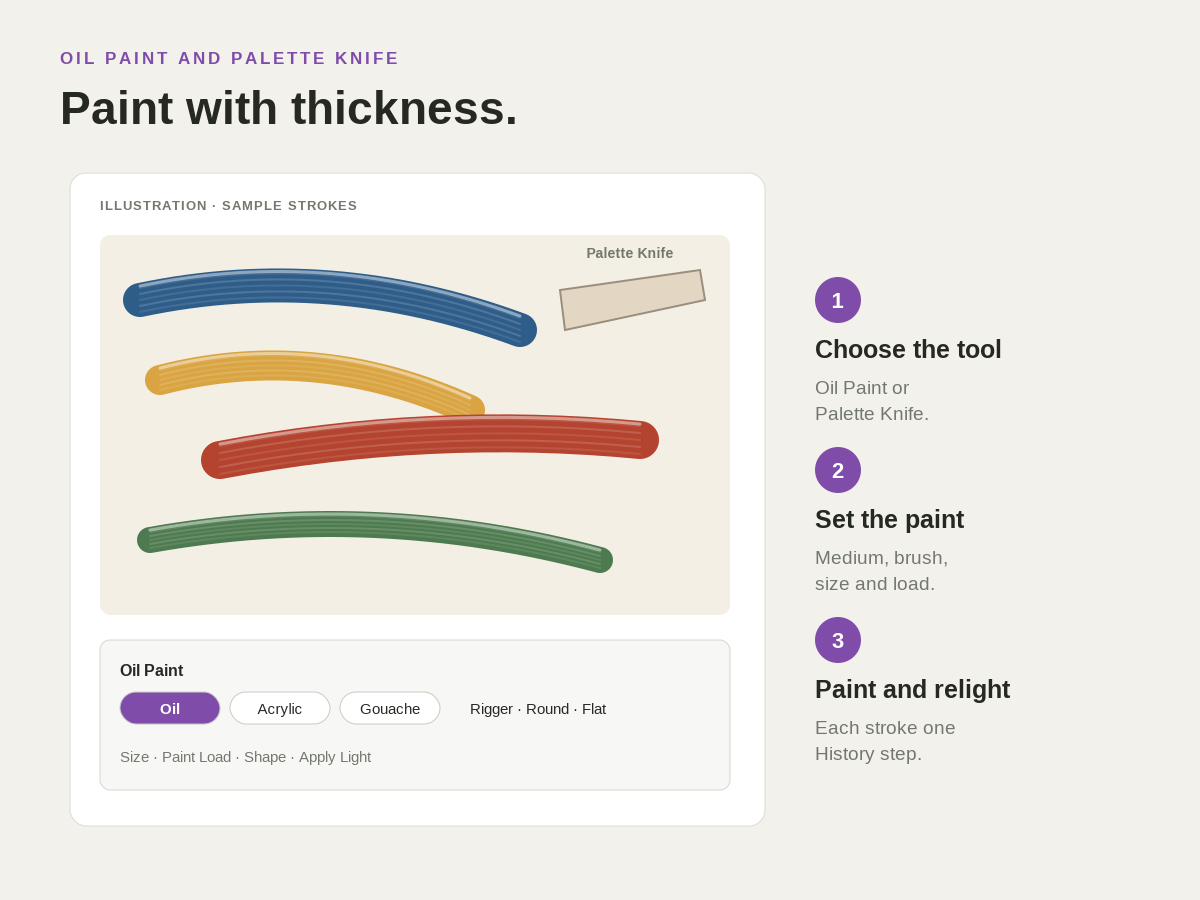
Try it on your own photo.
- Choose the tool
Oil Paint or Palette Knife in the Toolbox, on an RGB layer. - Set the paint
Medium, brush, size and load in the Oil Paint palette; the knife and the light in the Knives palette. - Paint
Drag; each stroke is one History step you can undo.
Filter ▸ Stylize ▸ Impasto… repaints the layer as a thick palette-knife painting lit from the side. Filter ▸ Render ▸ Thick Paint… generates thick-paint strokes and palette-knife lettering, with a background preview you can stop.
A painting on its own layer, with relief you can relight, combined with photos and text like any other layer.