Paint with watercolour.
Sketch a card, a label or a background in watercolour, with strokes that run into each other while they are wet.
What you do
Four tools for wet paint.
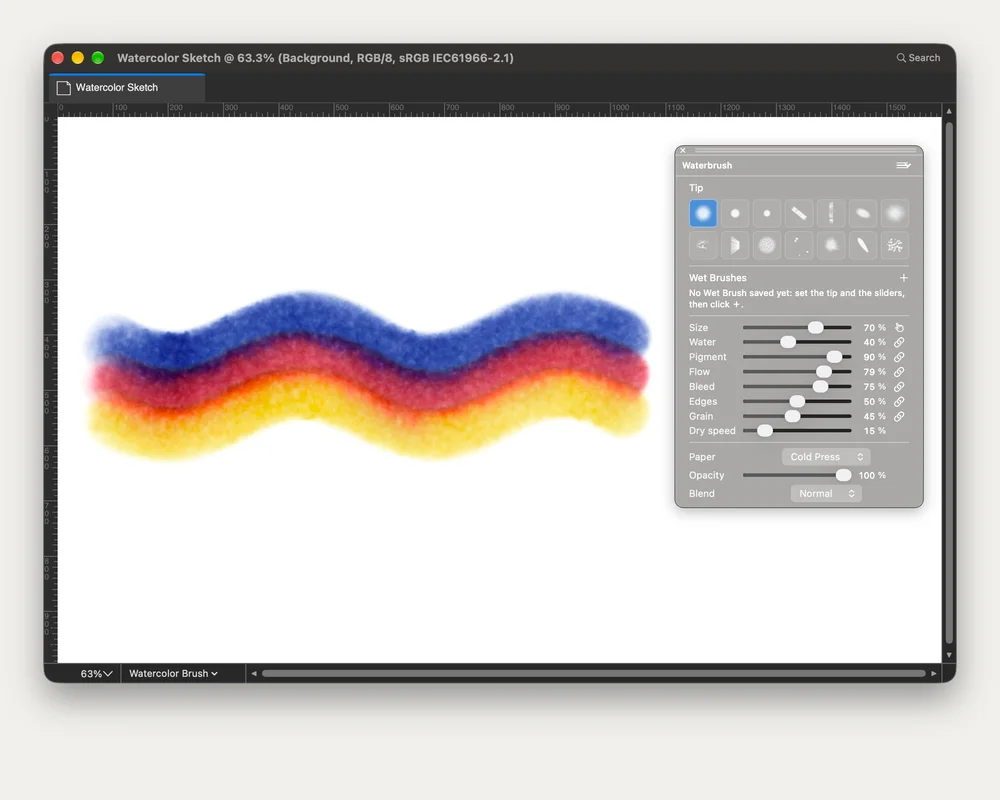
The Waterbrush tools are the Watercolor Brush, Water, Ink Pen and Lift. The Waterbrush palette holds the tips and papers and the Size, Water, Pigment, Flow and Bleed sliders.
Lay one stroke next to another while both are wet and the pigments mix and bloom until the paper dries; Lift takes wet paint back off. Save the settings you like as a Wet Brush.
Step by step
Try it on your own photo.
- Pick a Waterbrush tool
The Watercolor Brush, Water, Ink Pen or Lift in the Toolbox. - Set the brush
Choose a tip and a paper, then Size, Water, Pigment, Flow and Bleed in the Waterbrush palette. - Paint wet into wet
Cross a stroke that is still wet to mix the colours; use Lift to soften an edge.
What you get
A watercolour on its own layer, ready to combine with a photo or lettering.