Grade the colour.
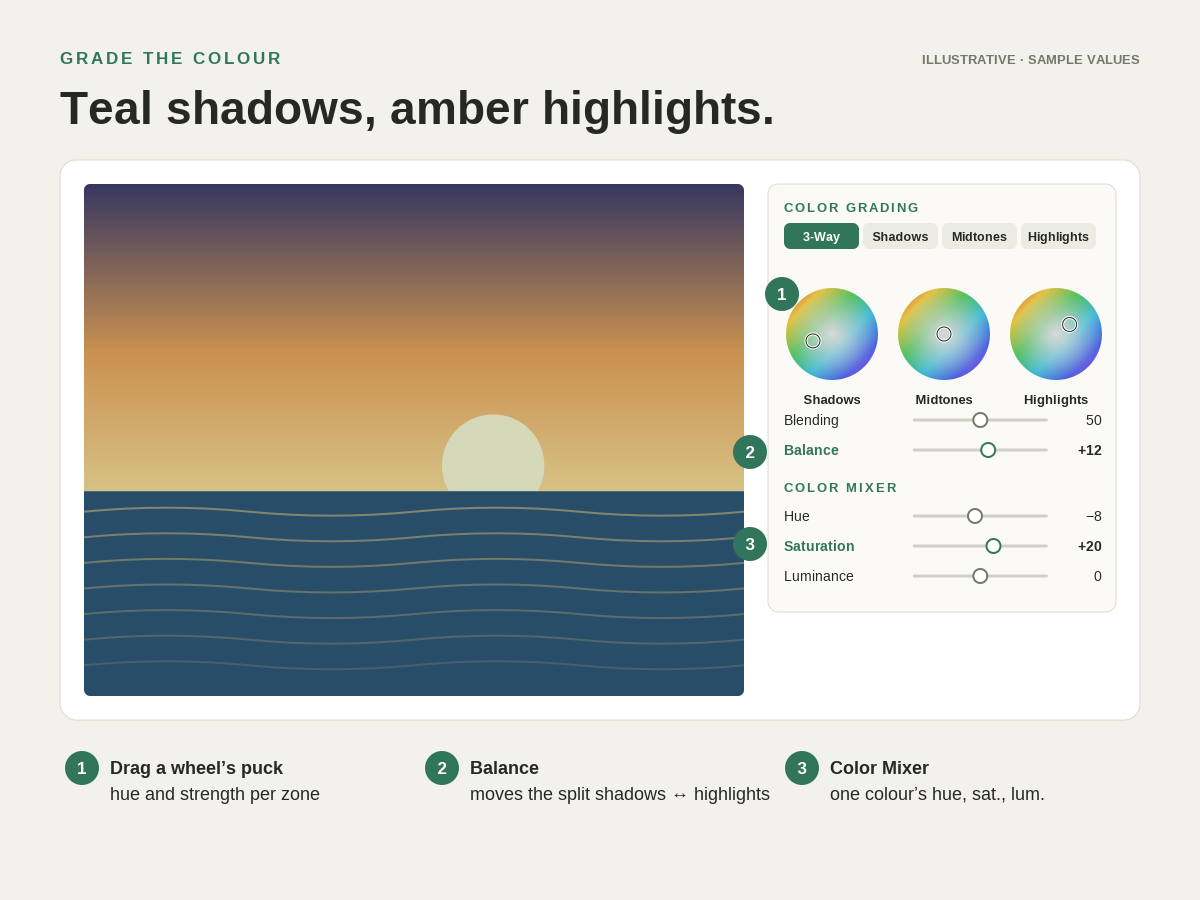
Push the shadows toward teal and the highlights toward amber with three wheels, or retune a single colour with the Color Mixer.
What you do
Wheels for the mood, the mixer for one colour.
COLOR GRADING has a wheel each for Shadows, Midtones and Highlights; COLOR MIXER changes the hue, saturation and luminance of one colour; CALIBRATION retunes the red, green and blue primaries.
Step by step
Try it on your own photos.
- Tint the zones
In the 3-Way view drag each wheel's puck: the angle is the hue, the distance from the centre the strength. The Luminance of each zone is the slider under its wheel. A double click resets a wheel. - Set where they meet
Blending softens the transition between the zones; Balance moves the split toward the shadows or the highlights. - Fix one colour
COLOR MIXER: pick the colour on the hue disc, then Hue, Saturation and Luminance. For the whole palette, CALIBRATION's Shadows Tint and the red, green and blue primaries.
What you get
A graded look, saved with the photo.
Save the grade as a preset (Preset ▸ Save Preset…) to give the same mood to the rest of the series.