Generate a pattern.
Make a seamless pattern for wrapping paper, a background or a fill, then size the tile to the object it fills.
Pattern Generator
A new pattern every time you press the seed.
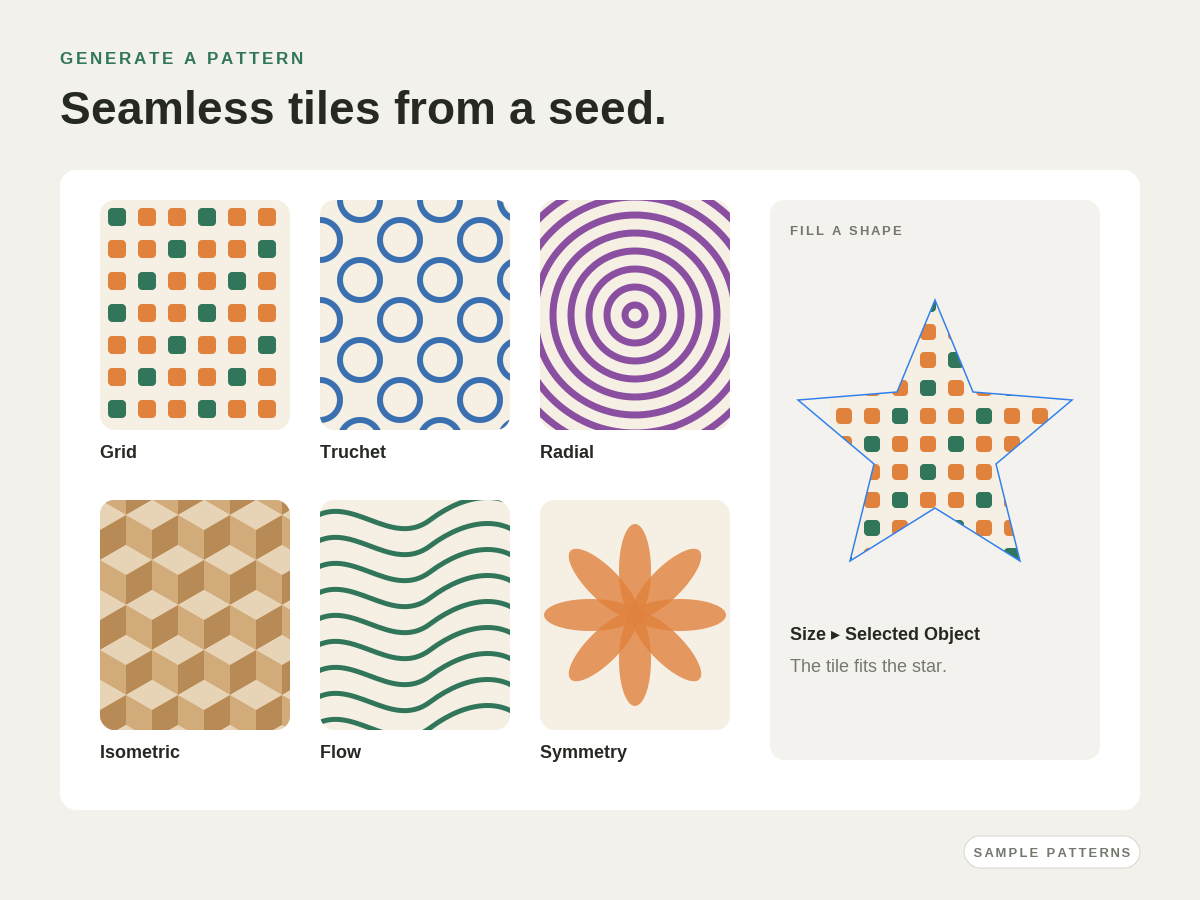
The Pattern Generator palette has twenty-four seeded generators in grid, flow, radial, noise, isometric, truchet, organic and symmetry families, with a live preview, a history of the generations you made and a background colour. Size ▸ Selected Object fits the tile to a shape, a compound path, a group or live text.
Step by step
Generate a pattern, in 3 steps.
- Pick a generator
Choose a family and press for new seeds until the preview fits. - Fit it
Select the object and choose Size ▸ Selected Object. - Change it later
Edit Pattern… reopens a generated pattern; Define Pattern turns your own artwork into one.
What you get
Patterns that tile without seams.
Pattern swatches paint the fill or the stroke, and the history keeps the seeds you liked.