Give every anchor a colour.
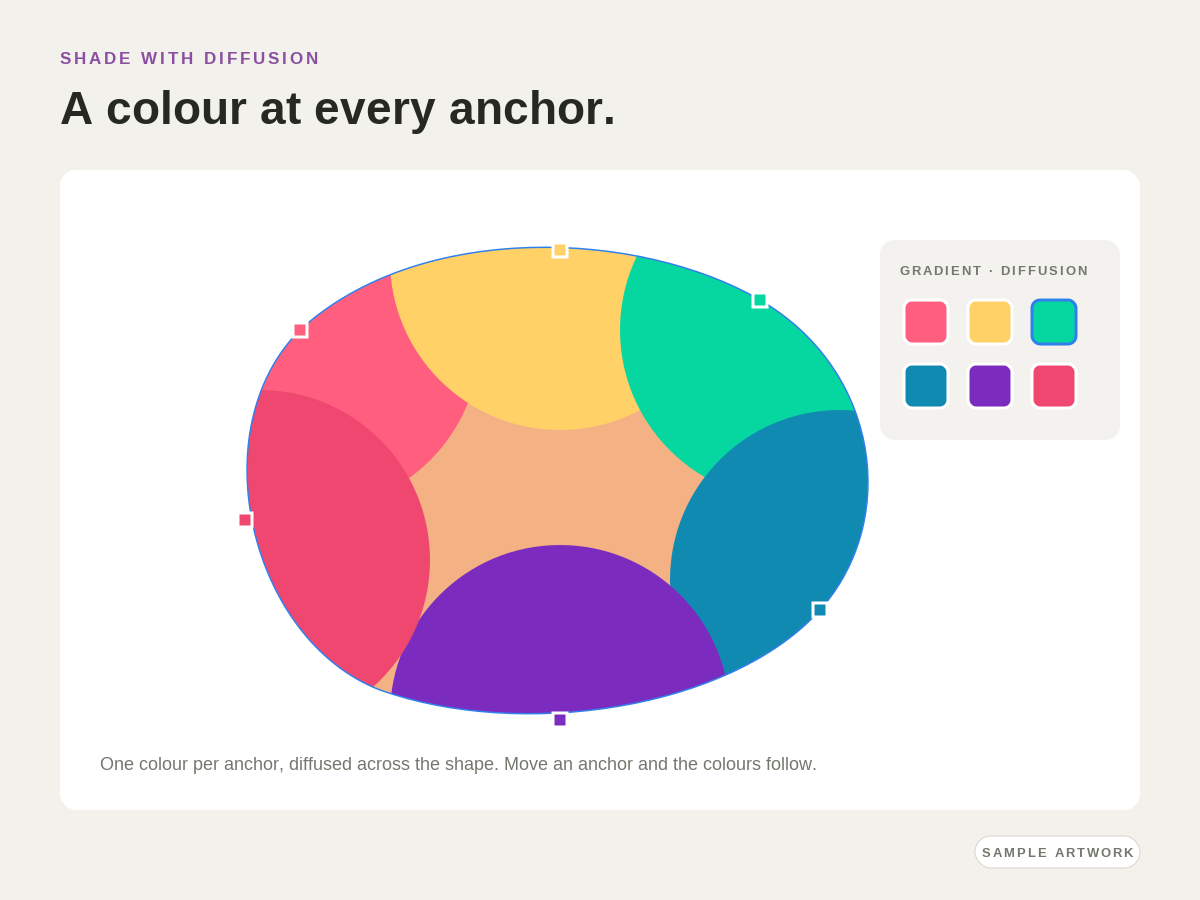
Colour a shape from its anchors: each one carries a colour and the gradient diffuses them across the fill.
Gradients
Soft colour without a mesh grid.
Diffusion is a mesh gradient with one colour per anchor, spread across the shape. Set the colours in the Diffusion strip of the Gradient palette, or pick an anchor on the canvas with the white arrow and give it a colour. The palette also makes linear, radial, sweep, conical and mesh gradients.
Step by step
Give every anchor a colour, in 3 steps.
- Choose Diffusion
Select the shape and pick Diffusion in the Gradient palette. - Colour the anchors
Pick an anchor with the white arrow and choose its colour; the eyedropper beside the stop chip picks a colour from anywhere on screen. - Reshape
Move the anchors and the colours move with them.
What you get
Shading that stays vector.
Filter ▸ Colors ▸ Adjust Colors… recolours every stop of the gradients in the selection at once, with a live preview.