Vary a stroke’s width.
Drag across a stroke at any anchor to make it wider or thinner there, the way a pen nib swells in a curve.
Width tool
A width at every anchor.
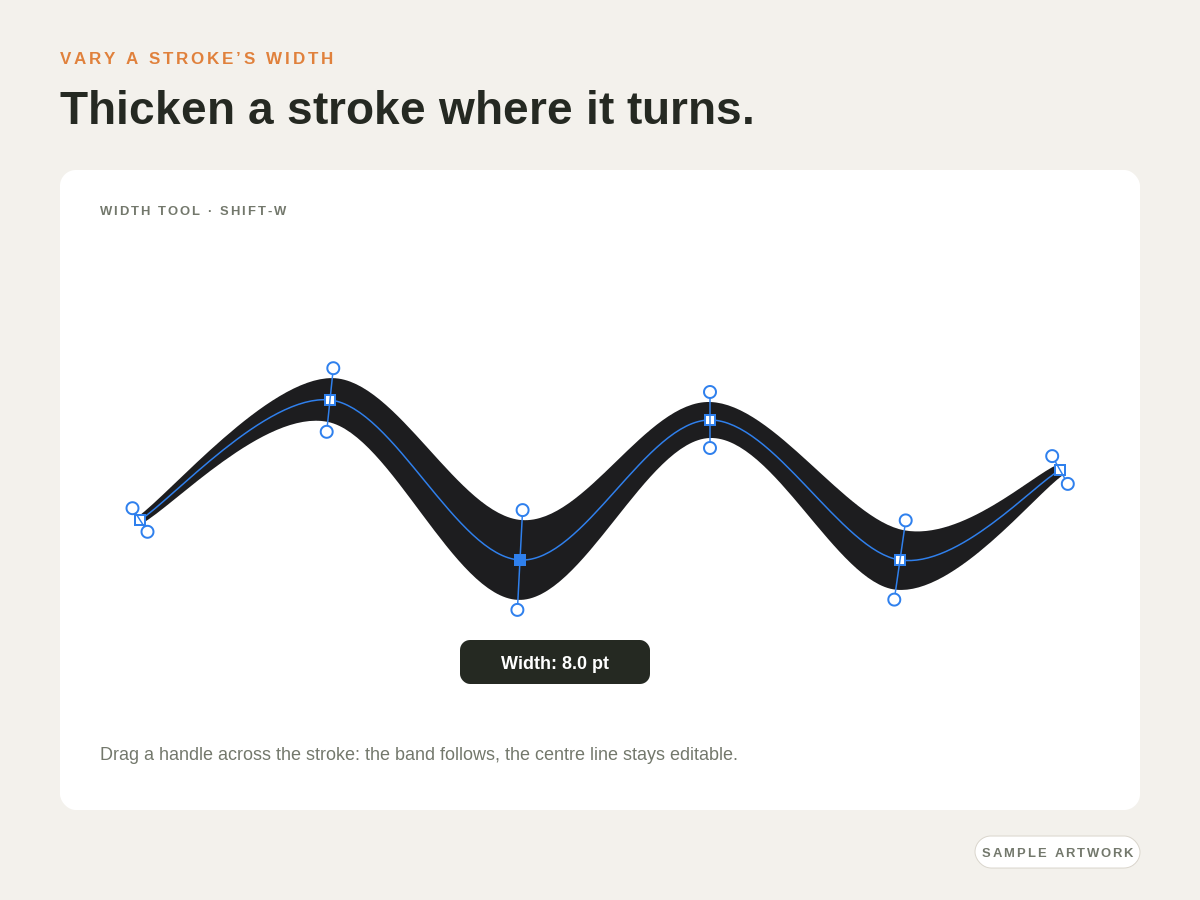
Pick the Width tool (⇧W, in the flyout of the transform tools). Every anchor of the selected stroke shows a line across it with a handle at each end: drag one and the edge of the stroke follows the pointer, with the width read out in points. The centre line stays an editable path.
Step by step
Vary a stroke’s width, in 3 steps.
- Select the stroke
Plain strokes, Pencil strokes and ink brushes take width points. - Drag a handle
Pull a handle across the stroke to set the width at that anchor; Esc during the drag cancels it. - Add or type a width
Press between two anchors to add one and set its width in the same drag, or double-click a width point to type the value.
What you get
Calligraphy without redrawing.
Each drag is one Edit Width step in the undo history, and the stroke keeps its brush and colour.