Open it in any browser.
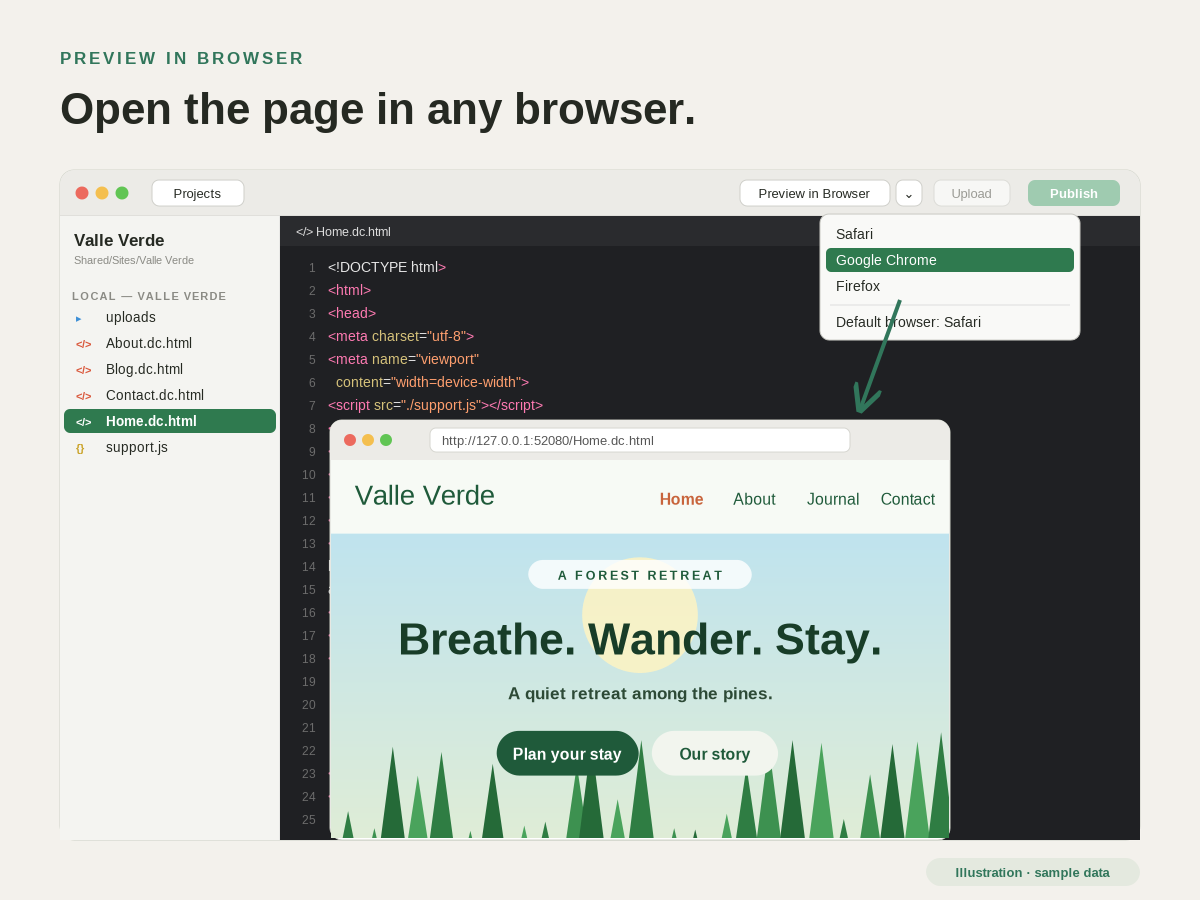
Open the page you are editing in Safari, Chrome, Firefox or any browser on your Mac, served from a local web server so links and scripts behave as on a host.
Test in your browsers
A real server, on your Mac only.
Preview in Browser (⇧⌘B) serves the project from a web server that listens only on your Mac (127.0.0.1), so nothing is reachable from the network. The arrow next to the button lists the browsers installed on the Mac.
Step by step
Check the page in two browsers.
- Pick the browser
Click the arrow next to Preview in Browser and choose one, or set the usual one in Settings ▸ General ▸ Preview Browser. - Open the page
Press ⇧⌘B: the current page opens from the local server. - Switch browser
Choose another from the same menu to compare.
What you get
Links that work.
Because the page comes from a server, root-relative links, fetch calls and module scripts work as they will once the site is online.