Turn inline SVG into files.
Move the icons and drawings pasted into a page as inline SVG into their own files, and keep the page short.
Move inline SVG to files
One command for every drawing.
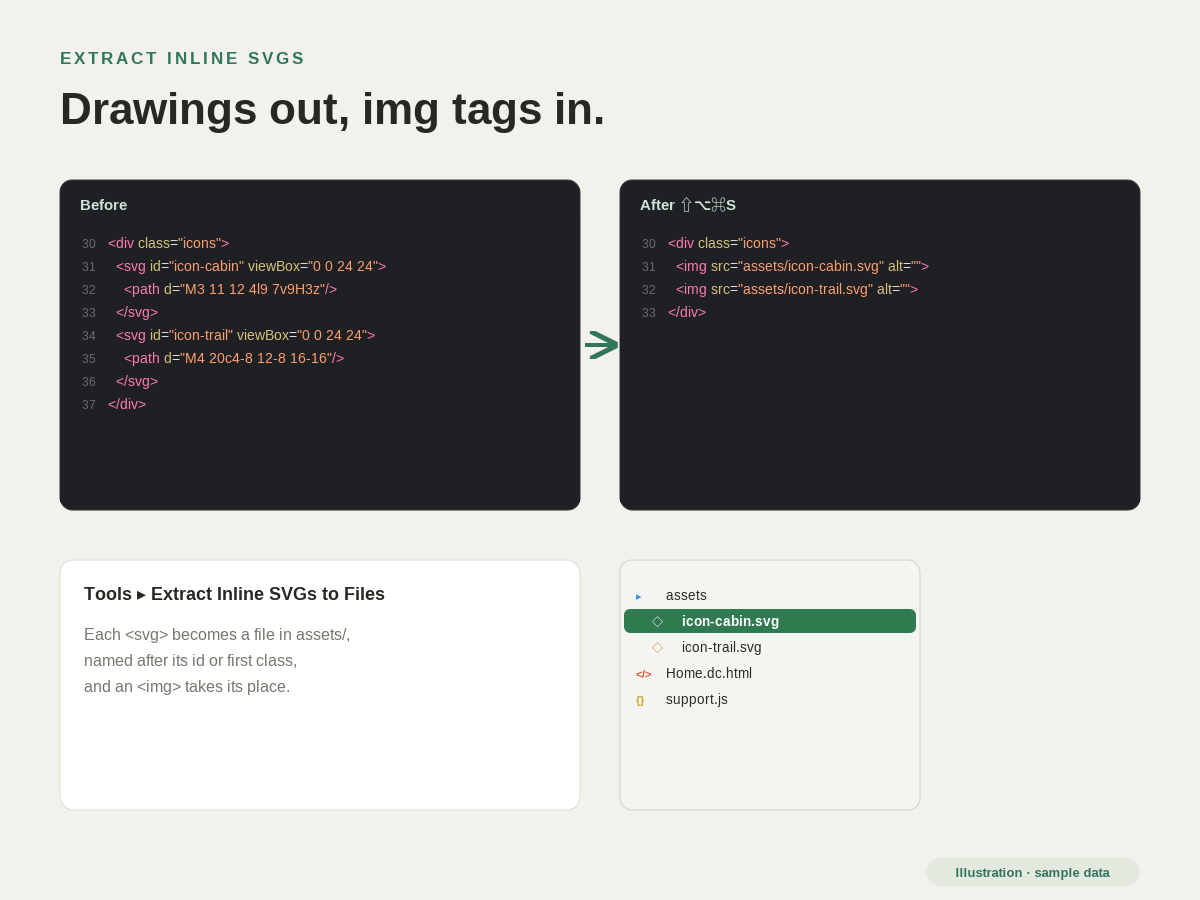
Tools ▸ Extract Inline SVGs to Files (⇧⌥⌘S) saves each <svg> element of the page as an .svg file in the project’s assets folder and puts an <img> in its place.
Step by step
Clean up a page.
- Open the page
Open the HTML file that carries the inline drawings. - Extract
Choose Tools ▸ Extract Inline SVGs to Files (⇧⌥⌘S). - Check the result
The files appear in assets/ in the tree, and the preview shows the same page.
What you get
Shorter pages, cacheable drawings.
Each file takes its name from the drawing’s id, or its first class, when it has one. The drawings become files you can edit on their own and the browser can cache.