Give a long PDF a map.
Add the chapter outline readers use to jump around a report, a manual or a magazine issue.
What you do
The outline is editable.
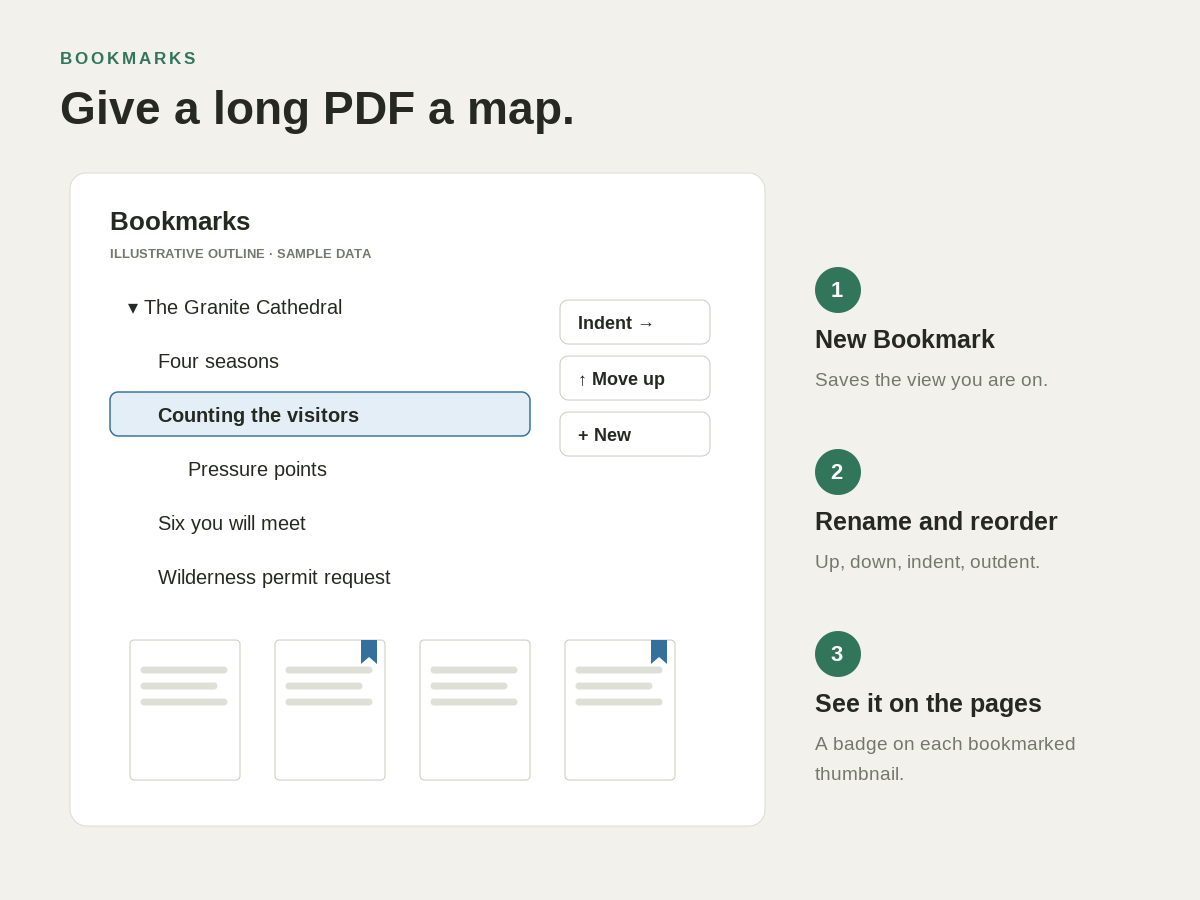
The Bookmarks palette shows the document’s outline as a tree; click a title to jump there. New Bookmark uses the view you are looking at as its destination and opens ready to be named.
Rename a bookmark, move it up or down, indent or outdent it, point it somewhere else or delete it, each as one undo step.
Step by step
Try it on your own PDF.
- Go to the page
Scroll and zoom to the view the bookmark should open. - Choose New Bookmark
Type its title. - Arrange the tree
Indent sections under their chapter and reorder them.
What you get
An outline that appears in the sidebar of any PDF reader. In the Pages sidebar, bookmarked pages carry a small badge.