Pick it up where you are.
Start a form on the desk Mac and finish it on the laptop, or carry on reading the same page on your iPad.
What you do
Your PDFs on every Mac you use.
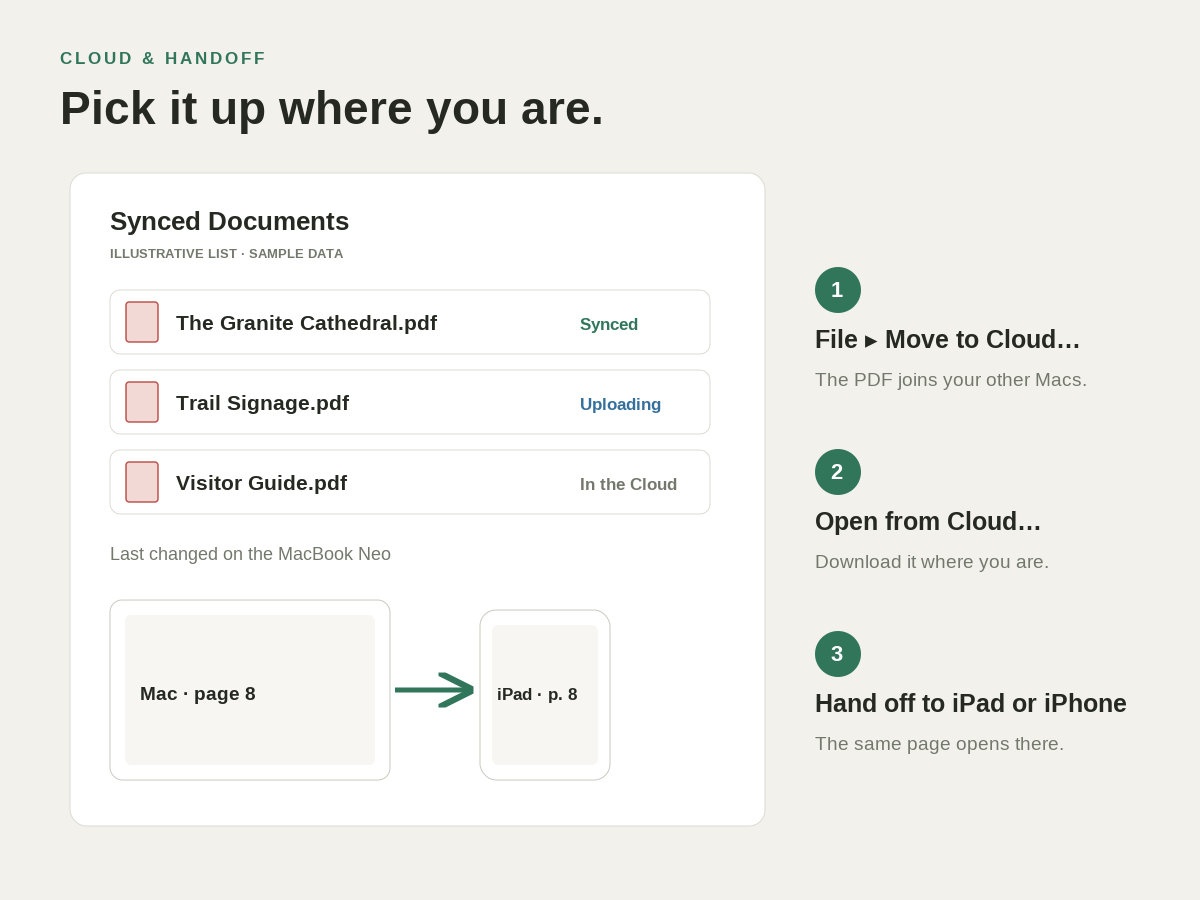
File ▸ Move to Cloud… puts the open PDF among the documents synced with Pdf Editor on your other Macs through iCloud; Open from Cloud… downloads one there. The welcome window lists Synced Documents by device, with the Mac that changed each one last.
Handoff passes the open document between the Mac and Pdf Editor on iPad and iPhone, and the page follows you in both directions.
Step by step
Try it on your own PDF.
- Move the PDF to the cloud
File ▸ Move to Cloud… on the open document; ⌘S keeps saving as usual. - Open it on the other Mac
From Synced Documents in the welcome window or Open from Cloud…. - Hand off to iPad or iPhone
Open the Handoff icon there and land on the same page.
What you get
One PDF on all your Macs, each change sent up as you save. With iCloud full, changes wait on the Mac and go up once there is room.