Trim the scanner’s border.
Remove the grey border of a scan or the margins of a slide export before you send or print the PDF.
What you do
Margins in your unit, seen live.
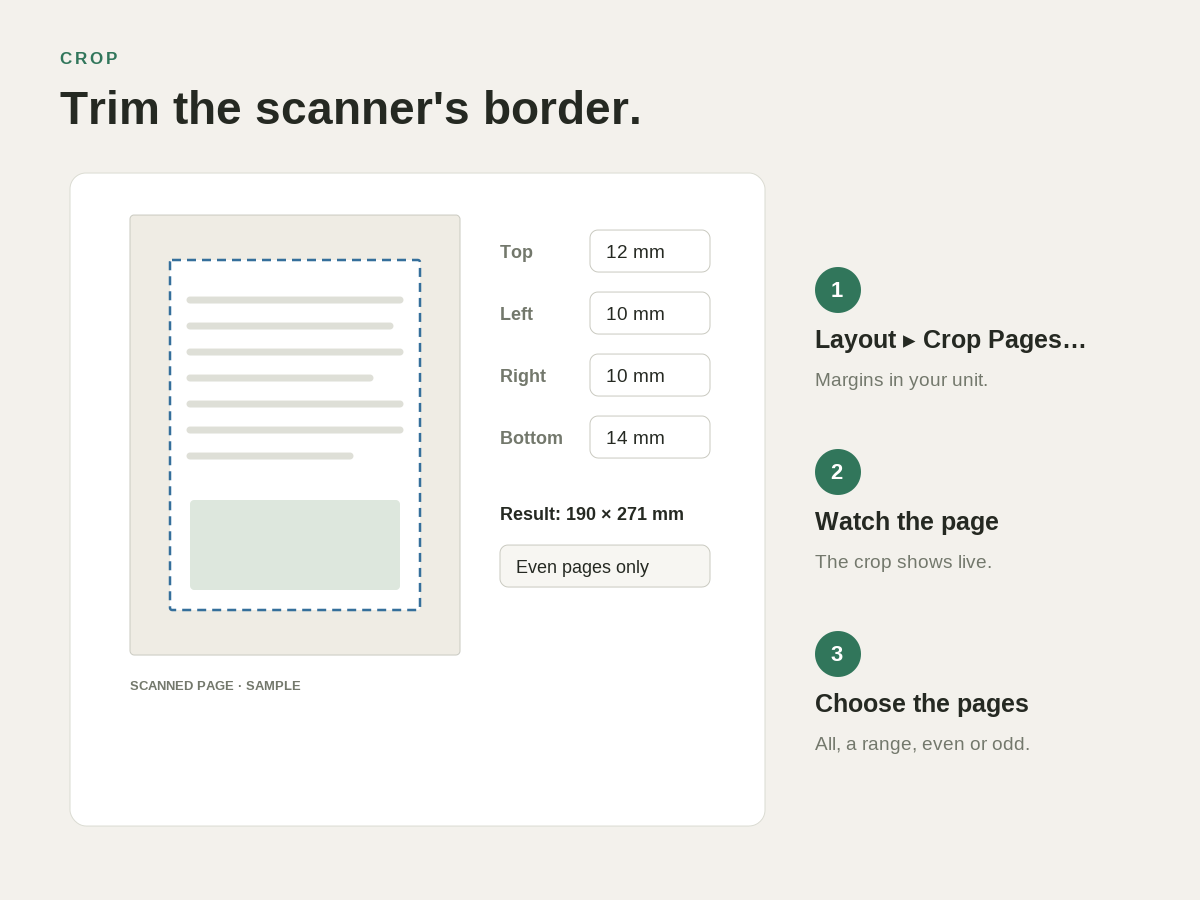
Layout ▸ Crop Pages… takes top, left, right and bottom margins in the unit you work in. The crop shows on the page while you type, with the resulting page size.
Apply it to all pages, a range, or only even or odd pages: a book scanned two pages at a time has its gutter on alternate sides.
Step by step
Try it on your own PDF.
- Choose Crop Pages…
From the Layout menu. - Type the margins
Watch the outline and the resulting size. - Pick the pages
All, a range, even or odd, then apply as one undoable step.
What you get
Pages cut to what matters, at the size shown in the dialog.