Initial every box.
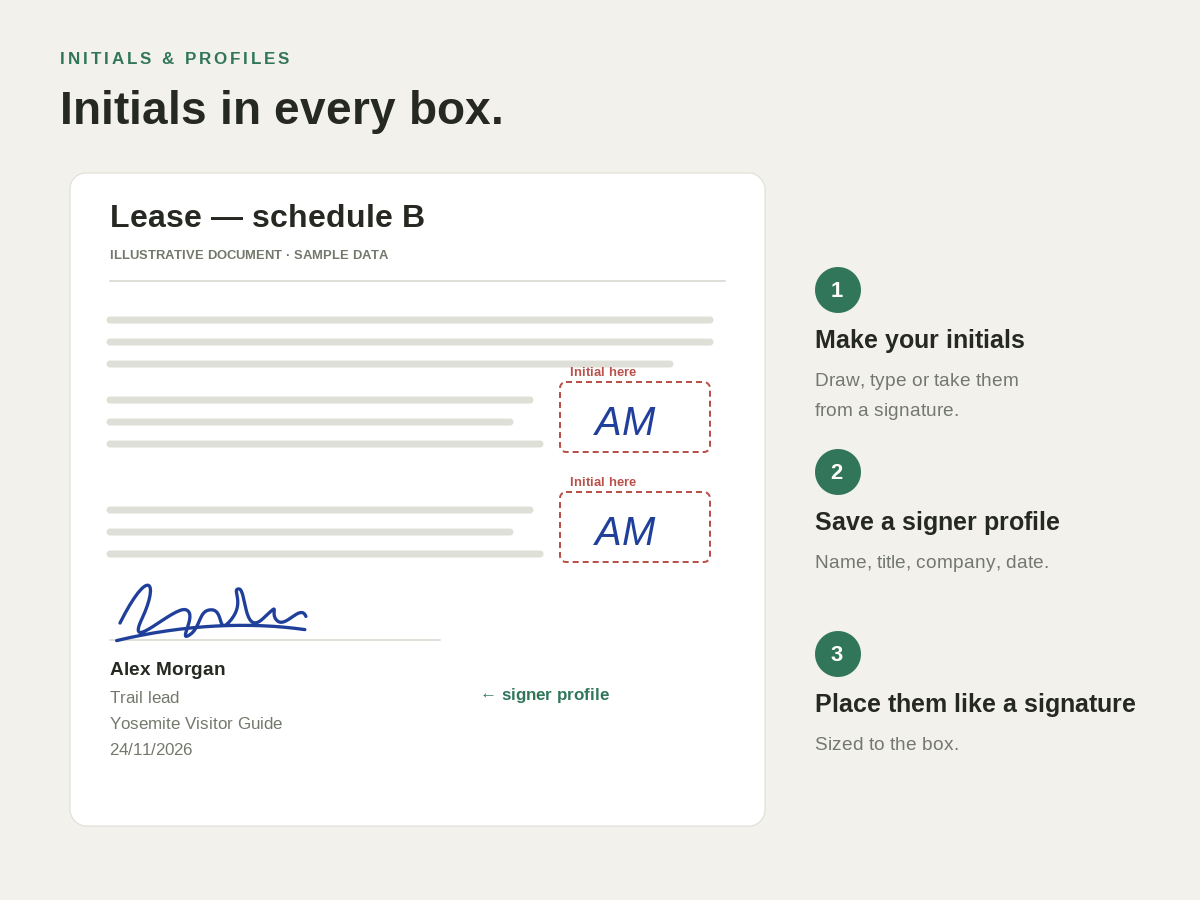
Leases and contracts ask for initials on every page and a name, title and company under the signature. Save both once and place them like a signature.
What you do
Two more kinds of item in the library.
Initials are sized for the small boxes a form scatters around. Draw them, type them, or make them with Initials from a Signature… from a signature you already have.
A signer profile holds the lines under a signature on a business document: name, title, company and, if you want it, the date. Keep one per company you sign for.
Step by step
Try it on your own PDF.
- Create your initials
In the Signatures palette, add initials by drawing, typing or deriving them from a signature. - Save a signer profile
Enter name, title and company once; choose whether it carries the date. - Place them on the form
Click an initials spot and the palette offers your initials; drag a profile under your signature.
What you get
Initials that fit each box and a signature block typed once, instead of a text box retyped on every contract.